Tools / Ramp
About Ramp
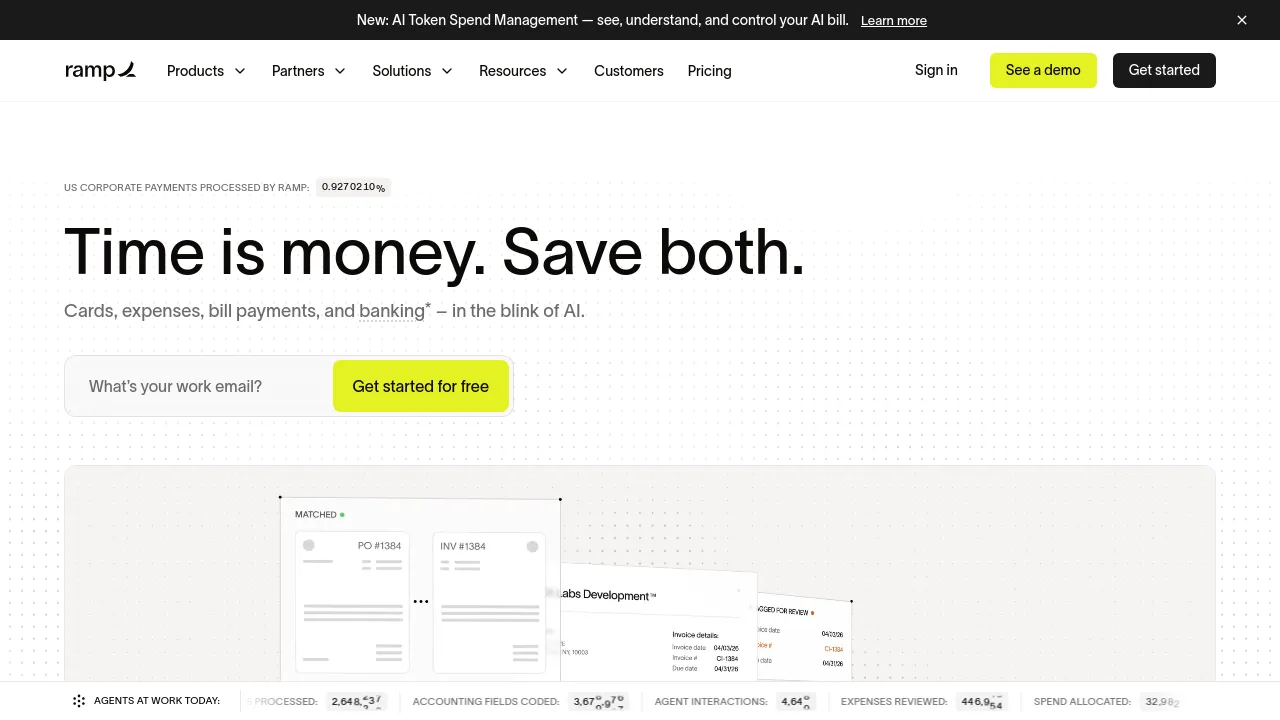
Manage company spend with unlimited corporate cards, expense tracking, bill pay, and procurement workflows that sync to your accounting system.
Ramp is a spend management platform built for businesses and finance teams that need to control company spending across cards, expenses, bills, and purchasing. Instead of running a card program, an expense tool, and a bill-pay service separately, it puts those workflows in one place: employees get corporate cards with spending limits, receipts get captured and matched, vendor bills get paid, and purchase requests move through approvals before money is spent.
The card program is the core. Companies can issue unlimited cards with per-card controls, so a marketing card can carry different limits and merchant restrictions than a travel card. Around that sit expense management features — receipt capture, review automation, and AI agents the site says handle part of the review process — plus bill pay, procurement with purchase-order workflows, vendor management, and real-time reporting. Multi-entity support lets companies with several subsidiaries manage spend across all of them from one account.
Everything syncs into your accounting system. Ramp lists direct integrations with NetSuite, Sage Intacct, Microsoft Dynamics 365 Business Central, Acumatica, QuickBooks, and Xero, so transactions flow into the ledger rather than being exported by hand. There's a mobile app with iOS support for capturing receipts and approving requests on the go; the visible site materials don't confirm Android support.
Pricing starts at $0 per user per month on the Free plan. The Plus plan runs $15 per user per month plus a platform fee based on team size. An Enterprise tier exists, but its pricing isn't published on the site.
Best for
- Finance teams that want cards, expenses, bill pay, and procurement in one platform instead of separate tools
- Companies issuing employee cards that need per-card limits, merchant controls, and approval workflows
- Businesses on NetSuite, Sage Intacct, QuickBooks, Xero, or Dynamics 365 that want transactions synced straight to their ledger
- Multi-entity companies managing spend across several subsidiaries
- Teams that want purchase requests and purchase orders approved before spend happens, not just tracked after
- Smaller companies that want to start on a free plan and upgrade as they grow
Frequently asked questions
How much does Ramp cost?
The Free plan costs $0 per user per month. The Plus plan is $15 per user per month plus a platform fee based on team size. Enterprise pricing is custom and not listed publicly.
Which accounting systems does Ramp integrate with?
The site lists direct integrations with NetSuite, Sage Intacct, Microsoft Dynamics 365 Business Central, Acumatica, QuickBooks, and Xero.
Is there a mobile app?
Yes. The site references a mobile app with iOS support. Android availability isn't confirmed in the visible materials.
Do I have to move my business bank account to use Ramp?
Ramp includes banking and treasury-style features, but the site doesn't state whether you must move existing bank accounts to use the cards and spend tools.
Is Ramp only for large companies?
No. It's positioned for businesses of various sizes, with a free tier for smaller teams and custom Enterprise pricing for larger organizations.
Does Ramp work offline or is it open source?
The site doesn't mention an offline mode, and nothing in the visible materials indicates Ramp is open source.
Alternatives
- Fiskl — if you need multi-currency accounting software for a small business rather than spend management.
- SparkReceipt — if you mainly want AI-powered receipt scanning and expense categorization without a card program.
- Tyms — if you want AI-driven financial analysis and automation layered over your finance operations.
- Finmei — if your actual need is customer invoicing rather than controlling company spend.
- Jordensky — if you'd rather outsource accounting, taxes, and CFO work to a service than run software yourself.

Similar to Ramp
New tools, once a week.
One weekly email with curated tools and founder insights. Unsubscribe anytime. Check our privacy policy.