Tools / Pylon
About Pylon
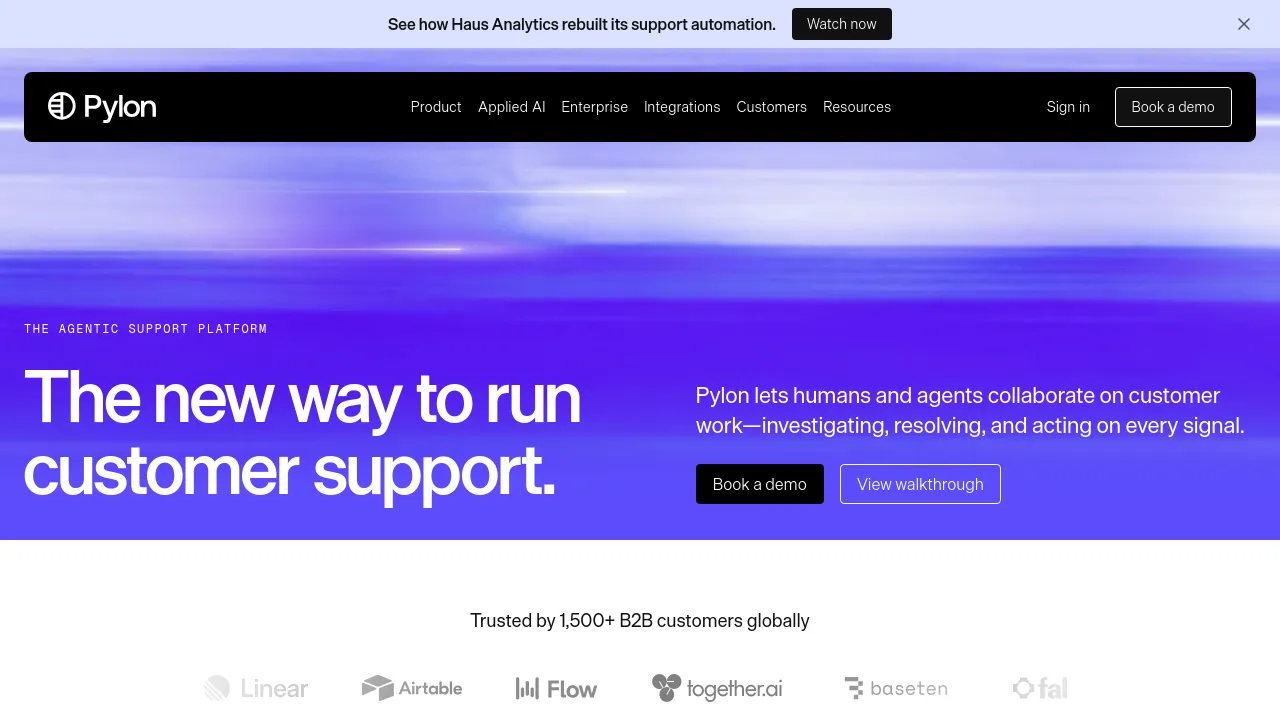
Run B2B customer support across email, Slack, chat, and more with ticketing, SLAs, a knowledge base, and AI agents billed through credits.
Pylon is a help desk platform built for B2B support teams. It covers the core help desk work of ticketing, SLAs, routing, and queues, and ties each ticket to account context so agents can see who they are helping. Customers can reach support through email, a chat widget, Slack, SMS, WhatsApp, Discord, Telegram, and phone, with Microsoft Teams and Google Chat mentioned on higher tiers.
AI is a major focus. Pylon ships agentic features — Assist Agent, Support Agent, Slack Agent, and Automations — that put AI agents into the support workflow, and the knowledge base gets its own AI tooling: AI article generation, AI-powered KB answers, federated search, version history, synced content blocks, auto-translation, and analytics. The agentic features run on a credit system rather than being sold as per-seat add-ons. You buy credits for a year or as you go, with committed packages starting at 5,000 credits per year.
Pylon also connects to the tools B2B teams already run. The integration list spans CRMs like Salesforce and HubSpot, issue trackers like Jira, Linear, and GitHub Issues, data warehouses like Snowflake and BigQuery, plus call recording, calendars, incident management, and codebase tools. For teams building on top of the platform, there is an API, webhooks, MCP support, custom apps, and iFrame embeds. Pricing is per seat — $89 per month on Professional and $139 per month on Advanced, both billed annually — and the site states Pylon does not charge per ticket or per issue.
Best for
- B2B SaaS support teams that handle customer conversations in Slack alongside email and chat
- Teams that need SLAs, routing, and queues across many channels
- Support orgs that want AI agents in the ticketing workflow under a credit-based budget
- Companies maintaining a customer-facing knowledge base with AI-assisted writing and translation
- Teams that want support data connected to their CRM, issue tracker, and data warehouse
Frequently asked questions
How much does Pylon cost?
Professional is $89 per seat per month and Advanced is $139 per seat per month, both billed annually. Enterprise pricing is a custom quote, and agentic AI features are billed through credits rather than seat add-ons.
Does Pylon charge per ticket?
No. The site states Pylon does not charge per ticket or per issue; you pay per seat, plus credits if you use the AI features.
How do the AI credits work?
Credits power the agentic features: Assist Agent, Support Agent, Slack Agent, and Automations. Committed packages start at 5,000 credits per year, and pay-as-you-go purchasing is available for some accounts.
Which channels can customers use to contact support?
Email, chat widget, Slack, SMS, WhatsApp, Discord, Telegram, and phone. Microsoft Teams and Google Chat are mentioned on higher tiers.
Is there a free plan or a mobile app?
The pricing page lists three paid tiers and doesn't mention a free plan. Pylon is presented as a web-based platform, and the site shows no evidence of iOS or Android apps.
Alternatives
- Kommunicate — pick it if you mainly need AI chatbots and live chat on your website rather than a full B2B help desk.
- AdaraChatbot — pick it for a simpler 24/7 chatbot that answers customer inquiries without ticketing or SLAs.
- Kotae — pick it if you want to automate conversations and customer engagement without running a multi-channel support operation.
Similar to Pylon
New tools, once a week.
One weekly email with curated tools and founder insights. Unsubscribe anytime. Check our privacy policy.