Tools / draw.io
About draw.io
Create and edit diagrams in a free open-source editor that runs in your browser or on your desktop, and choose where your diagram data is stored.
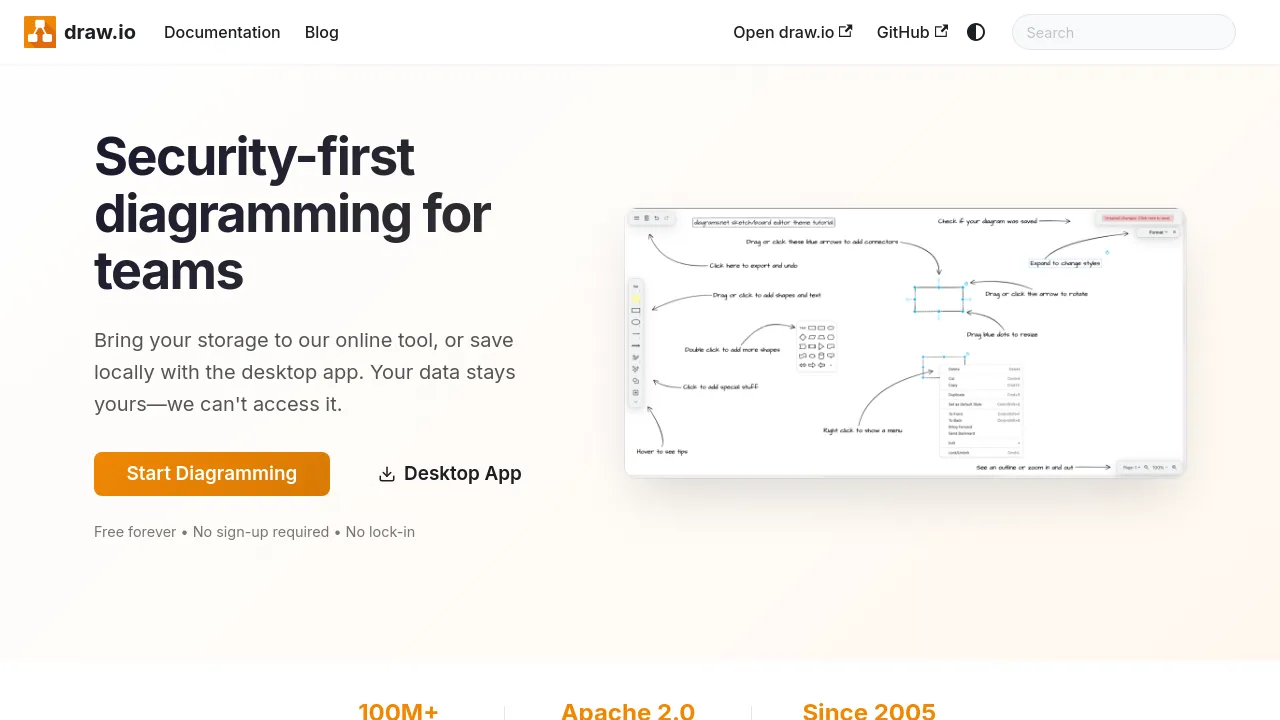
draw.io is a free, open-source diagramming app for creating, editing, and viewing diagrams. It runs in the browser as a web app and installs as a desktop app for Windows, macOS, and Linux, so you can work online or offline depending on the situation. The project is positioned for teams as much as individuals, and it puts unusual emphasis on one question: where your diagram data ends up.
Unlike most online editors, draw.io does not keep your diagrams on its own service. You choose where your files live — online storage you connect yourself, or local files managed through the desktop app. For teams working under security or compliance constraints, that means diagrams never have to pass through a third-party server. The site describes this as a security-first storage model, and it is the core of the product's pitch.
The source code is released under the Apache 2.0 license, and the site is explicit that there are no paywalls. There is no Enterprise tier either — the site states plainly that SSO is not offered through one — so every user gets the same product. Offline use is supported in more than one form: the desktop app and a Chrome web app both work without a connection. There is no standalone iOS or Android app, but the web app can be added to a mobile home screen and used in modern mobile browsers.
Best for
- Teams that need to share and edit diagrams without uploading them to a vendor's servers
- Developers and IT staff documenting system architecture, networks, and processes
- Anyone who works offline regularly and wants a desktop app or Chrome web app
- Organizations with strict data-handling policies that require control over file storage
- Users who want a diagramming tool with no feature gates, since there are no paid tiers
- People who prefer open-source software they can inspect, under the Apache 2.0 license
Frequently asked questions
Is draw.io free to use?
Yes. The site states there are no paywalls, no paid tiers are listed anywhere, and the source code is Apache 2.0 licensed.
Where are my diagrams stored?
Wherever you choose. draw.io is built so you bring your own storage rather than saving diagrams on the service itself, which is central to its security model.
Can I use draw.io offline?
Yes. The desktop app for Windows, macOS, and Linux works offline, and the site also describes offline use through a Chrome web app.
Is there a mobile app?
Not a standalone one. There is no draw.io app in the iOS or Android app stores, but the web app can be added to a mobile home screen.
Does draw.io offer SSO or an Enterprise plan?
No. The site states there is no Enterprise tier for SSO.
Is the source code available?
Yes. draw.io is open source under the Apache 2.0 license.
Alternatives
None of the tools below are diagramming apps, but they overlap with draw.io's collaboration category in different ways:
- Notion — pick it when you want docs, wikis, and databases in one workspace and only occasionally need visuals.
- Multicollab — pick it when your collaboration happens as editorial commenting on WordPress content.
- SessionLab — pick it when you are designing workshops and want drag-and-drop session planning with real-time collaboration.
- ALTO — pick it when your team's collaboration centers on tracking GitHub, GitLab, and JIRA work inside Slack.

Similar to draw.io
New tools, once a week.
One weekly email with curated tools and founder insights. Unsubscribe anytime. Check our privacy policy.