Tools / Plane
About Plane
Manage projects, documents, and workflows using AI agents that read across your entire workspace. Supports cloud, self-hosted, and air-gapped environments.
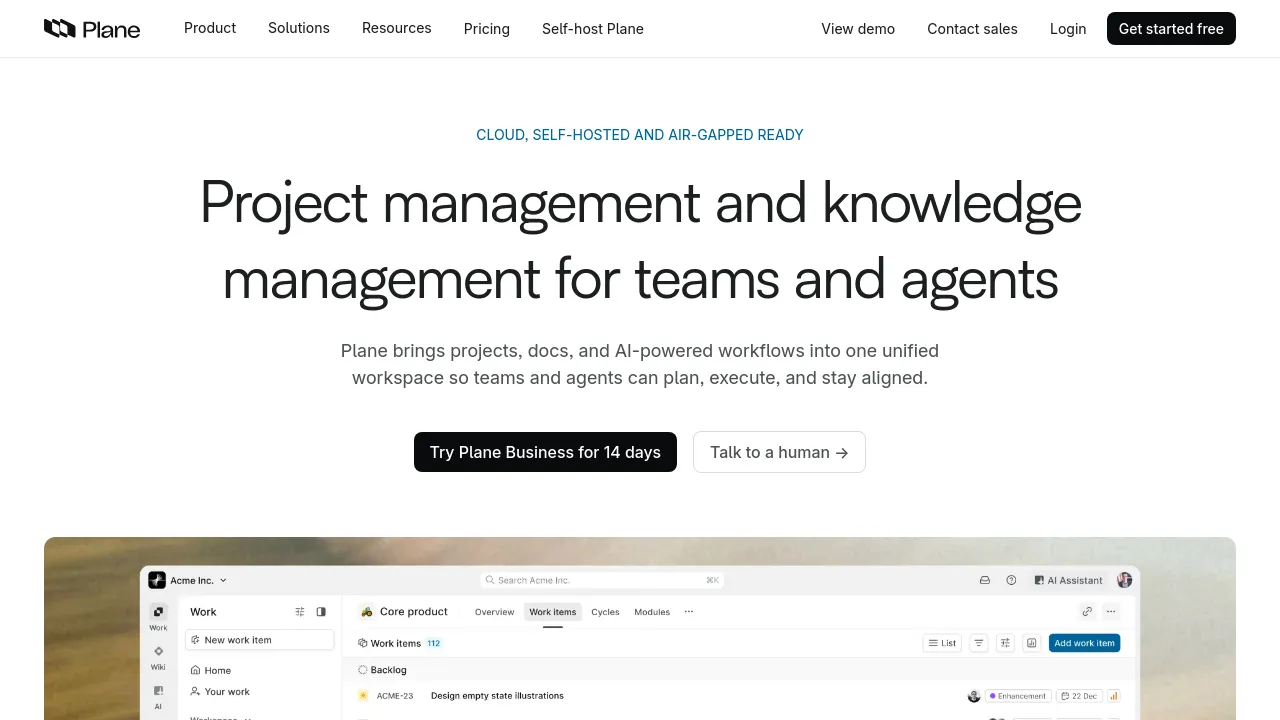
Plane is a project management and knowledge management platform designed to unify projects, documentation, and AI-powered workflows. The tool allows teams and agents to plan, execute, and maintain alignment within a single workspace. It is available in cloud, self-hosted, and air-gapped configurations.
Plane was built around AI rather than retrofitting it. The AI reads across the entire workspace, including projects, cycles, documents, and discussion threads. This context allows AI agents to perform tasks such as triaging incoming requests, assigning owners, tracking blockers, and shipping updates automatically. Users can interact with the system by asking Plane AI questions about project status or blockers, and the system will provide answers based on the complete workspace data.
Beyond AI functionality, Plane offers robust project planning features. Teams can switch instantly between Board, Spreadsheet, List, and Gantt views to suit their needs. The platform supports time-boxed work using Cycles and Sprints, and allows for high-level alignment through Initiatives and Epics. For organizations looking to transition away from tools like Jira, Plane offers full migration support, including discovery scripts, parallel running, and a three-week cutover plan.
Best for
- Teams migrating from Jira, Linear, ClickUp, or Asana.
- Organizations requiring self-hosted or air-gapped deployment options.
- Product teams needing integrated documentation and project tracking.
- Users who want AI agents to handle routine tasks like triage and status updates.
- Development teams needing deep integration with tools like GitHub and Slack.
Frequently asked questions
What deployment options does Plane offer?
Plane is available in cloud, self-hosted, and air-gapped ready configurations, allowing users to control every layer of the platform.
How does the AI functionality work in Plane?
Plane AI reads across all projects, cycles, documents, and threads within the workspace. Built-in agents use this context to handle busywork, such as assigning owners or tracking blockers.
Can Plane migrate data from other project management tools?
Yes, Plane supports full migration from Jira, Linear, ClickUp, Asana, and Monday. The migration process includes discovery scripts and a three-week plan to ensure a smooth transition.
What types of views are available for managing work?
Users can switch between Board, Spreadsheet, List, and Gantt views to display work in the format that best suits their role or team needs.
What kind of integrations does Plane support?
Plane supports integrations with GitHub, GitLab, Slack, Sentry, and more. It also provides an open API and webhooks for building custom integrations or AI agents.
Alternatives
- Posthog if you primarily need product analytics and feature flags.
- Nowa if you need a visual platform to build applications without coding.
- Frontly if you want to transform Google Sheets into internal business applications.
- ShipFast if you are looking for a NextJS Boilerplate to accelerate SaaS development.
- Monday Hero if your workflow is centered on transforming design files into reusable code.

Similar to Plane
New tools, once a week.
One weekly email with curated tools and founder insights. Unsubscribe anytime. Check our privacy policy.