Tools / OFFLIGHT
About OFFLIGHT
Consolidates tasks from multiple platforms like Slack and Gmail. Uses AI to plan your day and draft responses, reducing administrative overhead.
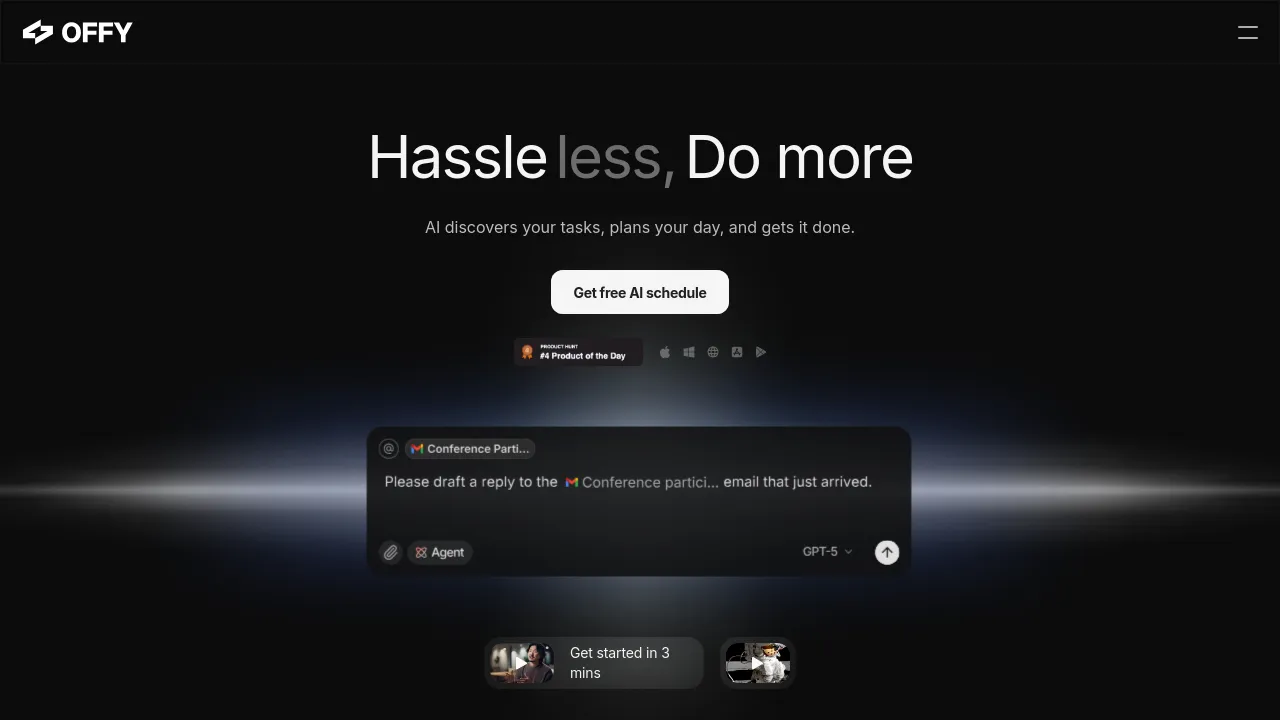
OFFLIGHT is designed to manage the administrative tasks that often interrupt deep work. It functions as a unified platform that gathers scattered to-dos from various applications—including Slack, Gmail, and Notion—and centralizes them. Instead of manually jumping between different services to track what needs to be done, the tool aggregates all tasks into a single view.
The platform uses artificial intelligence to move beyond simple task collection. It analyzes goals, deadlines, and existing blockers to construct a realistic daily schedule. Furthermore, it assists with execution by drafting email replies and updating tickets, allowing users to review and approve the content before sending. This approach aims to function like a personal assistant, handling the routine busywork so the user can focus on high-priority items.
For users who juggle multiple roles or clients across different digital environments, OFFLIGHT provides a consolidated view of their workload. The service is available across multiple platforms, including web, iOS, Android, macOS, and Windows. Security is a stated priority, with the service being CASA Tier 2 Certified and utilizing encrypted storage and Google login only, meaning no passwords are stored by the service.
Best for
- Professionals who switch between many communication and project management tools.
- Individuals needing to convert high-level goals into actionable, scheduled tasks.
- Users who want AI assistance drafting routine communications like email replies.
- People who require a centralized system for tracking tasks from disparate sources (e.g., Slack and Gmail).
- Freelancers managing multiple clients across various digital platforms.
Frequently asked questions
What sources can OFFLIGHT gather tasks from?
OFFLIGHT gathers tasks from platforms including Slack, Gmail, and Notion, among others.
Is OFFLIGHT a complete replacement for all my productivity apps?
It consolidates tasks and assists with planning and drafting, but it is designed to integrate with existing tools rather than replace them entirely.
How is the security of OFFLIGHT handled?
The service is CASA Tier 2 Certified, uses encrypted storage for all data, and requires Google login only, meaning it does not store user passwords.
What is the cost of using OFFLIGHT?
The Pro tier, which includes auto planning and calendar management, starts at $9 per month when billed annually.
Does OFFLIGHT work on mobile devices?
Yes, the tool is available for iOS and Android devices.
Alternatives
If you are looking for a different approach to task management or document creation, you might consider these alternatives. Jot is a strong option if you need a unified workspace for docs, spreadsheets, and chat. Notion is suitable if you require a connected workspace for wiki, documents, and projects. Triplo AI is a choice if you need an all-in-one AI tool designed to maximize productivity across various applications. Alfred is useful if you are looking for a macOS app to enhance efficiency through hotkeys and text expansion.

Similar to OFFLIGHT
New tools, once a week.
One weekly email with curated tools and founder insights. Unsubscribe anytime. Check our privacy policy.