Tools / AudioPen
About AudioPen
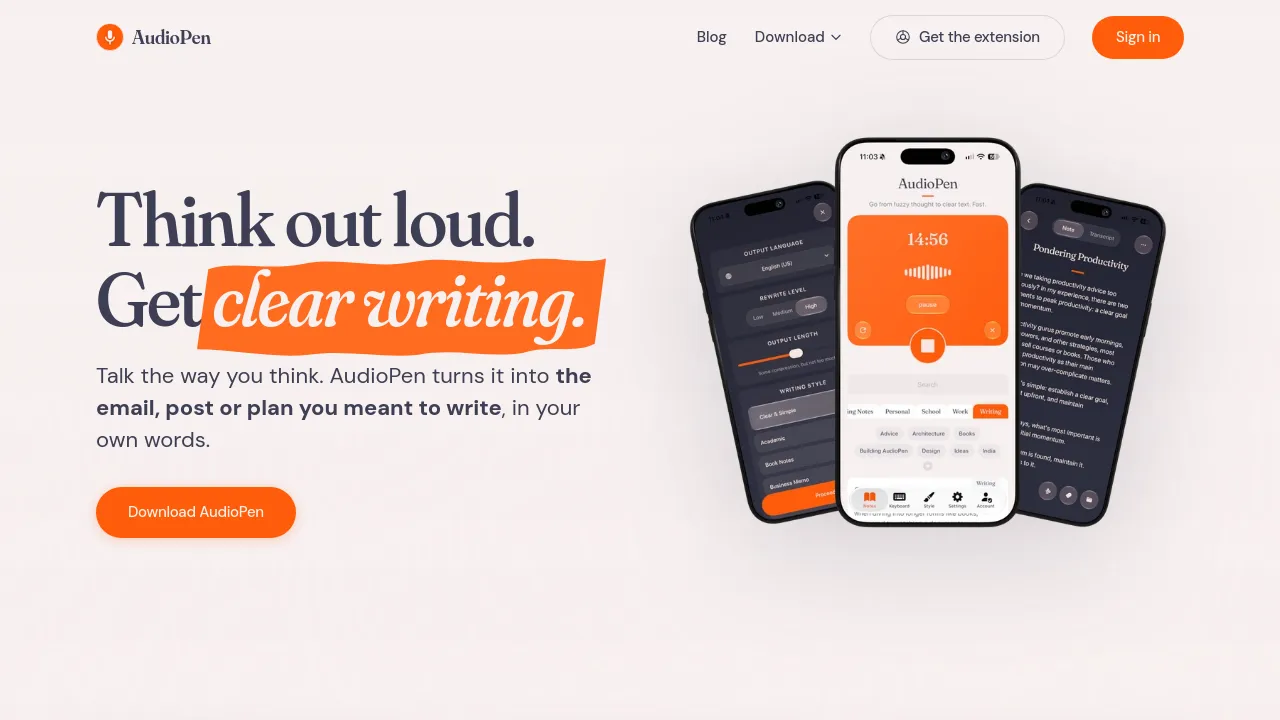
Record voice notes and get clear, structured text back in your chosen writing style, ready to share or send to other apps.
AudioPen turns spoken thoughts into finished text. Record a voice note in the browser or on your phone, and the tool transcribes it, then rewrites the transcript in a writing style you choose. The result isn't a raw transcript full of filler and half-sentences; it's a note that reads like someone sat down and wrote it. You can define custom styles, so the output can match a newsletter voice, a meeting-notes format, or whatever else you need.
Beyond live recording, AudioPen accepts audio file uploads and text notes on its paid plan. Saved notes can be restyled later, and multiple notes can be combined into what the site calls SuperSummaries. Notes can be pushed to other apps through Zapier or webhooks. Speech-to-writing works in multiple languages, and the site mentions offline transcription for voice typing, plus an AudioPen MCP for connecting it to other tools.
Pricing is straightforward. The free plan covers recordings up to 3 minutes and a limited number of voice typing sessions, and it includes all writing styles, including custom ones. The Prime plan removes most limits: unlimited recordings of up to 15 minutes each, unlimited voice typing, unlimited note storage, audio uploads up to 100MB per file (100 files every 4 weeks), text note uploads, note restyling, SuperSummaries, and the Zapier and webhook integrations. Prime costs $33 for 3 months, $99 for a year, or $159 for two years.
AudioPen runs on the web and ships apps for iPhone, iPad, Android, Mac, and Windows, plus an Apple Watch app and a Chrome extension. The site positions it for creators and people who think out loud, with example workflows for Mac users, sales, and general note-taking.
Best for
- Creators drafting posts, scripts, or newsletters by talking through ideas out loud
- People who think better by speaking and want rambling turned into structured notes
- Sales or field work where call and meeting notes need to be captured hands-free
- Capturing ideas on the go across phone, watch, and desktop
- Turning a backlog of old voice notes into restyled text or combined summaries
Frequently asked questions
Is AudioPen free?
Yes. The free plan allows recordings up to 3 minutes and limited voice typing sessions, and it includes all writing styles, including custom ones.
How much does the paid plan cost?
Prime costs $33 for 3 months, $99 for one year, or $159 for two years.
How long can recordings be?
Free recordings cap at 3 minutes. Prime allows unlimited recordings of up to 15 minutes each.
Can I upload audio files instead of recording live?
Yes, on Prime: audio uploads up to 100MB per file, up to 100 files every 4 weeks. Prime also accepts text note uploads.
Can notes be sent to other apps?
Prime notes can be sent elsewhere via Zapier or webhooks. The free plan doesn't include these integrations.
Which platforms does it run on?
Web, iPhone, iPad, Android, Mac, Windows, Apple Watch, and a Chrome extension.
Alternatives
- Brevy — if you'd rather type and want help drafting posts, replies, and DMs.
- Voilà — if you want a broader content-creation workspace with research and brainstorming beyond voice capture.
- Afforai — if your source material is existing documents you need to search and summarize rather than your own voice notes.
- Alfred — if you're on a Mac and want hotkeys and text expansion rather than transcription.

Similar to AudioPen
New tools, once a week.
One weekly email with curated tools and founder insights. Unsubscribe anytime. Check our privacy policy.