Tools / Bear
About Bear
Write Markdown notes on Mac, iPhone, and iPad. Organize with tags, link notes, scan documents, and sync across devices with the Pro plan.
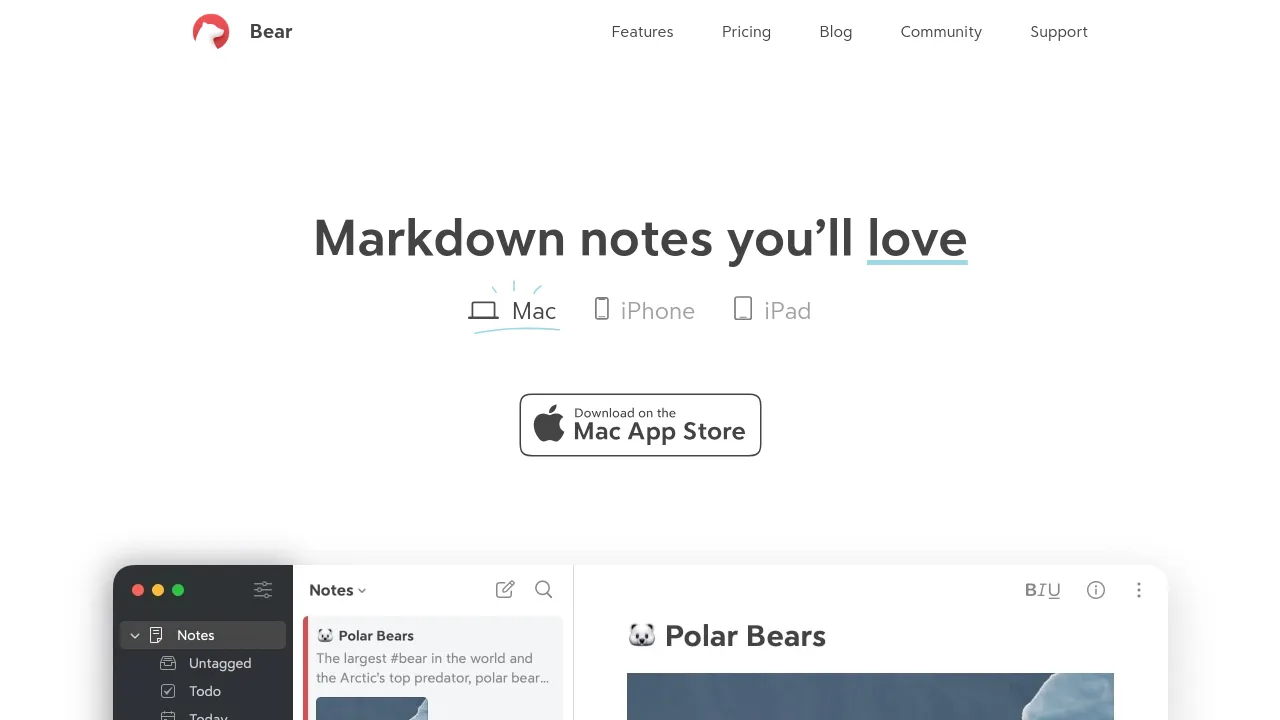
Bear is a note-taking app for Mac, iPhone, and iPad, with a browser version called Bear Web that complements the native apps. Notes are written in Markdown and organized with tags rather than folders, and any note can link to another, so related pages stay connected as your collection grows. The editor handles more than plain text: lists, tasks, tables, sketches, and long-form drafts all live in the same app.
The core app is free to use. Bear Pro, at $2.99 per month or $29.99 per year with a 7-day free trial, adds iCloud sync across devices, encryption, advanced export formats, extra themes and app icons, and OCR search that finds text inside PDFs and images. Document scanning and standard export options are available in the app as well.
Platform support is deliberate: the site states there are no plans for Android or Windows versions. That makes Bear a fit for people who already work on Apple devices and want notes stored locally, with sync available as an upgrade rather than a requirement.
Best for
- Writers who draft in Markdown and want a clean editor for long-form work
- People who prefer tag-based organization over folders
- Journaling, to-do lists, and quick capture on iPhone or iPad
- Students and researchers who need to search text inside PDFs and scanned pages (Pro)
- Apple users who want iCloud sync and encrypted notes across Mac, iPhone, and iPad (Pro)
- Anyone who wants local note access without depending on a web app
Frequently asked questions
Is Bear free?
Yes. There is a free plan, and Bear Pro costs $2.99/month or $29.99/year with a 7-day free trial. Pro adds iCloud sync, encryption, advanced export formats, more themes and icons, and OCR search.
Does Bear work on Windows or Android?
No. The site says there are no plans for either platform. Bear Web runs in a browser, but it is described as a complement to the native Mac, iPhone, and iPad apps rather than a full replacement.
Does Bear sync between devices?
iCloud sync is part of the Pro plan. On the free plan, notes stay local to the device where they were created.
Can Bear search inside PDFs and images?
Yes, but only on Pro. OCR search reads text in PDFs and images so it shows up in search results.
Does Bear support Markdown?
Yes. Notes are written in Markdown, and the app includes export options for moving text elsewhere; Pro adds advanced export formats.
Is there a browser extension?
The site doesn't mention one.
Alternatives
- Jot — if you want documents, spreadsheets, and chat in one workspace instead of a dedicated notes app.
- Voilà — if you need AI assistance with content creation and research alongside your writing.
- Alfred — if you want a macOS launcher with hotkeys and text expansion rather than a place to keep notes.

Similar to Bear
New tools, once a week.
One weekly email with curated tools and founder insights. Unsubscribe anytime. Check our privacy policy.