Tools / Notejoy
About Notejoy
Capture, share, and search notes in real time across web, desktop, and mobile, with offline access, attachments, and team libraries.
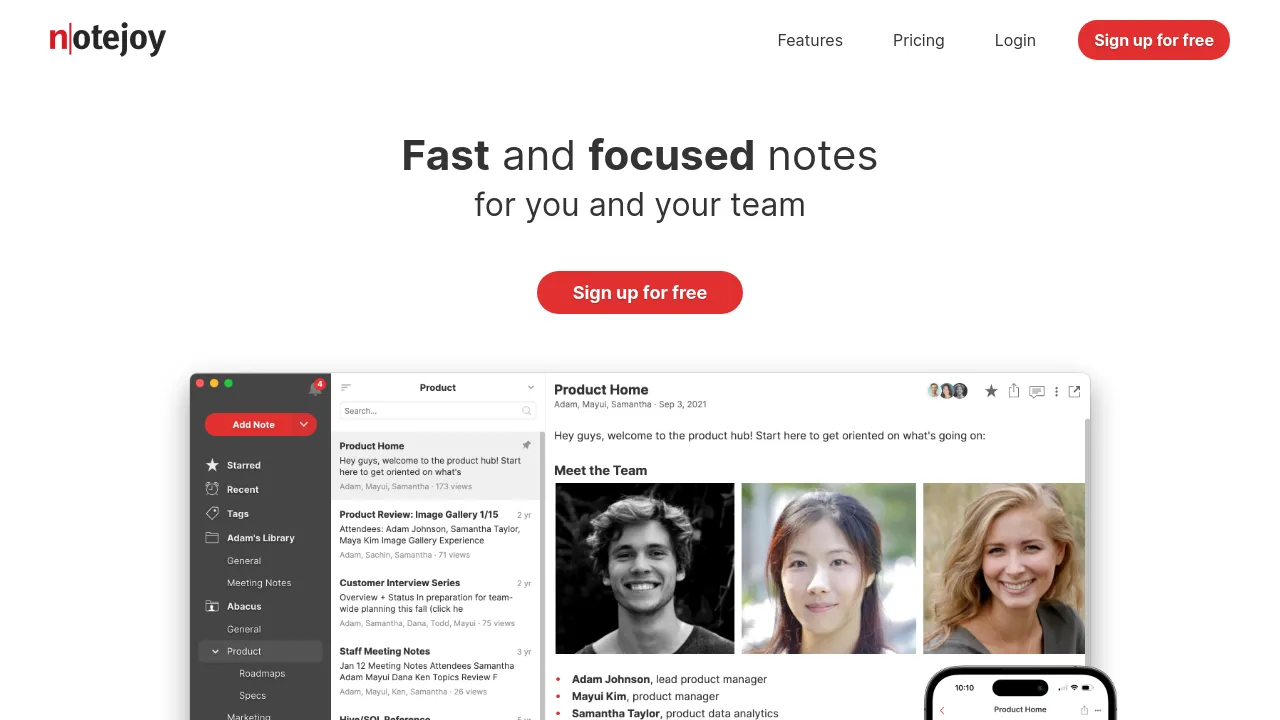
Notejoy is a collaborative notes app for individuals and teams. Notes live in libraries you can keep private or share, and everyone with access edits in real time. Threaded comments and reactions let discussion happen inside the note itself, so feedback stays attached to the draft it's about.
The app runs on the web, Windows, Mac, iOS, and Android, with unlimited device sync. Offline access is supported on the web and desktop apps, so you can keep writing without a connection and sync later. Search covers note text and also indexes words inside images and attached documents. File attachments, archiving, note history, export, and recovery of deleted notes round out the core feature set.
Security features include end-to-end encryption, password-protected notes, and two-factor authentication. You can sign in with Google, and the site lists integrations with Google Drive, Microsoft Office, Zoom, Slack, Trello, and HubSpot. Pricing starts at Solo for $5/month, with Plus at $10 per user/month billed annually and Premium at $15/month billed annually for a single user. A team plan is listed at $100/month billed annually, or $150 on the monthly view. Higher tiers add user management, a team activity dashboard, and priority support. The site makes no open-source claim.
Best for
- Individuals who want fast personal notes that stay in sync across phone and computer
- Small teams building a shared knowledge base in team libraries
- Teams that discuss drafts through threaded comments and reactions instead of separate chat threads
- People who work offline and need notes available without a connection
- Teams that need to search inside images and attached documents, not just note text
- Small businesses that want two-factor authentication and password-protected notes
Frequently asked questions
Is there a free plan?
The site material reviewed doesn't show a free tier; the plans listed start at Solo for $5/month.
Which platforms does it support?
Web, Windows, Mac, iOS, and Android, with unlimited device sync included.
Can I use it offline?
Yes. Offline access is available on the web and desktop apps and is listed as a benefit across the Solo, Plus, and Premium tiers.
How much does it cost?
Solo is $5/month, Plus is $10 per user/month billed annually, and Premium is $15/month billed annually for a single user. A team plan is listed at $100/month billed annually, or $150 on the monthly view.
How is my data protected?
The app includes end-to-end encryption, password-protected notes, and two-factor authentication, plus note history, export, and recovery of deleted notes.
Is it open source?
No open-source claim appears anywhere in the site material reviewed.
Alternatives
- WIIN.io — if you need structured forms and application management for teams rather than free-form notes.
- Supermemory — if you're building memory for AI agents rather than a notebook for people.
- Wordware — if you want an AI assistant that learns your context instead of a shared notes workspace.

Similar to Notejoy
New tools, once a week.
One weekly email with curated tools and founder insights. Unsubscribe anytime. Check our privacy policy.