Tools / Microsoft Teams
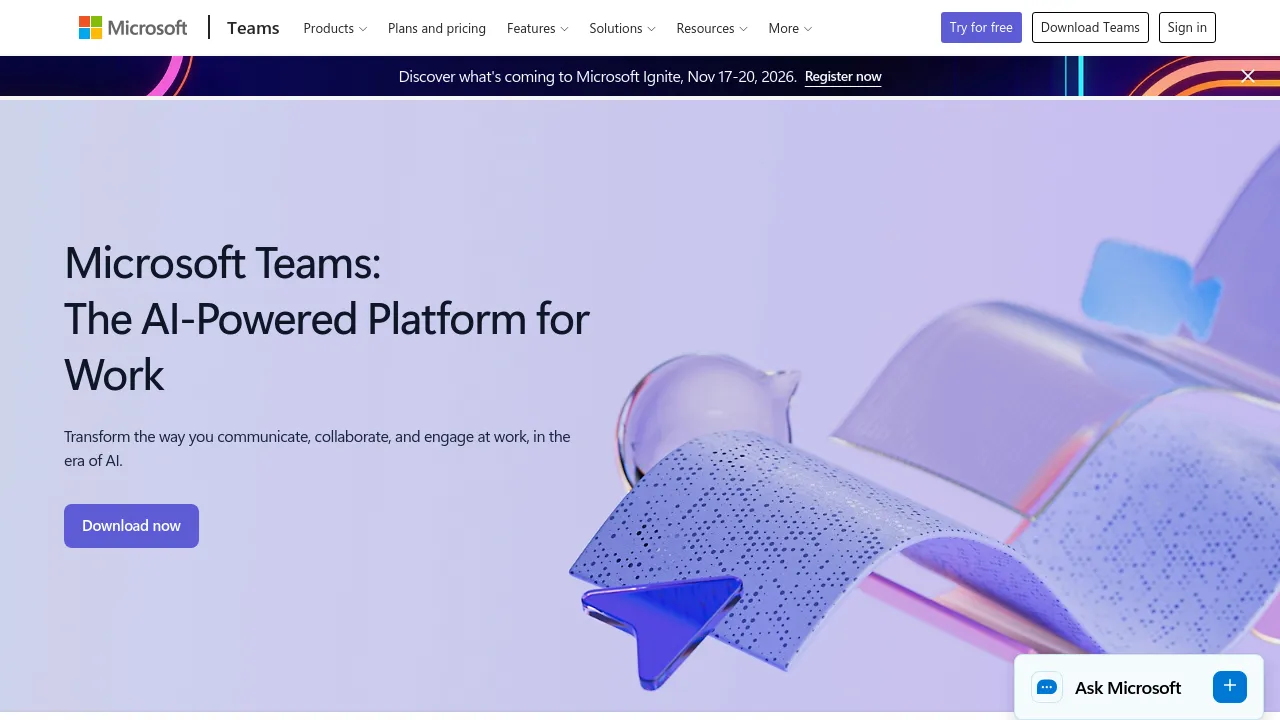
About Microsoft Teams
Run team chat, video meetings, calls, and file sharing in one app, with live captions, transcripts, and Microsoft 365 integration for up to 300 users.
Microsoft Teams is Microsoft's app for workplace communication, combining chat, video meetings, calling, and file sharing in a single product. It runs on desktop, web, and mobile, so conversations and meetings follow you across devices. Microsoft positions it for organizations and small businesses, with business plans covering up to 300 users.
Day to day, the app covers the core of team communication: group chat and messaging, video meetings with screen sharing, calling, and file sharing with real-time collaboration. Meetings include live captions and transcripts, which helps with accessibility and with catching up if you miss a session. Beyond communication, Teams includes tasks and polling, so teams can coordinate work without leaving the app.
Security and ecosystem are the other points Microsoft emphasizes. The company highlights data encryption and cloud storage, along with integration across the Microsoft 365 ecosystem and partner apps. If your organization already works in Microsoft 365, files and conversations can connect to the tools you use there.
Pricing is per user, billed yearly. Teams Essentials costs $4.00 per user per month, Microsoft 365 Business Basic costs $7.00 per user per month, and Microsoft Teams Enterprise costs $8.55 per user per month. The business-oriented plans shown on Microsoft's site cover up to 300 employees.
Best for
- Small businesses that want chat, meetings, calling, and file sharing under one subscription
- Organizations already using Microsoft 365 that want connected files and storage
- Distributed teams that run frequent video meetings and need captions or transcripts
- Teams that share screens for training, demos, or support
- Companies that need encrypted communication and cloud storage built in
- Workgroups of up to 300 people on the business plans
Frequently asked questions
How much does Microsoft Teams cost?
Microsoft lists three plans billed yearly: Teams Essentials at $4.00 per user per month, Microsoft 365 Business Basic at $7.00 per user per month, and Microsoft Teams Enterprise at $8.55 per user per month.
Is there a free version?
The pricing shown on Microsoft's page covers three paid plans and doesn't mention a free tier. Check Microsoft's site directly for current details on free access.
How many people can use the business plans?
The business-oriented plans shown on the site support up to 300 employees or users. Larger organizations would need to discuss options with Microsoft.
What platforms can I use it on?
Teams is available on desktop, web, and mobile, so you can move between a computer, a browser, and a phone.
Do meetings support captions and transcripts?
Yes. Live captions and transcripts are listed among the meeting features, which helps with accessibility and with reviewing meetings you missed.
Does it connect to other Microsoft 365 tools?
Yes. Microsoft highlights integration with the Microsoft 365 ecosystem and partner apps, along with cloud storage for shared files.
Alternatives
- Notion — pick it when your team wants docs, wikis, and databases more than chat-first communication.
- Livestorm — a better fit if you run webinars and virtual events, not just internal meetings.
- azadana — a collaboration platform that pairs communication with project management.
- roombriks — a digital workspace that blends people, information, and AI for collaboration.

Similar to Microsoft Teams
New tools, once a week.
One weekly email with curated tools and founder insights. Unsubscribe anytime. Check our privacy policy.