Tools / Mapify
About Mapify
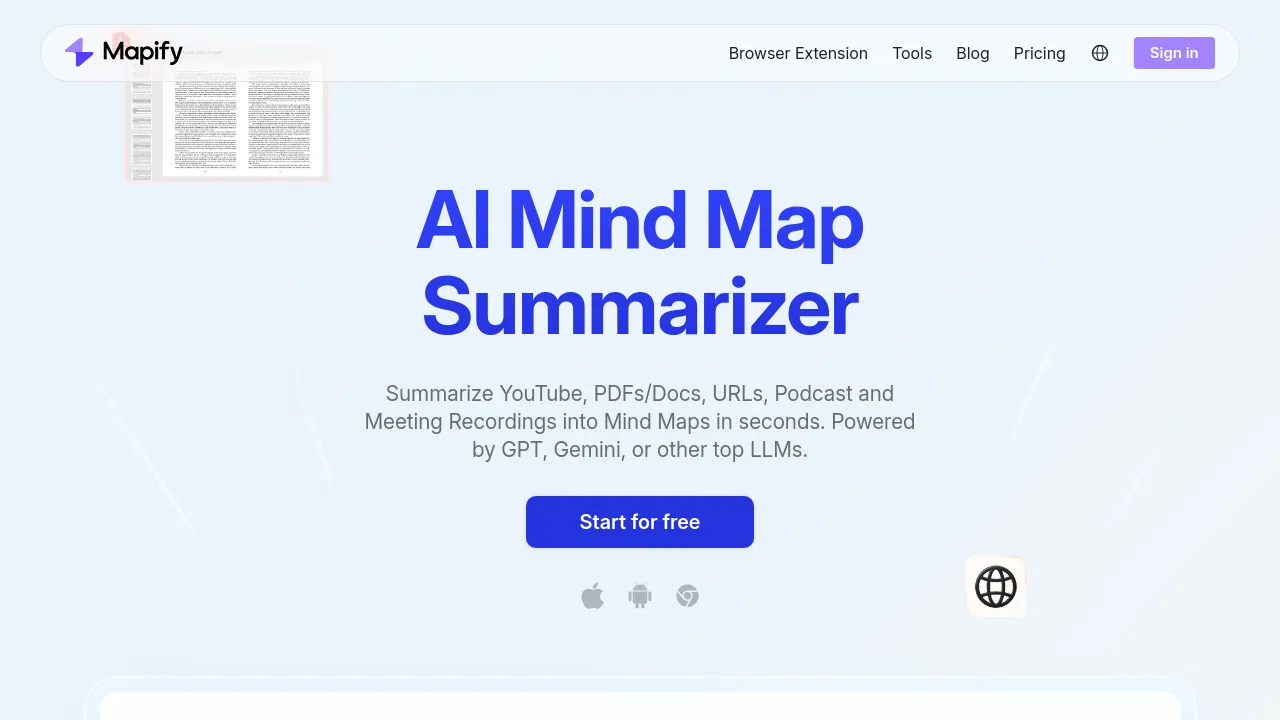
Summarize PDFs, YouTube videos, audio files, and web pages into editable mind maps, then export as PDF, Markdown, or SVG.
Mapify is an AI summarizer and mind map generator built by Xmind, the mind mapping company. Paste a URL, upload a PDF or document, or drop in a YouTube link, podcast file, or meeting recording, and the tool produces a visual mind map of the content. The site says it handles files up to 10 million words, and audio and video maps include timestamps so you can trace summaries back to the source.
Beyond one-shot summarization, Mapify works as an editing surface. You can adjust the generated map, pull up the transcript behind an audio or video summary, chat with the AI about your content, and generate images from text. A deep research mode handles multi-step investigation. Finished maps can be presented as slides or exported to PDF, Markdown, or SVG. You can also start from a prompt or Markdown text rather than an existing document.
Pricing runs on credits: AI features consume them, and plans differ by allowance. New accounts get 30 credits to try. Basic costs $9.99/month ($5.99/month billed yearly) and is positioned for everyday work and study. Pro is $19.99/month ($11.99/month yearly) for heavier use and complex content. Unlimited is $29.99/month ($17.99/month yearly) with no usage limits. Based on the visible site, Mapify is a web product; the gathered pages show no iOS, Android, or browser-extension apps.
Best for
- Students turning textbooks, papers, and lecture recordings into review maps
- Researchers working through long PDFs and dense source material
- Anyone who wants a YouTube video or podcast summarized with timestamps
- People who record meetings and need shareable recaps
- Writers and planners starting a map from a prompt or Markdown outline
- Xmind users who want AI summarization alongside map editing
Frequently asked questions
Who makes Mapify?
The site's FAQ says Mapify is developed by Xmind, the mind mapping company.
Is there a free version?
There is a free trial with 30 credits after signup. Continued AI use requires a paid plan, since AI features consume credits.
What can I feed into it?
PDFs and documents, URLs and web pages, YouTube videos, podcast and audio files, meeting recordings, images, and plain prompts or Markdown.
What can I export?
Maps export to PDF, Markdown, and SVG, and can also be presented as slides.
Is there a mobile app?
The visible site shows a web product. The gathered pages don't show iOS, Android, or browser-extension apps.
How do credits work?
AI features consume credits, and each plan includes a different allowance. The Unlimited plan is advertised with no usage limits.
Alternatives

Similar to Mapify
New tools, once a week.
One weekly email with curated tools and founder insights. Unsubscribe anytime. Check our privacy policy.