Tools / Lindy
About Lindy
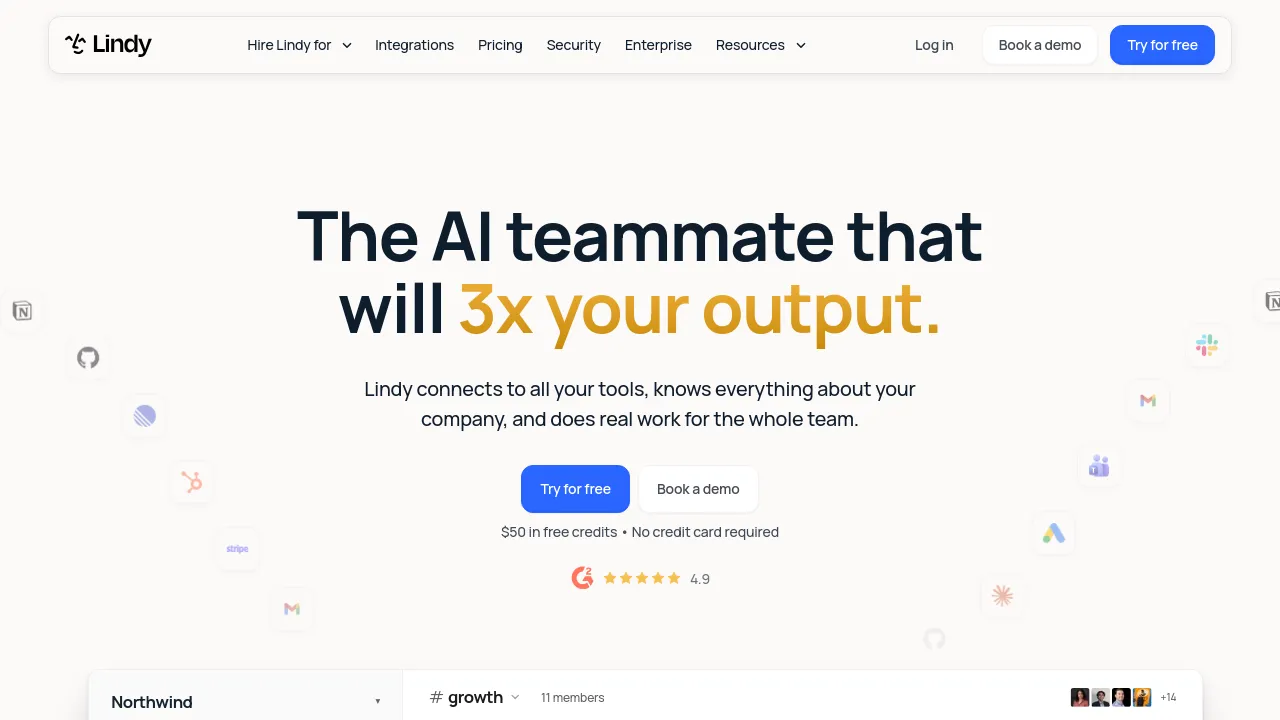
An AI assistant that manages your inbox, schedules meetings, records notes, updates your CRM, and runs scheduled routines across 1,500+ connected tools.
Lindy is a web-based AI assistant that works across your connected tools — the site calls it an AI employee. It takes over recurring work such as triaging your inbox, managing your calendar, preparing for and recording meetings, doing research, drafting reports, and updating your CRM. You can use it privately through iMessage, email, or Slack DMs, or set it up as a shared teammate that lives in Slack for your whole team. It also runs scheduled routines like daily briefs, nudges, and catch-ups, and it keeps persistent context about your workspace between tasks.
The product is built around skills — 40-plus built in, plus custom ones you define — and a credit system. You can pick which AI model handles each task, and Lindy supports computer use, so it can operate software directly. It connects to more than 1,500 integrations and supports MCP for wiring up anything else; the docs name Gmail, Slack, Notion, HubSpot, Google Drive, and GitHub as examples. Teams get pooled credits, a shared meeting library, team files with version history, and live onboarding.
Pricing starts with $50 in free credits. Paid plans begin at $29.99 per user per month for 5,000 credits and scale through tiers such as 15,000 credits at $99.99 up to 1,750,000 credits at $9,999.50, with top-ups at $10 per 1,000 credits. A separate pricing view on the site bills every active workspace user from $49.99 per month for 5,000 credits each, so the starting price depends on which page you read — worth confirming before you commit. No iOS app, Android app, or browser extension was visible on the site; access is through the web plus the messaging channels above.
Best for
- Individuals who want help with inbox triage, scheduling, and meeting follow-ups
- Teams that want a shared AI teammate working inside Slack
- Sales and customer-facing roles that need CRM records kept current
- Anyone running recurring research, reports, or daily briefs on a schedule
- Technical users who want MCP support and per-task model selection
Frequently asked questions
How much does Lindy cost?
You can start free with $50 in credits. Paid plans start at $29.99 per user per month for 5,000 credits and scale up to 1,750,000 credits at $9,999.50; another page on the site lists workspace billing from $49.99 per active user per month.
How does the credit system work?
Each plan includes a monthly credit allowance — 5,000 on the base plan — and tasks consume credits as they run. Teams can pool credits, and you can top up anytime for $10 per 1,000 credits.
What tools does Lindy connect to?
The site advertises 1,500+ integrations plus MCP support for connecting anything else. Named examples in the docs include Gmail, Slack, Notion, HubSpot, Google Drive, and GitHub.
Is there a mobile app?
No iOS or Android app or browser extension was visible on the site. Lindy is web-based, and you can also reach it privately through iMessage, email, or Slack DMs.
Can I choose which AI model it uses?
Yes. The site says you can pick a model for each task, and Lindy also supports computer use for operating software directly.
Who is Lindy for?
Individuals who want help with inbox, calendar, meetings, and follow-ups, and teams that want a shared AI teammate in Slack with workspace-wide automation.
Alternatives
- Folderr — if you want to build custom AI assistants trained on your own data alongside workflow automation.
- Otto — if your work is table-based and you want to automate thousands of tasks with data reasoning.
- SureTriggers — if you need to connect services and automate workflows around WordPress and other apps.
- SmartSuite — if you'd rather have a structured work management platform than an AI agent.
- SharpAPI — if you'd rather trigger AI automation from code through an API.

Similar to Lindy
New tools, once a week.
One weekly email with curated tools and founder insights. Unsubscribe anytime. Check our privacy policy.