Tools / DocHub
About DocHub
Edit, sign, and share PDFs in your browser. Fill forms, build reusable templates, and use AI to summarize documents on a free plan.
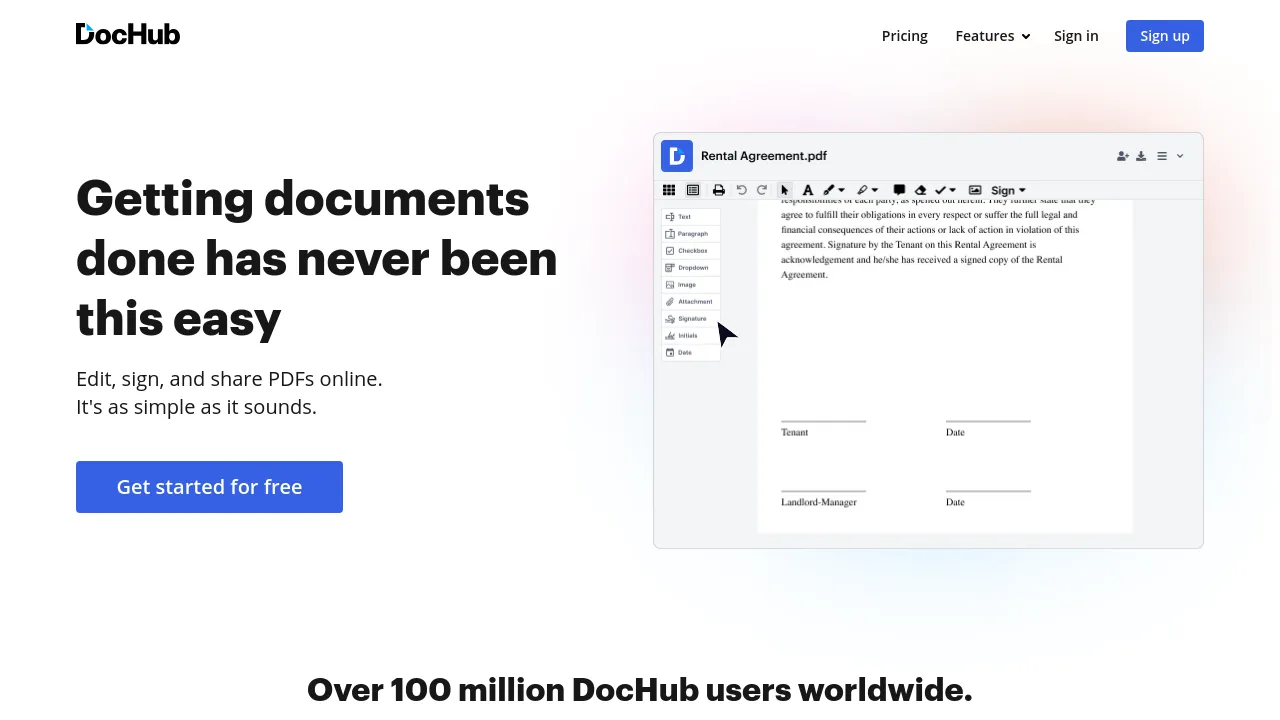
DocHub is a browser-based workspace for working with PDFs and other documents. You upload a file, then edit its text and images, fill in forms, add signatures, and share or store the finished version. Because it runs in a web browser, there is nothing to install — the site notes it needs a browser and an internet connection — and there are also iOS and Android apps for working from a phone.
The tool covers more than basic edits. It handles document organization through folders, reusable templates for documents you send repeatedly, and eSignature features including in-person signing on higher tiers. An AI assistant can summarize a document, rewrite dense passages in simpler language, and answer questions about a file's contents, alongside smart and visual editing tools for making changes directly on the page.
Pricing is listed in euros across four tiers. The Free plan (€0/month) includes the AI assistant and targets occasional individual use. Basic (€8/month) is aimed at freelancers and small teams and adds advanced PDF tools, unlimited templates, and unlimited folders. Business/Pro (€12/month) adds unlimited PDF editing, unlimited sign requests, in-person signing, and secure document storage. Enterprise pricing is custom, with unlimited users, volume discounts, and priority support.
Best for
- Filling out and signing forms — contracts, applications, paperwork — without printing or scanning
- Freelancers and small teams that send the same documents out for signature repeatedly
- Businesses that want reusable templates and folder-based organization for document workflows
- Readers who want an AI summary or a plain-language version of a long or dense PDF
- People who need to edit a PDF from a browser or phone without installing software
Frequently asked questions
Is DocHub free to use?
Yes. There is a Free plan at €0/month that includes the AI assistant. Paid plans start at €8/month (Basic) and €12/month (Business/Pro), and Enterprise pricing is custom.
What can the AI assistant do?
It can summarize documents, simplify complicated language, and answer questions about a file's contents. The site also lists smart and visual editing among its AI features.
Does DocHub work offline?
The site describes it as a web application that requires a browser and an internet connection, and I found no mention of an offline mode. iOS and Android apps exist, but the site does not say whether they work without a connection.
Is there a desktop app or browser extension?
I found no evidence of either on the site. Access is through the web app plus mobile apps for iOS and Android.
What integrations does DocHub support?
The integrations page highlights OneDrive access, and Google integrations are mentioned on the site's comparison pages. A complete integration list is not shown in the material reviewed.
Can other people sign documents I send them?
Yes — sending documents for signature is a core feature, and the Business/Pro plan adds unlimited sign requests and in-person signing. The site does not specify how many sign requests the Free or Basic plans allow.
Alternatives
- WIIN.io — a better fit if you need online forms and application management rather than PDF editing and signing.

Similar to DocHub
New tools, once a week.
One weekly email with curated tools and founder insights. Unsubscribe anytime. Check our privacy policy.
