Tools / Deskfirst
About Deskfirst
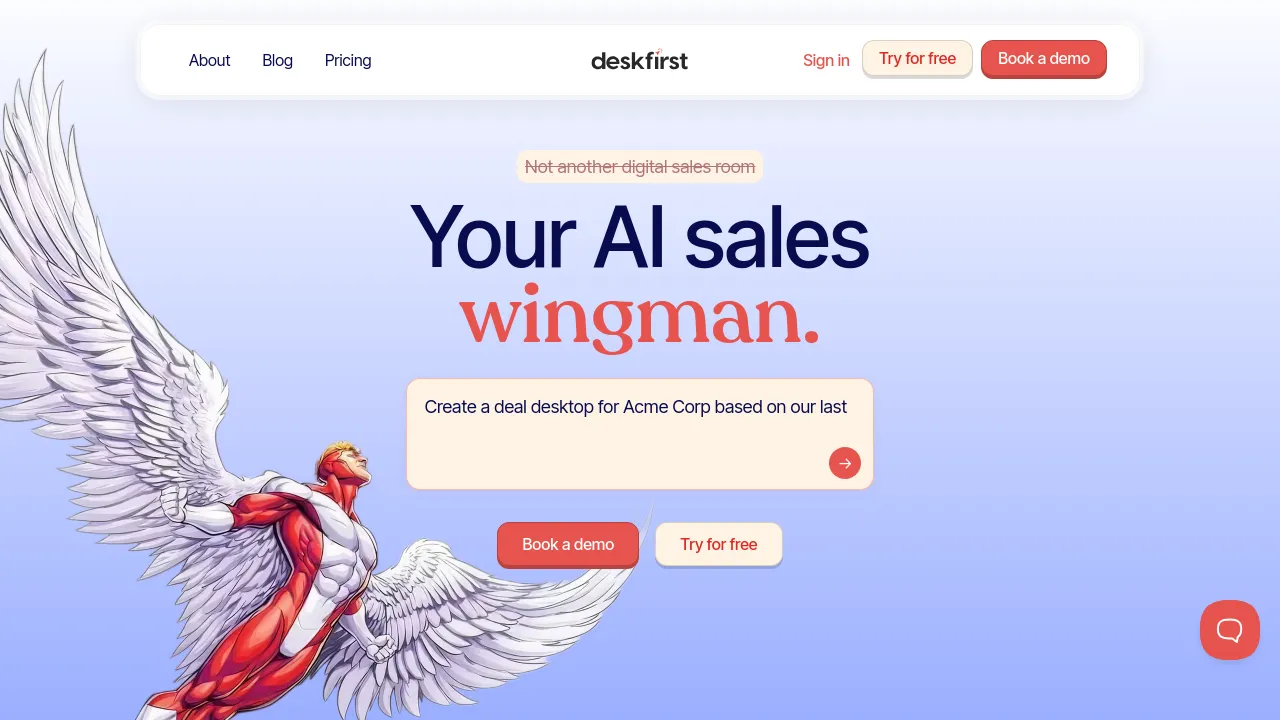
Set up branded virtual desktops where clients can access files, track project progress, and talk to your team in one shared web workspace.
Deskfirst is a web-based collaboration tool for building branded virtual desktops and shared workspaces. Instead of scattering files across email threads and shared drives, you set up a dedicated online space for each client, team, or project, then give people a desktop-like place to find everything: files, embedded tools, updates, and conversations.
The workspace works like a familiar computer desktop. You can drag and drop files to upload and arrange them, share and manage documents, and embed external tools such as Docs, Sheets, and Miro directly into the space. Clients and teammates can comment, collaborate in real time, and track project progress without learning a complicated interface. Access is handled with role-based permissions, and activity tracking shows what has been happening in each space.
Each desktop can be branded, so agencies and service businesses can present a workspace that carries their own identity rather than a generic tool's. The product runs in the browser; the site doesn't list dedicated mobile or desktop apps. Pricing is subscription-based, with a yearly billing option that saves nearly 20%, and the site says no credit card is required to get started. Specific tier prices aren't shown in the site content reviewed here, so check the pricing page for current rates.
Best for
- Agencies and freelancers who want to give each client a branded portal for files, updates, and communication
- Sales teams sharing proposals, documents, and project status with prospects and customers
- Teams that want a desktop-style shared space with embedded tools like Docs, Sheets, and Miro
- Businesses that need role-based access controls so clients only see what they should
- Anyone coordinating projects where clients need to track progress without joining your internal tools
Frequently asked questions
What is Deskfirst?
A web-based tool for creating branded virtual desktops and shared workspaces where clients and teams can access files, track progress, and communicate.
How much does Deskfirst cost?
The site has a pricing page and notes that yearly billing saves nearly 20%, with no credit card required to start. Specific tier prices aren't visible in the site content reviewed, so check the pricing page for current rates.
Does Deskfirst have a mobile app?
The site describes a web product, and there's no visible evidence of iOS, Android, or browser extension apps. Plan on using it in the browser.
Can I embed other tools in a workspace?
Yes. The site mentions embedding external apps such as Docs, Sheets, and Miro alongside your own files.
Is there an offline mode?
The site doesn't mention offline access, so assume an internet connection is required.
Who is Deskfirst for?
Sellers, teams, and businesses that need a simple shared workspace for client communication and project collaboration.
Alternatives
- roombriks — pick it instead if you want client portals bundled with AI meeting notes and sales-room features.
- Notion — better when you need a broader connected workspace for internal docs, wikis, and databases.
- Wylo — choose it if you're building a branded community with courses, events, and payments rather than a client workspace.
- Stacks — a fit if your main need is saving, organizing, and searching web content in an AI-assisted workspace.

Similar to Deskfirst
New tools, once a week.
One weekly email with curated tools and founder insights. Unsubscribe anytime. Check our privacy policy.