Tools / DataFast
About DataFast
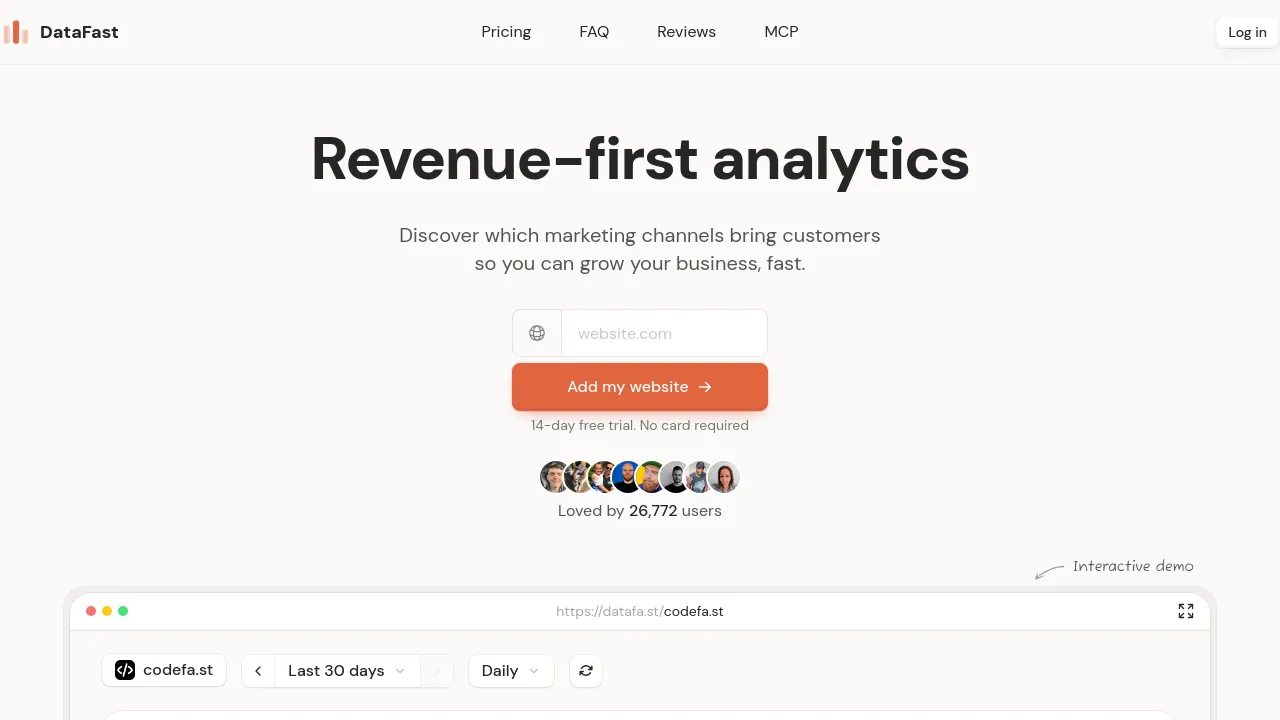
Track pageviews, goals, and payments in real time, then see which marketing channels and traffic sources actually drive Stripe revenue for your site.
DataFast is a web analytics platform built around a question most analytics tools skip: which traffic actually makes you money? It connects to your Stripe account and ties payment events back to the visits, channels, and pages that produced them, so you can compare traffic sources by revenue instead of raw pageviews. Standard dashboards cover pageviews, custom goals, payments, visitor journeys, and real-time activity, including a live view of who is on your site right now.
Setup is a script snippet or Google Tag Manager, with dedicated integrations for WordPress, Shopify, Webflow, Framer, Bubble, Wix, Squarespace, Ghost, Podia, and Kajabi. Beyond core analytics, it tracks social mentions on X and Reddit, attributes X links, and connects to Google Search Console for search data. Funnels let you follow visitors from first touch to payment. For developers, there is an API, a CLI, and MCP support, so you can query your analytics from tools like Cursor, Claude Code, and Codex.
Pricing is published in two tiers: Starter at $9/month with 10k monthly events, one website, one team member, and three years of data retention, and Growth at $19/month with 30 websites, 30 team members, and 5+ years of retention. Both tiers list API, CLI, and MCP access, social media mentions, X links attribution, and a 100K AI bot request allowance, and costs scale with monthly event volume. A free trial is available. The product targets entrepreneurs, startups, and developers; the site shows no native mobile apps and no open-source codebase.
Best for
- Founders and small teams selling through Stripe who want to see which channels produce paying customers
- Marketers comparing traffic sources by revenue per visitor rather than visit counts
- Teams tracking funnels and custom goals alongside payment events
- Developers who want programmatic access to analytics data via API, CLI, or MCP
- Sites on WordPress, Shopify, Webflow, Framer, and similar platforms that need a quick install
- Anyone who wants brand mentions on X and Reddit tracked next to traffic data
Frequently asked questions
How does DataFast attribute revenue to traffic?
It integrates with Stripe and links payment events back to the visits and channels that led to them, so dashboards can show revenue per traffic source. The site describes this as revenue-per-visitor style attribution.
How much does DataFast cost?
Starter is $9/month and Growth is $19/month, with pricing scaling by monthly event volume; a free trial is available. Starter covers 10k monthly events on one website with three years of retention, while Growth covers 30 websites and 30 team members with 5+ years of retention.
Can I use DataFast with AI coding tools?
Yes. It offers API, CLI, and MCP support, which the site lists for use with tools like Cursor, Claude Code, and Codex.
Is DataFast open source?
The site doesn't indicate an open-source codebase or an offline mode. It is a hosted web analytics service.
Is there a mobile app?
No native iOS, Android, or browser extension apps are mentioned on the site. DataFast is web-based and works through integrations on your website.
Which platforms does it integrate with?
WordPress, Shopify, Webflow, Framer, Bubble, Wix, Squarespace, Ghost, Podia, and Kajabi, plus Google Tag Manager and a Google Search Console connection.
Alternatives
- Clockech — a general analytics platform for traffic patterns and user behavior if you don't need Stripe revenue attribution
- SiteBehaviour — a cookie-free, EU-hosted option when compliance for marketing teams or agencies is the priority
- Overtracking — pick it if you want session recordings and heatmaps alongside your traffic analytics

Similar to DataFast
New tools, once a week.
One weekly email with curated tools and founder insights. Unsubscribe anytime. Check our privacy policy.
