Tools / Heap
About Heap
Analyze funnels, retention, and user behavior with autocaptured events — no manual tracking code required. Free plan available.
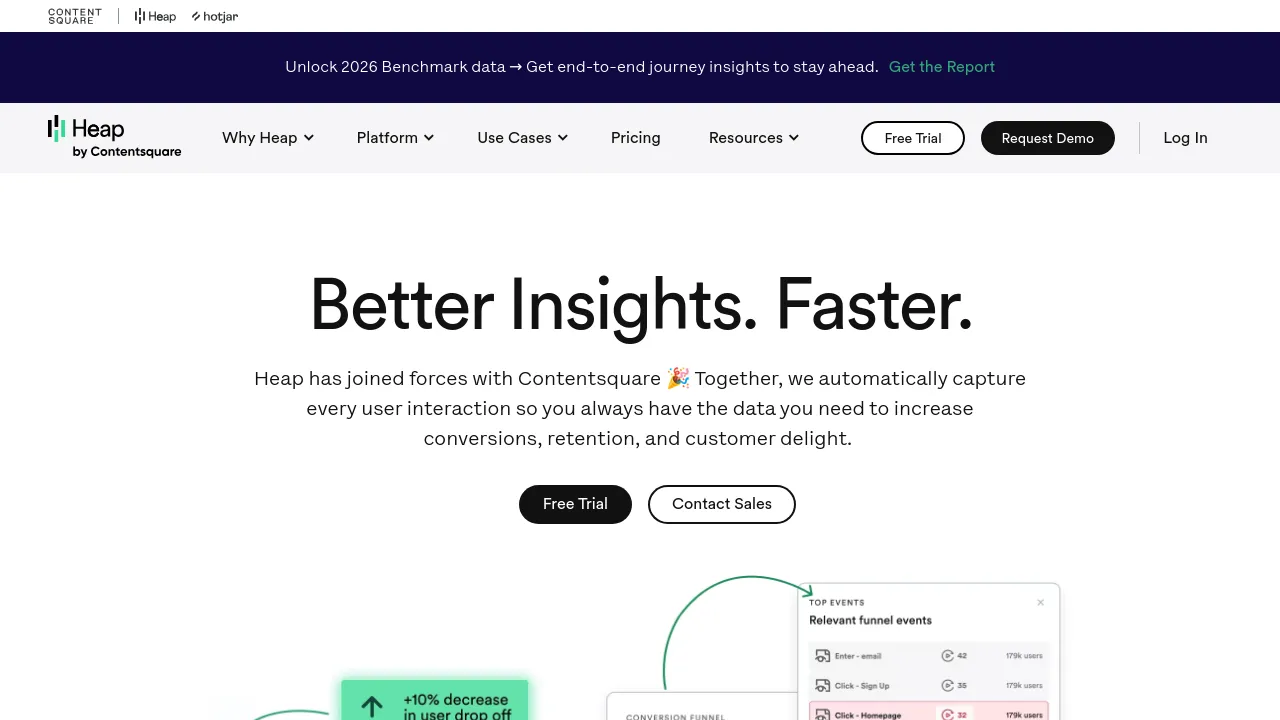
Heap is a product analytics platform built around autocapture. Once its snippet or SDK is installed, it records user interactions — clicks, taps, form submissions, pageviews — automatically, so teams don't have to plan and ship tracking code for every event they might want to analyze. It's aimed at product, analytics, and growth teams that want behavioral data without maintaining a manual event taxonomy.
Because interactions are captured from the start, events can be defined retroactively. If a team decides mid-quarter that "clicked upgrade" matters, they can create that event and chart it against historical data immediately. On top of that data model, Heap offers funnels, user journeys, retention reports, session replay, heatmaps, account-level analytics for B2B products, and behavioral targeting. AI-assisted analysis helps query behavior, and warehouse/export capabilities let teams move raw data into their own infrastructure.
Pricing starts with a Free tier at $0, with Growth, Pro, and Premier paid tiers above it. The site shows custom or session-based pricing for those paid plans rather than fixed public numbers. Platform coverage centers on the web app; developer docs list SDKs across Apple platforms, including UIKit and SwiftUI apps, plus Apple Watch, macOS, and Apple TV.
Best for
- Product teams that want funnel, journey, and retention analysis without maintaining a manual event taxonomy
- Growth teams that need to define new events retroactively and analyze them against historical data
- B2B SaaS companies that need account-level analytics, not just individual user views
- Analytics teams that want to export behavioral data to a data warehouse
- Teams that want session replay and heatmaps alongside quantitative product analytics
- Apple-platform apps, given documented SDK support for UIKit, SwiftUI, Apple Watch, macOS, and Apple TV
Frequently asked questions
How much does Heap cost?
There's a Free tier listed at $0. The paid tiers — Growth, Pro, and Premier — use custom or session-based pricing, so the site doesn't publish fixed prices for them.
Do I need to write tracking code for every event?
No. Autocapture records interactions automatically, and events can be defined retroactively after data collection has already started.
What platforms does Heap support?
It's a web platform, and the developer docs list SDKs for Apple platforms including UIKit and SwiftUI apps, Apple Watch, macOS, and Apple TV. Android support isn't confirmed in the material reviewed for this listing.
Does Heap include session replay?
Yes. Session replay and heatmaps are listed among its features, alongside funnels, journeys, retention, and account analytics.
Can I export Heap data to a data warehouse?
Yes. The site lists warehouse and export capabilities, so teams can analyze captured data in their own infrastructure.
Is Heap open source?
No open-source release is mentioned in the material reviewed; it's a commercial product with a free tier.
Alternatives
- Clockech — a general web analytics platform for traffic patterns and performance dashboards rather than event-based product analytics.
- SiteBehaviour — a cookie-free, EU-hosted option for marketing teams that prioritize privacy compliance.
- Overtracking — a simpler, privacy-friendly traffic analytics tool that also offers session recording and heatmaps.

Similar to Heap
New tools, once a week.
One weekly email with curated tools and founder insights. Unsubscribe anytime. Check our privacy policy.