Tools / AI to Human Text Converter
AI to Human Text Converter
Rewrite AI-generated text so it reads like a person wrote it
About AI to Human Text Converter
Paste AI-generated text, pick a mode, and rewrite it into natural, readable content. Includes an AI detector and support for over 100 languages.
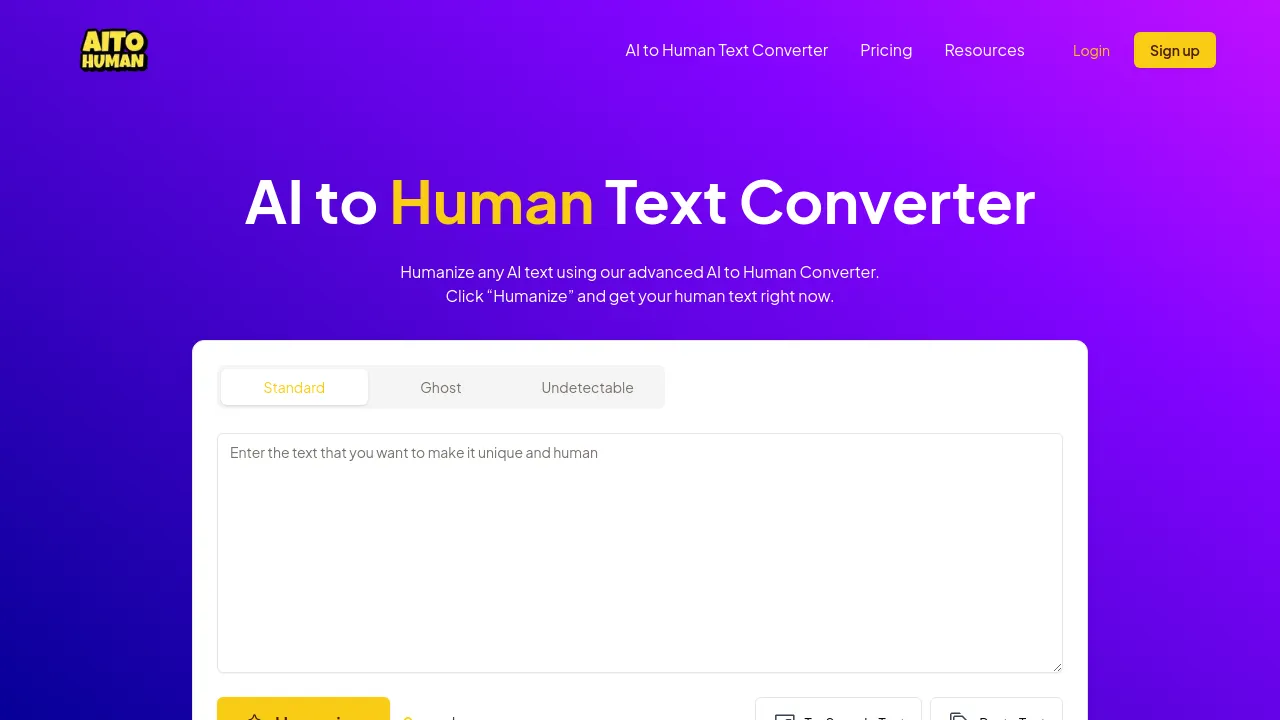
AI to Human Text Converter (aitohuman.ai) is a web-based tool that rewrites AI-generated text to make it read more like human writing. The pitch is simple: paste your text, choose a mode, and click a button labeled Humanize. The tool then reworks the output so it reads as natural, engaging content rather than obviously machine-generated prose.
The site advertises a few distinct processing modes, including a Ghost Mode and an Ultimate Mode, and claims that output is error-free and plagiarism-free. A press-release page also mentions a built-in AI detector, which lets you check text before or after conversion, and support for more than 100 languages. The homepage describes the product as free, while other pages reference both free and premium versions — a pricing page exists, but the site materials reviewed here don't show the exact tier names or prices.
Everything points to a web-only workflow. There's no visible mention of a mobile app, browser extension, or offline mode, and nothing indicating the tool is open source. The audience is general: writers who draft with AI and want the result to sound less mechanical, with the site's own review page specifically calling out business users and students as a fit.
Best for
- Writers and bloggers who draft content with AI tools and want the final text to read more naturally
- Students editing AI-assisted assignments before submitting them
- Business users polishing AI-drafted emails, reports, or marketing copy
- Anyone who wants to run text through an AI detector and a humanizer in one place
- Non-English writers, given the claimed support for over 100 languages
- People testing whether their current AI output passes as human-written
Frequently asked questions
Is AI to Human Text Converter free?
The homepage describes it as free, and other pages mention both free and premium versions. The site has a pricing page, but the exact tier names and prices aren't visible in the reviewed materials, so check the site for current details.
How does it work?
You paste AI-generated text into the site, choose a conversion mode, and click Humanize. The tool rewrites the text and returns the converted version.
What are Ghost Mode and Ultimate Mode?
These are the named conversion modes shown on the site. The exact differences between them aren't explained in the visible materials, so you'd need to test them or read the site's documentation for specifics.
Does it include an AI detector?
A press-release page on the site claims there is a built-in AI detector, along with support for more than 100 languages.
Is the output plagiarism-free?
The site claims its output is plagiarism-free, but that's a vendor claim — if originality matters for your use case, verify the result with a plagiarism checker you trust.
Is there a mobile app or browser extension?
Not that the site materials show. The tool appears to be web-based only, with no mention of iOS, Android, or browser extensions.
Alternatives
- AI Story Generator — pick this instead if you want to generate original stories from scratch rather than rewrite existing AI text.

Similar to AI to Human Text Converter
New tools, once a week.
One weekly email with curated tools and founder insights. Unsubscribe anytime. Check our privacy policy.