Tools / AI PowerPoint Maker
AI PowerPoint Maker
Turn text, PDFs, and web articles into editable PPTX decks
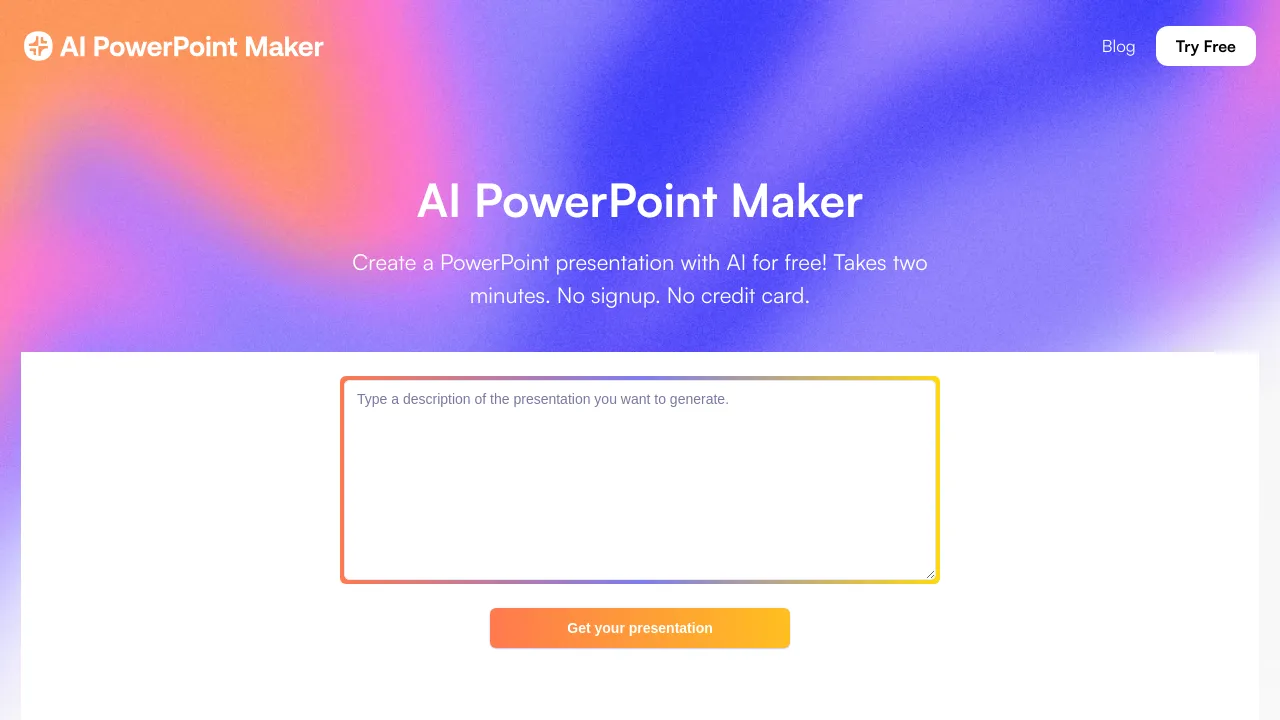
About AI PowerPoint Maker
Generate PowerPoint presentations from prompts, documents, PDFs, or web articles, then edit the slides and export them as native PPTX files.
AI PowerPoint Maker is a browser-based tool that turns existing material into PowerPoint presentations. You give it a written prompt, an outline, a Word document, a PDF, or the URL of a web article, and it drafts a slide deck from that input. According to the site, everything runs in the browser, so there is nothing to install and it works on any device with an internet connection.
The output is a native PPTX file rather than a proprietary format, so finished decks open directly in Microsoft PowerPoint or Google Slides. Before exporting, you can edit the generated slides inside the tool: rewriting text, adjusting formatting, swapping images, and choosing a different template. The product is also listed on Microsoft AppSource, which puts it alongside other PowerPoint add-ins.
Pricing follows a freemium model. The site advertises a free tier with unlimited AI presentations, and payment only comes into play if you want to download the .pptx file or access premium themes. Paid plans are listed at $2.99 per month for individuals and $8.99 per month for enterprise use. The site does not name the company behind the product, and no offline mode is advertised.
Best for
- Turning a report, PDF, or Word document into a presentable deck without manual layout work
- Drafting slides from an outline or rough notes instead of starting from a blank file
- Repurposing web articles into presentation form by pasting the URL
- PowerPoint and Google Slides users who need editable PPTX output rather than a locked format
- Trying AI slide generation without installing anything, since it runs entirely in the browser
Frequently asked questions
Is AI PowerPoint Maker free to use?
The site advertises a free tier with unlimited AI presentations. You only pay when you download the .pptx file or want premium themes; paid plans are listed at $2.99/mo for individuals and $8.99/mo for enterprise.
What can I use as input?
Per the site, you can start from a text prompt, an outline, a Word document, a PDF, or the URL of a web article.
Can I edit the slides it generates?
Yes. You can rewrite slide text, adjust formatting, and swap images or templates inside the tool, and the exported PPTX remains editable in PowerPoint or Google Slides.
Does it work offline?
No offline mode is advertised. The tool runs entirely in the browser and requires an internet connection.
What file format does it export?
Native PPTX files, which open directly in Microsoft PowerPoint and Google Slides.
Who makes AI PowerPoint Maker?
The site does not name a company or team behind the product. It is listed on Microsoft AppSource, but no maker details are provided.
Alternatives
- Coral AI — when you need to summarize or pull specific information out of documents before you build slides.
- Wordtune — when you want help rewriting and tightening the text that will go on your slides.
- Grammarly — when your main concern is clean, error-free writing rather than generating the deck itself.

Similar to AI PowerPoint Maker
New tools, once a week.
One weekly email with curated tools and founder insights. Unsubscribe anytime. Check our privacy policy.