Tools / WatchTowerHQ
About WatchTowerHQ
Track uptime, SSL, and Core Web Vitals, schedule WordPress updates, and run daily malware-scanned backups across every site you manage from one console.
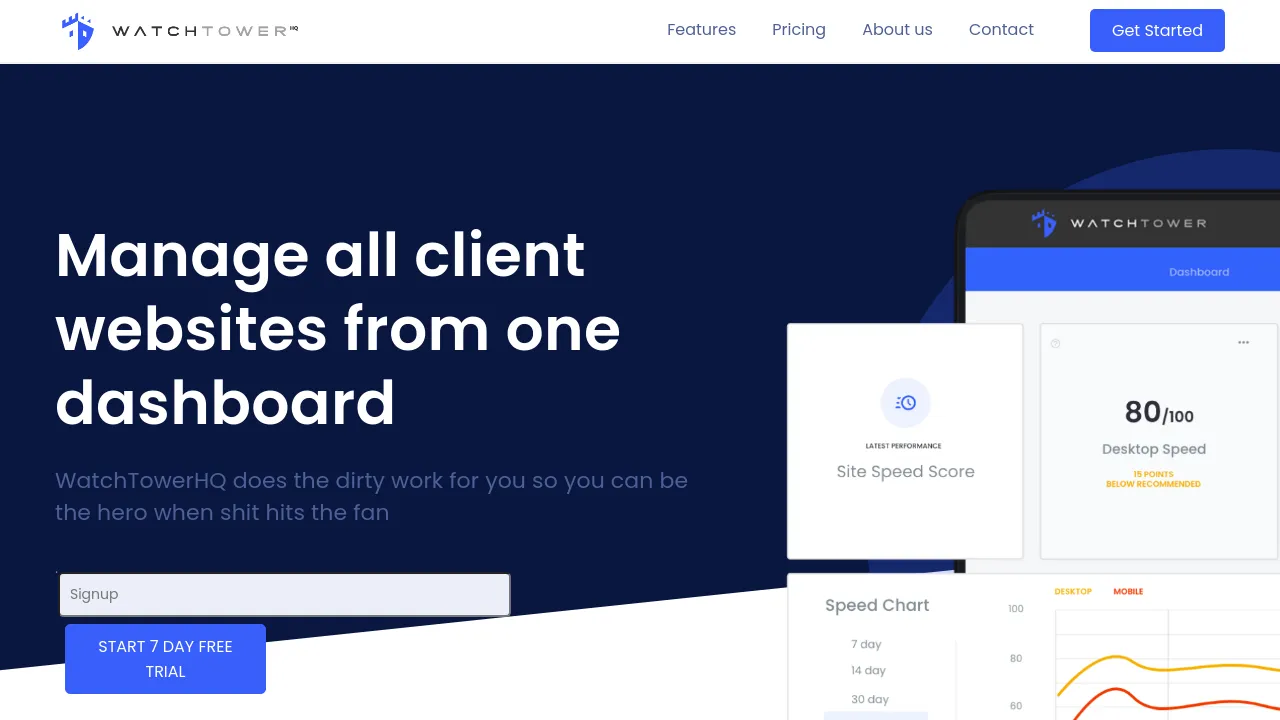
WatchTowerHQ is a web-based website management console that pulls monitoring, backups, and maintenance for multiple sites into a single dashboard. It is built for agencies and teams that manage client or company websites and want one login instead of a spreadsheet of admin URLs. The console aggregates historical data across sites and supports custom user roles, so access can be limited to specific sites or tasks.
Day to day, the platform covers uptime and speed tracking, Core Web Vitals, SSL and domain renewal monitoring, DNS checks, and automated daily screenshots. Backups run daily, are malware-scanned, and are retained for up to a year, with historical data restoration available when a site needs to be rolled back. Alerts and threshold notifications flag problems before clients do. For WordPress sites, WatchTowerHQ schedules plugin and theme updates and provides one-click access to the WordPress admin or a staging environment.
Pricing shown on the site starts at $5/month for the base plan, $50/month for 10 sites, and $500/month for 100 sites, with no setup fees. A 7-day free trial is available. No native mobile apps are mentioned; the product is accessed through a web dashboard.
Best for
- Agencies managing a portfolio of client websites from a single login
- WordPress site owners who want scheduled plugin and theme updates plus one-click admin or staging access
- Teams that need granular user permissions across multiple sites
- Site owners who want uptime, SSL, domain renewal, and DNS monitoring with threshold alerts
- Anyone who needs long-retention, malware-scanned daily backups kept up to a year
Frequently asked questions
Is there a free trial?
Yes. The site offers a 7-day free trial, and there are no setup fees.
How much does WatchTowerHQ cost?
Pricing listed on the site is $5/month for the base plan, $50/month for 10 sites, and $500/month for 100 sites.
Does it work with platforms other than WordPress?
The update scheduling and one-click admin/staging access are described for WordPress. Monitoring features like uptime, SSL, and DNS checks are listed generally, but the site does not detail support for other CMSs.
How long are backups kept?
Daily backups are retained for up to a year and are malware-scanned. Historical data restoration is available if you need to recover an earlier state.
Is there a mobile app?
The site does not mention native iOS or Android apps. WatchTowerHQ is accessed through a web-based dashboard.
Can I control what team members can see?
Yes. The platform supports custom roles and granular permissions, so users can be restricted to specific sites or tasks.
Alternatives
- Visual Sitemaps — pick it for visual sitemap generation and site QA or competitor tracking rather than ongoing maintenance and backups.
- Royal Elementor Addons — pick it for building Elementor pages with extra widgets and templates, not for monitoring existing sites.
- WP Grid Builder — pick it for faceted grid layouts on WordPress content, not for uptime monitoring or backups.
- Zarla — pick it when you need to build a new site from scratch with AI rather than maintain an existing portfolio.

Similar to WatchTowerHQ
New tools, once a week.
One weekly email with curated tools and founder insights. Unsubscribe anytime. Check our privacy policy.