Tools / TimeBolt
About TimeBolt
Quickly rough cut long videos and podcasts by automatically removing silence, filler words, and bad takes. Supports local editing on Mac and Windows.
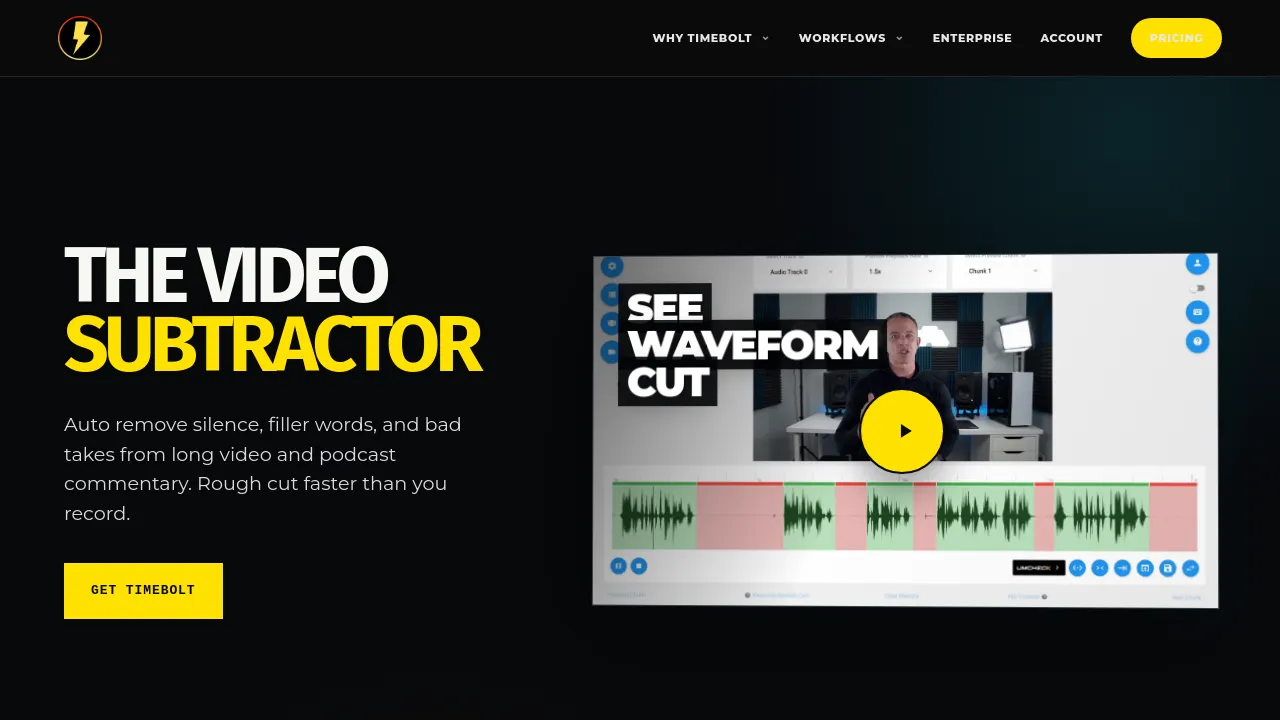
TimeBolt is a video editing tool designed to automate the rough cutting process for long-form content, such as podcasts and commentary videos. It focuses on removing silence, filler words, and bad takes to create a watchable cut faster than the original recording. The platform supports local-first editing, meaning videos are edited without requiring a cloud upload, and it runs on both Mac and Windows.
Key features include UMCheck, which removes filler words and false starts while building synced captions. For multi-track projects, the Riverside workflow allows users to sync every source, follow the active speaker, and keep all cuts aligned. Users can also utilize the Bring Your Own Model feature, allowing them to integrate custom AI models while mapping the decisions back to the waveform.
Beyond automated cleanup, TimeBolt provides advanced editing controls. Features like Keyboard Speed Editing allow users to shape the cut without stopping playback, while Turbo Mode enables users to speed up speech by 12% without sounding distorted. The tool also offers a free, local, and watermark-free 4K screen capture recorder. Furthermore, TimeBolt integrates with professional workflows, providing jump cutter exports for Adobe Premiere Pro, Final Cut Pro, and DaVinci Resolve.
Best for
- Podcasters needing to quickly clean up long audio and video commentary.
- Content creators who need to generate rough cuts faster than traditional editing allows.
- Users who require local-first editing and do not want to upload sensitive footage to the cloud.
- Video editors who need jump cut exports for professional software like Premiere Pro or DaVinci Resolve.
- Teams that need multi-track synchronization and speaker tracking for interviews.
Frequently asked questions
Does TimeBolt require cloud storage or uploads?
TimeBolt is a local-first editing tool, meaning it does not require cloud uploads to perform its core functions.
What specific types of cuts can TimeBolt automate?
It can automatically remove silence, filler words, false starts, and bad takes from long video and podcast commentary.
Can I use my own AI models with TimeBolt?
Yes, the platform includes a Bring Your Own Model feature, allowing users to use their own models while mapping the decisions back to the waveform.
Does the tool include screen recording capabilities?
Yes, it includes a free 4K Screen Capture tool that records screen and camera footage locally, without watermarks.
How does TimeBolt handle multi-speaker recordings?
Through the Riverside workflow, the tool handles multi-track sync, follows the active speaker, and keeps all cuts aligned.
Alternatives
- CapCut if you need a video editing platform with flexible options and a large library of stock assets.
- Kapwing if your team needs a modern platform for producing high-quality content quickly.
- VideoExpress.ai if you want a platform that generates videos simply by describing your ideas.
- invideo-ai if you need a tool that generates scripts, adds voiceovers, and refines videos based on a topic.
- BIGVU if you are looking for a teleprompter and captioning tool to create videos quickly.
- Clipfly if you need a video creation tool that requires no skills to use and generates videos at scale.
- illusto if you are looking for a video content platform with premium features to enhance creation.

Similar to TimeBolt
New tools, once a week.
One weekly email with curated tools and founder insights. Unsubscribe anytime. Check our privacy policy.