Tools / Tailwind CSS
About Tailwind CSS
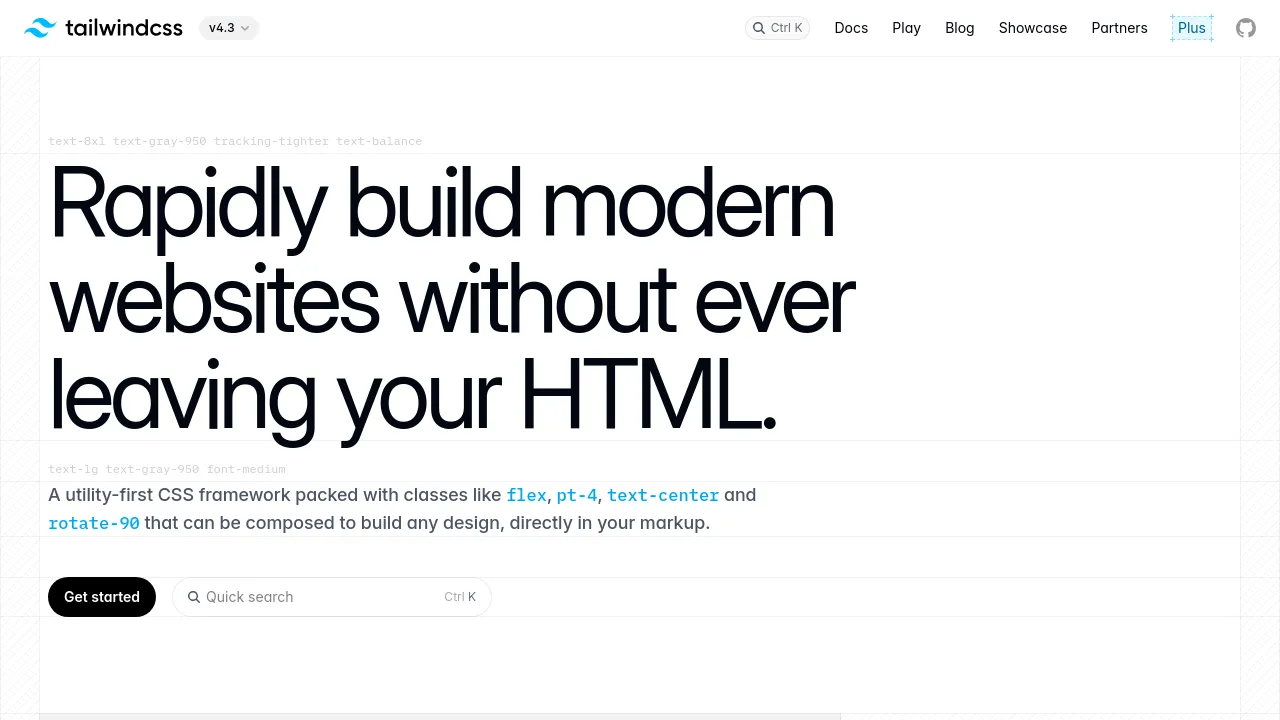
A utility-first CSS framework with classes like flex and pt-4 that you compose directly in HTML, with responsive, dark mode, and theming support.
Tailwind CSS is an open-source, utility-first CSS framework. Instead of writing custom stylesheets, you style elements by composing small, single-purpose classes — things like flex, pt-4, text-center, and rotate-90 — directly in your HTML markup. The project is maintained full-time by a team of designers and engineers funded through sponsors and partners, which include companies like Shopify, Vercel, Supabase, and Auth0.
The current version is v4.3, and it leans on modern CSS features rather than abstractions on top of them. Responsive design works by prefixing any utility with a screen size (sm, md, lg, xl) to apply it at that breakpoint. Dark mode works the same way: put dark: in front of a color utility and it only applies in dark mode. Theming is done with plain CSS variables inside an @theme block, so customizing fonts, spacing, or colors means editing a few variables rather than a config file.
Other built-in capabilities from the current release include CSS filter utilities (blur, brightness, grayscale, contrast, saturate, sepia), grid utilities for complex layouts, transition and animation utilities with duration and easing controls, wide-gamut P3 color support across a 22-shade palette, cascade layers to avoid specificity conflicts, and logical properties for multi-directional layouts. There's also a browser playground at play.tailwindcss.com for trying utilities without installing anything, plus official docs, a blog, and a showcase of sites built with the framework.
Best for
- Front-end developers who want to style interfaces without switching between HTML and separate CSS files
- Teams building design systems, since the utility classes and
@themevariables keep styling consistent across a codebase - Projects that need responsive and dark mode variants without writing media queries by hand
- Developers working with modern CSS features like grid layouts, cascade layers, and P3 colors who want ready-made utilities for them
- Anyone prototyping layouts quickly in the browser via the Tailwind Play playground
Frequently asked questions
What does "utility-first" mean?
It means styling is done with many small, single-purpose classes (like flex or pt-4) composed directly in your HTML, rather than writing custom CSS rules in separate stylesheets.
Is Tailwind CSS free?
The framework is open source and hosted on GitHub under the tailwindlabs organization. The homepage doesn't list pricing details, though the site also offers a separate paid product called Tailwind Plus.
What is the current version?
The homepage shows version 4.3 as the current release.
How do I customize colors and fonts?
You define CSS variables inside an @theme block — for example, --font-sans or --color-mint-500 — and those values become available as utilities throughout your project.
How does dark mode work?
You prefix any color utility with dark:, and that style is applied only when dark mode is active.
Does it work with my framework or stack?
The official documentation at tailwindcss.com/docs covers installation instructions, but the homepage doesn't enumerate specific framework integrations, so check the docs for your setup.
Alternatives

Similar to Tailwind CSS
New tools, once a week.
One weekly email with curated tools and founder insights. Unsubscribe anytime. Check our privacy policy.