Tools / PowerIn
About PowerIn
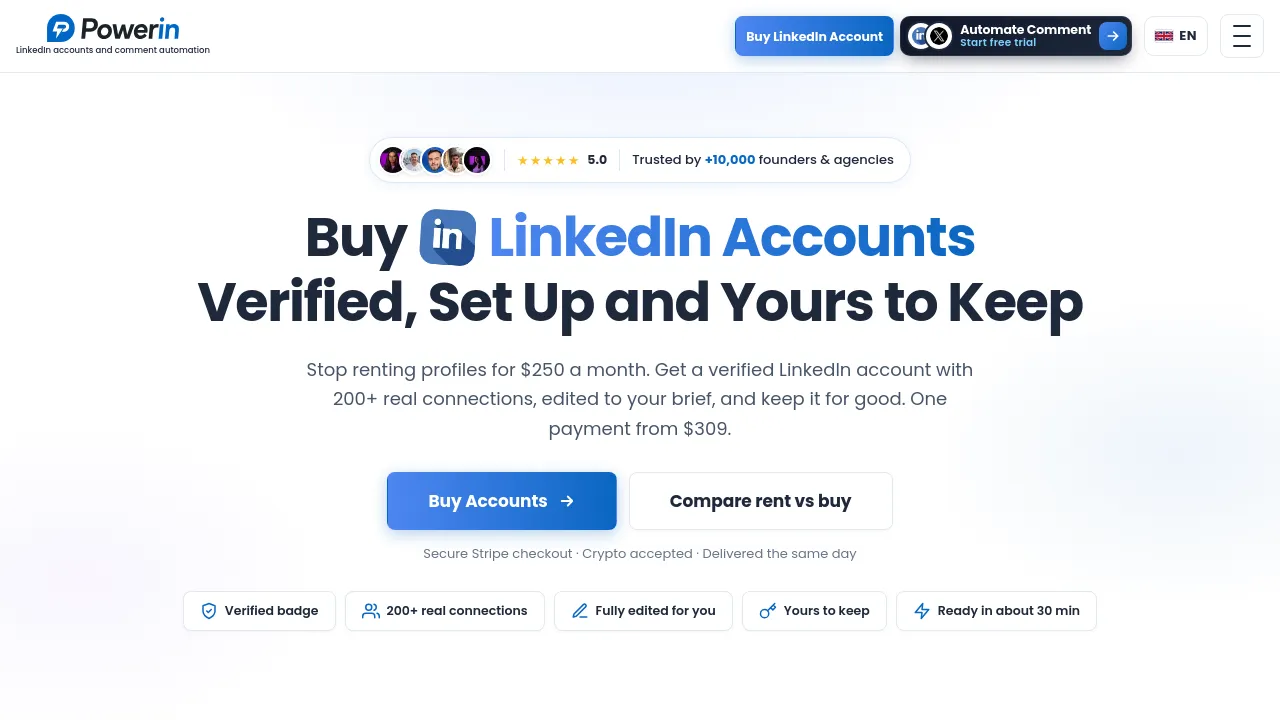
Automate comments on LinkedIn posts with keyword and creator targeting, AI-written replies, and approval controls. Free trial; plans from $59/month.
PowerIn automates commenting on LinkedIn. You tell it which conversations to join — either by keywords (Boolean operators supported) or by naming specific creators — and it generates AI-written comments on matching posts under your account. The logic is straightforward: comment sections are where visibility happens on LinkedIn, and showing up there daily by hand is slow work. Some of the site's copy also mentions X/Twitter support, though LinkedIn is clearly the main focus.
Day to day, you configure targets and let the tool run. Comments are written to match the language of the post, and timezone targeting controls when they land. A sensitive-content filter keeps the tool away from posts you probably don't want your name attached to, and manual approval means you can review every comment before it goes live. Everything posted is logged: history tracking, CSV export, and reporting let you audit what was said and when. The site mentions a Chrome extension; no mobile apps are listed.
Pricing runs through three paid tiers — Growth at $59/month, Advanced at $99/month, and Scale at $149/month — with a free trial to test the workflow first. The tool is aimed at marketers, sales teams, founders, and creators who want steady top-of-funnel visibility on LinkedIn without manually scrolling feeds all day.
Best for
- Founders who want a daily LinkedIn presence but can't spend an hour a day hunting posts to comment on
- Sales teams using comment sections as a low-pressure first touch before direct outreach
- Marketers tracking keyword conversations and joining them automatically as they happen
- Creators building visibility by commenting under larger accounts in their niche
- Teams that want an approval step so nothing is posted without a human sign-off
Frequently asked questions
How does PowerIn decide which posts to comment on?
You set the targets: keyword searches (with Boolean logic) or specific creators whose posts you want to engage. The tool then generates comments on matching posts automatically.
Can I review comments before they're posted?
Yes. Manual approval is a listed feature, so you can check each comment before it publishes. A sensitive-content filter also screens out posts you likely don't want to engage with.
How much does PowerIn cost?
There's a free trial, then three paid plans: Growth at $59/month, Advanced at $99/month, and Scale at $149/month. The site doesn't spell out what differs between the tiers.
Does it work in languages other than English?
The site lists language matching, meaning comments are written in the language of the post they reply to. Timezone targeting is also available for controlling when comments appear.
Does PowerIn work outside LinkedIn?
LinkedIn is the core platform. Some site copy mentions X/Twitter support as well, but the product's features and examples center on LinkedIn. A Chrome extension is available; no mobile apps are listed.
Can I see what comments were posted on my behalf?
Yes. The tool keeps a comment history you can review, export to CSV, and analyze through its reporting.
Alternatives
- Replygrow — pick it if you want automated LinkedIn invitations and direct messages rather than comments.
- Telescope — better if you need AI prospecting to find B2B clients first, then engage them.
- Growbots — suited to identifying decision-makers and running end-to-end outbound, including a concierge option.
- Cohesive — a fit if you'd rather run enrichment and outreach from Google Sheets.

Similar to PowerIn
New tools, once a week.
One weekly email with curated tools and founder insights. Unsubscribe anytime. Check our privacy policy.