Tools / Magic Hour
Magic Hour
AI video creation and editing — restyle footage, swap performers, generate clips from text or images, and lip-sync characters.
About Magic Hour
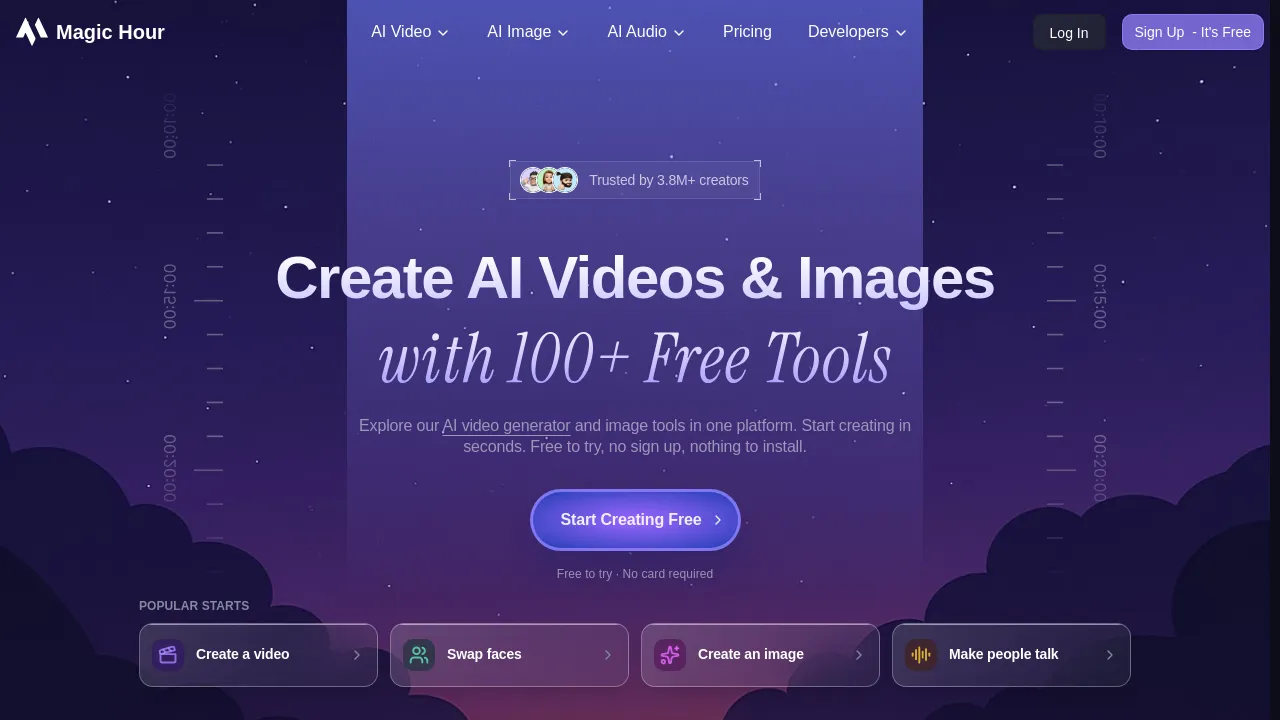
Magic Hour is a browser-based AI video platform. Video-to-Video restyles existing footage while preserving motion; Character Replace swaps the performer; Face Swap, Image-to-Video, Text-to-Video, animation, and Lip Sync cover the rest of the creation pipeline.
Magic Hour is a browser-based AI video platform for creating and editing short-form video. It bundles a set of focused tools rather than one general editor, each aimed at a specific job.
The core tools:
- Video-to-Video restyles existing footage — apply a new look or art style to a clip while preserving the original motion and timing. It changes how a video looks, not who is in it.
- Character Replace is the separate tool for swapping the performer: it replaces a person in a clip with a different character while keeping their movements.
- Face Swap puts a chosen face onto a subject in a video.
- Text-to-Video and Image-to-Video generate new clips from a prompt or a still image.
- Animation turns images or text into animated sequences, and Lip Sync matches a character's mouth movement to an audio track.
Beyond generation, the site includes practical editing utilities: video upscaling, subtitle generation, and a set of free tools (QR codes, meme generation, thumbnail helpers) that sit alongside the paid pipeline.
The workflow is template-driven: pick a tool, upload source footage or an image, choose a style or paste a prompt, and render in the browser — no local install and no timeline editing required. That makes it a reasonable fit for creators and marketers producing social content who want AI effects without learning a full editor, and for teams that need many variations of the same clip.
Magic Hour runs on a freemium credit model. The free tier covers basic generation with limits on length and resolution; paid plans raise the render quality, remove watermarks, and add more monthly credits. Each tool consumes credits per render, so heavier use maps to a higher tier.
Where it sits: it overlaps with Runway and Pika on generation, but leans more on restyling and performer manipulation of real footage than on text-to-video alone. If the job is 'make my existing clip look different' or 'put a different person in this shot,' its dedicated tools are the direct path.

Similar to Magic Hour
New tools, once a week.
One weekly email with curated tools and founder insights. Unsubscribe anytime. Check our privacy policy.