Tools / Letterly
About Letterly
Speak your notes, emails, and messages, then let AI rewrite them into clear, structured text across phone, desktop, watch, and web.
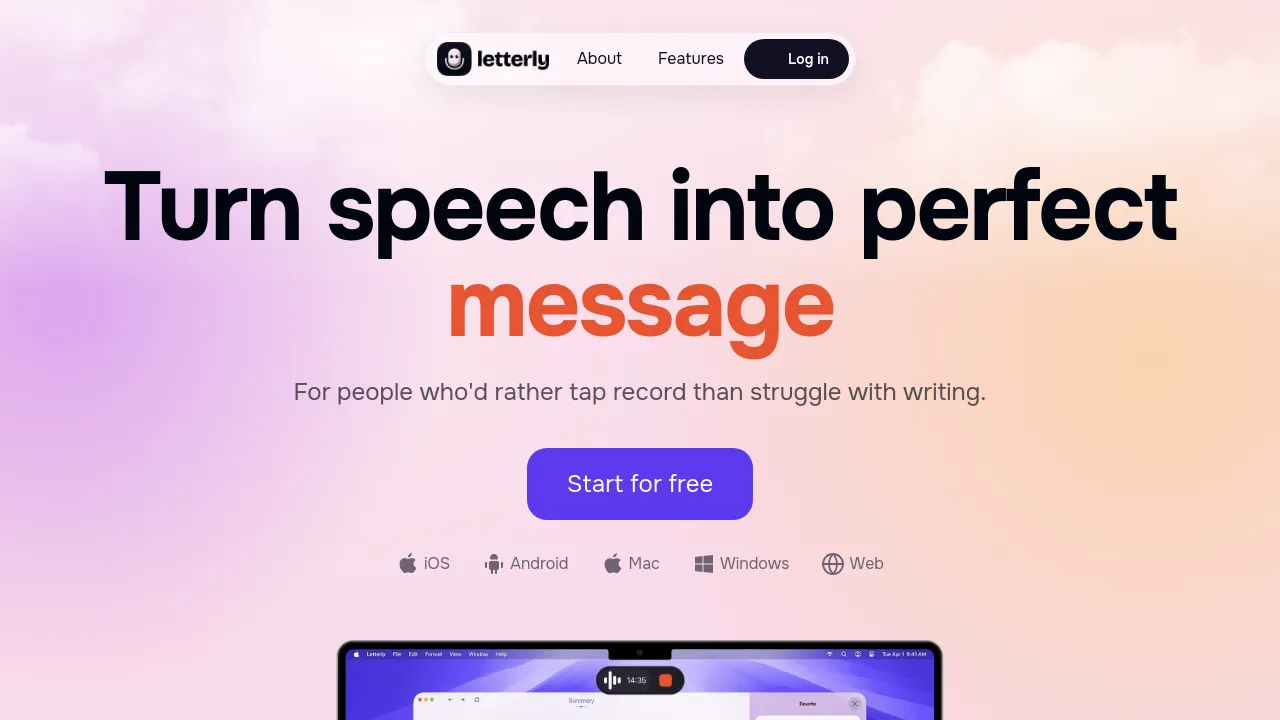
Letterly is a speech-to-text app that turns what you say into finished writing. You record your voice, the app transcribes it, and then it rewrites the raw transcript into structured text — notes, messages, emails, meeting summaries, journal entries, or social posts. The rewrite step is what separates it from plain dictation: instead of a word-for-word transcript, you get text shaped for its purpose, using built-in rewrite styles or styles you define yourself.
It runs on iPhone, iPad, Android, Mac, Windows, Apple Watch, and in the browser at web.letterly.app, with notes syncing between web and mobile. The feature list covers 90+ languages, translation, multi-speaker support for recordings with more than one voice, a custom dictionary, text replacements, offline mode, audio download, and export or sharing of the finished text.
Letterly has a free plan and a Pro plan. Pro removes limits on notes and dictations and is sold as monthly, annual, or lifetime options; public listings show example prices around $19.99/month, $89.99/year, and $249.99 for lifetime, though exact prices vary by region and app store. For moving text elsewhere, the app connects through Zapier, webhooks, MCP connections to AI tools, and the Apple Shortcuts app, and the site mentions sending dictated text to apps like Google Docs and Notion that way.
Best for
- People who draft emails and messages by talking instead of typing
- Meeting notes, since multi-speaker support handles recordings with several voices
- Capturing ideas on the move, including from an Apple Watch
- Writing in, or translating between, any of 90+ languages
- Anyone who wants dictated text routed into Notion, Google Docs, or other tools via Zapier or webhooks
Frequently asked questions
Is Letterly free?
There is a free plan, and a Pro plan adds unlimited notes and dictations. Pro comes as monthly, annual, or lifetime options; listed examples are $19.99/month, $89.99/year, and $249.99 lifetime, but prices can differ by region and store, so check the app for current numbers.
Which devices does it run on?
iPhone, iPad, Android, Mac, Windows, and Apple Watch, plus a web app at web.letterly.app. Notes sync across web and mobile.
Does it work offline?
An offline mode is listed among its features. The site doesn't specify which functions work without a connection.
How many languages does it support?
The app lists support for 90+ languages and can also translate dictated text.
Can I control how the AI rewrites my speech?
Yes. Alongside built-in rewrite styles, you can create custom styles, and a custom dictionary plus text replacements help with names and terms transcription gets wrong.
Does it connect to other apps?
Yes. Integrations include Zapier, webhooks, MCP connections to AI tools, and the Shortcuts app; the site mentions routes to apps like Google Docs and Notion through Zapier and webhooks.
Alternatives

Similar to Letterly
New tools, once a week.
One weekly email with curated tools and founder insights. Unsubscribe anytime. Check our privacy policy.