Tools / Tivazo
About Tivazo
Track work hours with live dashboards, timesheets, idle monitoring, and screenshots. Free for teams up to 10 users; paid plans start at $3 per user.
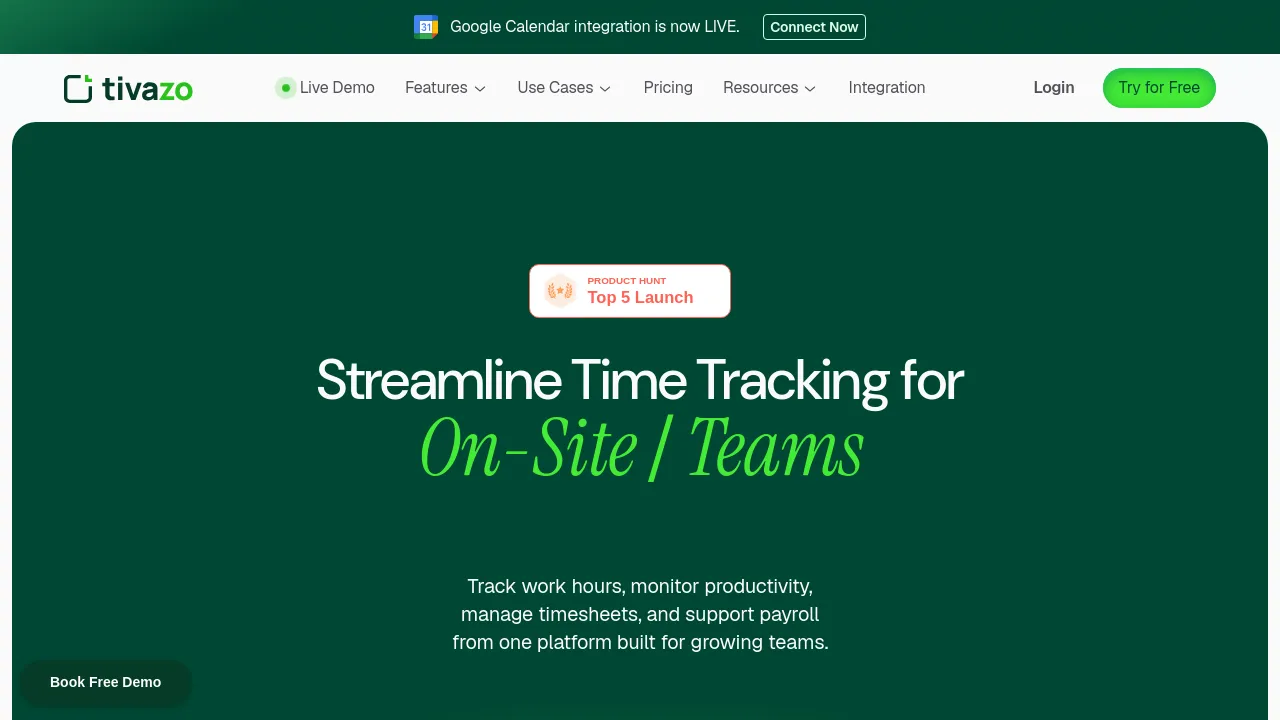
Tivazo is a time-tracking and team productivity tool built for remote, in-office, and on-site teams. It combines live dashboards, timesheets, manual time entry, idle tracking, screenshots, notifications, and reports. Time is captured through a desktop agent that runs on each team member's computer, so managers can see who is working, for how long, and with what activity level without chasing anyone for updates.
The product targets a wide range of team sizes, from startups and small teams to larger organizations and enterprises, and it speaks directly to managers who need visibility over distributed staff. Pricing is simple: a free plan that stays free for up to 10 users, and a Premium tier at $3 per member per month. The pricing page works this out to $33 per month for a team of 11 active members.
A few practical details are worth knowing before committing. Tivazo's site says the tool integrates with leading business tools and lets you connect your favorite apps, but it doesn't name specific integrations in the material reviewed here. Real-time tracking and reporting require an internet connection, and the company's own knowledge base notes that offline functionality may be limited. There is also no indication on the site that Tivazo is open source.
Best for
- Remote teams that need a clear record of hours worked and activity levels across distributed staff
- Managers who want live dashboards and reports instead of manual check-ins
- Startups and small teams of up to 10 people who can use the free plan indefinitely
- In-office or on-site crews that still want digital timesheets and attendance visibility
- Teams that mix automatic tracking with manual time entry for offline or non-computer work
Frequently asked questions
How much does Tivazo cost?
There is a free plan for up to 10 users. Premium costs $3 per member per month, and the pricing page shows an example of $33 per month for 11 active team members.
Does Tivazo capture screenshots?
Yes. Screenshots are listed among its monitoring features, alongside idle tracking, notifications, and live dashboards.
Does Tivazo work offline?
Real-time tracking and reporting require an internet connection. Tivazo's knowledge base states that offline functionality may be limited.
Is there a mobile app?
The site mentions a desktop agent. No clear evidence of iOS, Android, or browser extension versions appears in the material reviewed.
Does Tivazo integrate with other tools?
The site says Tivazo integrates with leading business tools and lets you connect your favorite apps, but it does not name specific integrations in the pages reviewed here.
Is Tivazo open source?
Nothing on the site indicates that Tivazo is open source.
Alternatives
- Muddy — pick it when you want AI-assisted team collaboration with messaging rather than activity monitoring and time tracking.
- Jot — pick it when your team needs docs, spreadsheets, and chat in one workspace instead of hours and screenshots.
- Alfred — pick it for individual productivity on macOS through hotkeys and text expansion, not team-wide time tracking.

Similar to Tivazo
New tools, once a week.
One weekly email with curated tools and founder insights. Unsubscribe anytime. Check our privacy policy.