Tools / KWFinder
About KWFinder
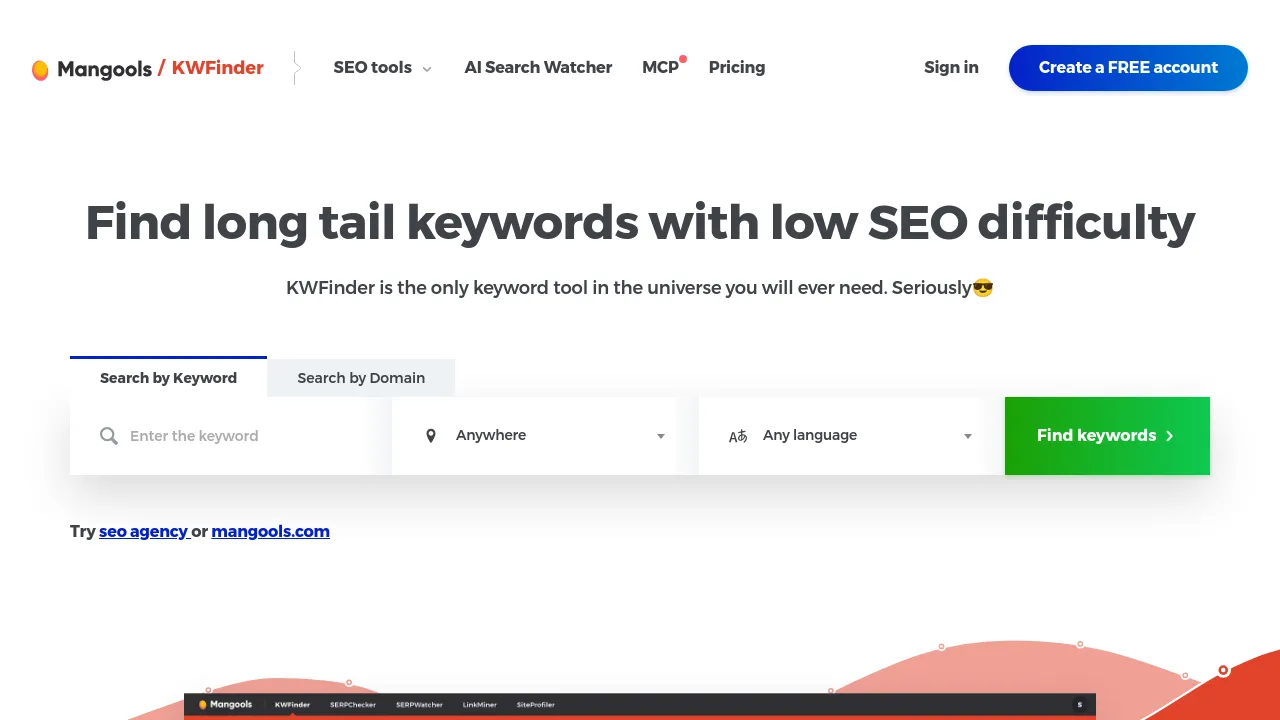
Find long-tail keywords with low SEO difficulty, analyze competitor keywords, and scope research to local results by country, state, or city.
KWFinder is a keyword research tool from Mangools, built around finding long-tail keywords with low SEO difficulty. You can search by keyword to get ideas or by domain to see what a competitor already ranks for. Every keyword comes with a difficulty score, search volume, and trend data, so you can judge whether a term is worth targeting before you write anything for it.
Keyword ideas come from Google Suggest, which surfaces the phrases people actually type into search. You can save keywords to lists, import them in bulk, and filter by search volume, CPC, PPC, or search intent to narrow a large list down to realistic targets. Local SEO is covered too: research can be scoped to a specific country, state, or city, which matters when rankings differ by location.
KWFinder isn't sold on its own. It's included in Mangools subscription plans alongside other tools — SERP analysis, rank tracking, backlink analysis, and site/SEO metrics — so keyword research sits next to the data you need to act on it.
Best for:
- Finding long-tail keywords with low difficulty scores that a smaller or newer site can realistically rank for
- Checking which keywords a competitor domain ranks for
- Local keyword research scoped to a country, state, or city
- Filtering large keyword lists by volume, CPC, PPC, or search intent
- Importing keyword sets in bulk and organizing them into lists
- Pairing keyword research with SERP analysis and rank tracking under one subscription
Frequently asked questions
How much does KWFinder cost?
KWFinder is included in Mangools subscription plans and isn't sold separately. The public page doesn't list plan prices, so check Mangools' pricing page for current rates.
Can I research keywords for a specific location?
Yes. Research can be scoped by country, state, or city, which is useful for local SEO where search results vary by geography.
Does KWFinder show keyword difficulty?
Yes. Each keyword gets a difficulty score alongside search volume and trend data, so you can compare how hard different terms are to rank for.
Can I see which keywords a competitor ranks for?
Yes. Searching by domain shows the keywords that site ranks for, which you can use to find gaps or targets a competitor has already validated.
Is KWFinder a standalone tool?
No. It's part of the Mangools suite and comes bundled with rank tracking, backlink analysis, SERP analysis, and site metrics under a single subscription.
Can I import keywords in bulk?
Yes. Bulk import is supported, and you can filter imported keywords by volume, CPC, PPC, or search intent to trim the list down.
Alternatives
KWFinder focuses on keyword discovery and difficulty scoring. These alternatives lean in different directions:
- Kwestify — a broader keyword and niche research suite with 20+ tools aimed at affiliate marketers.
- Keywordscale — better when you want topical keywords organized into content clusters rather than individual keyword lookups.
- ZipTie — pick it if rank tracking is your main need and keyword research is secondary.
- Konvart — an all-in-one SEO and AEO platform covering everything from audits to rankings, if you want one tool for more of the workflow.

Similar to KWFinder
New tools, once a week.
One weekly email with curated tools and founder insights. Unsubscribe anytime. Check our privacy policy.