Tools / June
About June
Track activation, retention, and feature usage at the company level. Built for B2B SaaS teams with SQL and AI insights, alerts, and CRM integrations.
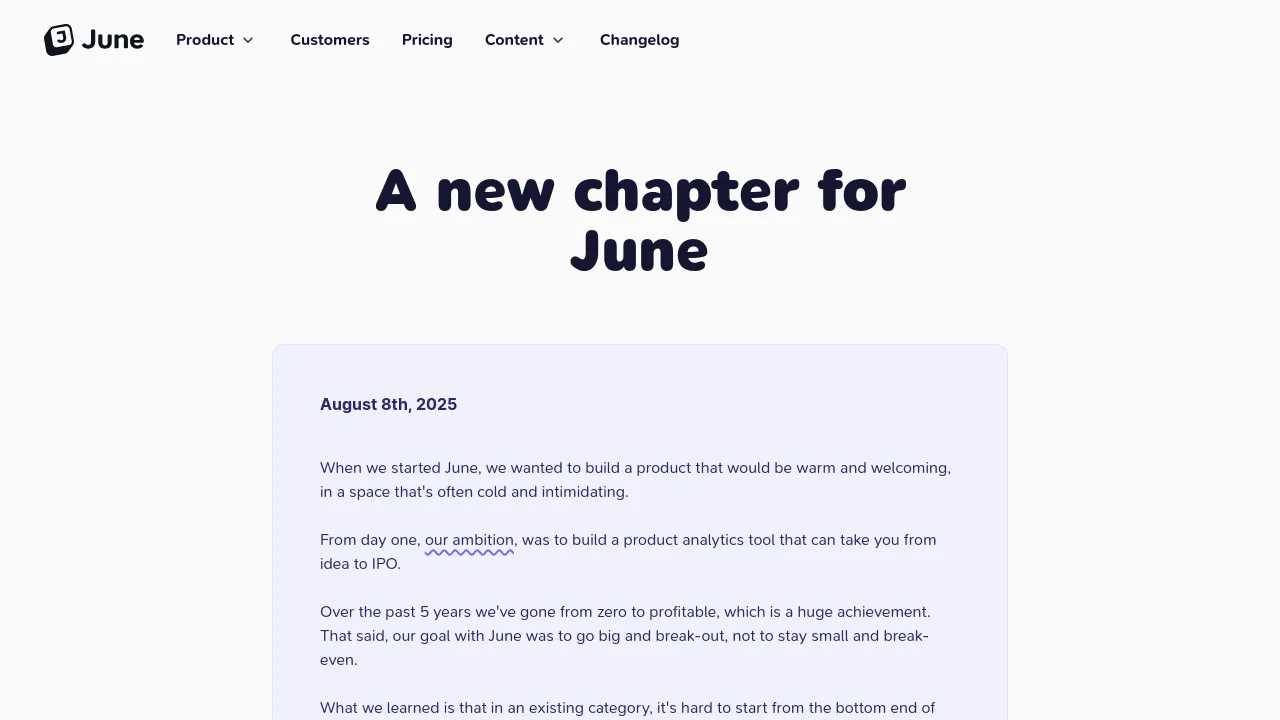
June is a product analytics platform built for B2B SaaS companies. It tracks what users do in a product and rolls that usage up to the company or account level, so teams can see how whole customers, not just individual users, activate, retain, and adopt features. The site describes the product as product and customer analytics software for B2B SaaS and positions it for teams at every stage from idea to IPO.
Reporting covers activation, retention, and feature usage, with account-level insights shown alongside user-level ones. Teams can build custom insights using SQL and AI, define computed traits for custom user or company attributes, and set alerts on specific companies or audience segments. Integrations with Salesforce, HubSpot, Attio, and Stripe pull CRM and billing data into the analytics, so product usage can be read alongside customer and revenue context.
Pricing is a single plan tiered by monthly active users, and June states that all features are included in every plan, so there is no feature gating between tiers. The exact dollar amounts per MAU bracket are not shown in the material reviewed here; check the pricing page for current numbers. June also advertises 1:1 support and onboarding.
Best for
- B2B SaaS teams that want usage reported per company or account, not just per user
- Teams connecting product usage to CRM data in Salesforce, HubSpot, or Attio
- Analysts who want to write SQL or use AI to build custom reports
- Growth teams tracking activation and retention cohorts
- Teams that want alerts when key accounts or audience segments change behavior
- Smaller teams that prefer one plan with every feature included
Frequently asked questions
How much does June cost?
June uses a single plan tiered by monthly active users, with all features included in every plan. Exact prices are not shown in the material reviewed here; check the June pricing page for current tiers.
Does June track companies or just individual users?
Both. It reports at the user level and rolls usage up to the company level, which is the core pitch for B2B SaaS teams.
Which integrations does June support?
The site lists Salesforce, HubSpot, Attio, and Stripe. These connect CRM and billing data to product usage.
Can I build custom reports?
Yes. June supports custom insights built with SQL and AI, plus computed traits for defining custom user or company attributes.
Is there a mobile app?
The reviewed site materials only confirm the web product. No iOS, Android, or browser extension availability is mentioned.
Is June open source?
The site does not make an open-source claim in the material reviewed here.
Alternatives
- Posthog — pick it if you want analytics bundled with feature flags, session replays, experiments, and surveys.
- Statsig — pick it if feature flags and experimentation matter more than company-level customer analytics.
- FullStory — pick it for enterprise digital experience analytics, such as session-level behavior, rather than account-level product reporting.
- Pendo — pick it if you also want in-app guides alongside product analytics.
Similar to June
New tools, once a week.
One weekly email with curated tools and founder insights. Unsubscribe anytime. Check our privacy policy.