Tools / Grist
About Grist
Organize and analyze structured data in a relational spreadsheet-database with Excel-style formulas, Python, forms, charts, and collaboration.
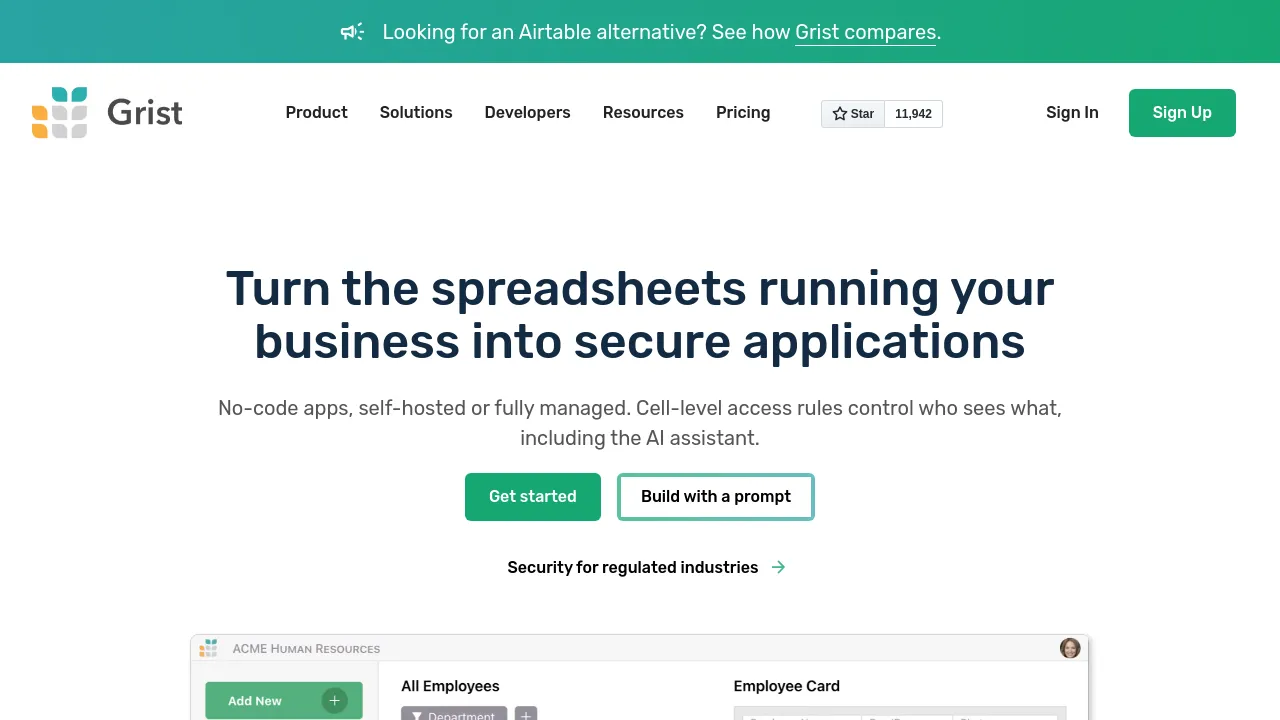
Grist is a spreadsheet-database hybrid. It presents data in a grid, but each document can hold multiple tables that reference one another, so a row in one table can point to rows in another the way records do in a relational database. Formulas work Excel-style, and you can write them in Python when a calculation needs more than a cell formula can express. The community edition is free and open source, and the product is available both as a hosted web app and as a self-hosted install.
Documents can also include forms for data entry, charts, summary tables, and configurable views and widgets, so the same data can be presented in different ways to different people. Snapshot history keeps earlier versions of a document, and access rules are granular enough to control what specific users can see or edit. For connecting to other software, Grist exposes a REST API and webhooks, and paid tiers add automations and email notifications.
Pricing runs from a free tier to managed plans with advanced features. The free plan costs $0 and allows up to 5,000 records per document, 30 days of snapshot history, and a one-time allotment of 100 AI Assistant credits. Pro costs $10 per user per month, or $8 per user per month billed annually, and raises those limits to 100,000 records per document, three years of snapshot history, and at least 100 AI Assistant credits per month. Plans above Pro start at $30 per user per month ($24 billed annually) and add custom branding, custom SSO, audit log streaming, multiple team sites, and an MCP server. The self-hosted community edition is listed at $0.
Best for
- Teams that have outgrown a flat spreadsheet and need related tables that reference each other
- People who would rather write formulas in Python than only in cell syntax
- Small teams tracking structured data such as inventories, project trackers, or contact lists on a free plan
- Developers wiring spreadsheets into other systems through a REST API and webhooks
- Organizations that need granular access rules, audit logs, and SSO on a managed plan
- Self-hosters looking for an open-source spreadsheet-database
Frequently asked questions
Is Grist free?
There is a free tier at $0 with up to 5,000 records per document, 30 days of snapshot history, and a one-time allotment of 100 AI Assistant credits. The self-hosted community edition is also listed at $0.
Does it support Python as well as spreadsheet formulas?
Yes. Grist supports Excel-style formulas and also lets you write formulas in Python for logic that goes beyond what a standard cell formula handles.
Can I self-host Grist?
Yes. The pricing page lists a self-hosted/community option at $0, and the site describes the community edition as free and open source.
Is there a mobile app?
The site's visible pages describe a hosted web app and self-hosting; they don't list iOS, Android, or desktop apps.
Does Grist have an API?
Yes. Grist offers a REST API and webhooks for integrations, and higher tiers add features such as audit log streaming and an MCP server.
How long is version history kept?
Free documents keep 30 days of snapshot history. Pro extends that to three years.

Similar to Grist
New tools, once a week.
One weekly email with curated tools and founder insights. Unsubscribe anytime. Check our privacy policy.