Tools / Excel Dashboard Ai
Excel Dashboard Ai
Turns spreadsheet data into professional reports and dashboards using AI.
About Excel Dashboard Ai
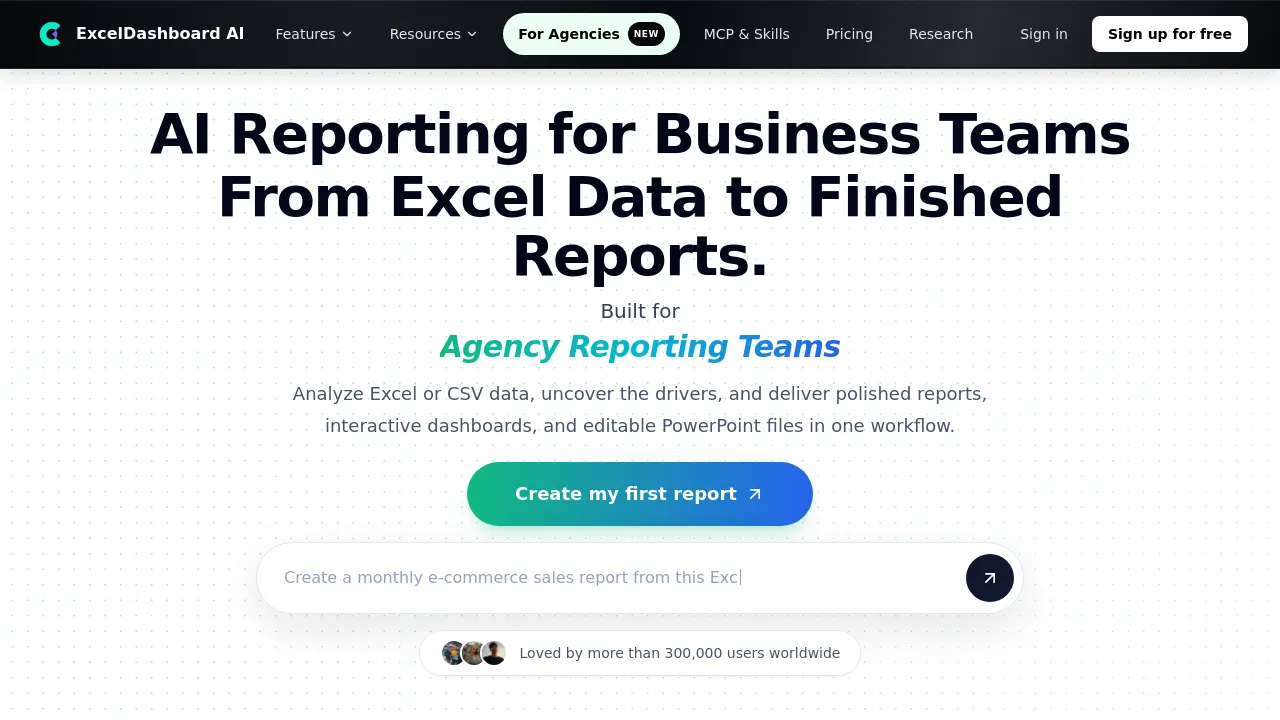
Analyze Excel and CSV data to generate interactive KPI dashboards, executive summaries, and cited research reports in one workflow.
Excel Dashboard Ai is a productivity tool designed for business analysts to convert raw data into finished, polished reports. It allows users to analyze data from Excel or CSV files and generate three types of deliverables: AI Data Presentations, AI Excel Dashboards, and AI Research Reports. The platform handles the entire workflow, from data input to producing interactive dashboards and editable PowerPoint files.
The tool functions as a centralized reporting engine. Users can either upload their own data or start by asking the AI a specific question. For those needing external context, the AI Research Reports feature searches across the web to compile cited, consulting-style reports on industries, markets, and competitors.
Beyond standard reporting, the platform supports advanced integrations. It provides an MCP server and a report Skill, allowing external Agents to analyze, verify data, and create visual reports. Furthermore, the AI Reporting Pilot Program offers users a free opportunity to develop a customized, reusable reporting template based on an existing report or data set.
Best for
- Creating executive presentation decks from raw Excel or CSV data.
- Building interactive KPI dashboards for operations reviews.
- Generating cited market and industry research reports.
- Developing reusable reporting templates through the AI Reporting Pilot Program.
- Business teams needing to analyze data without requiring deep technical expertise.
Frequently asked questions
What types of data can I use?
It accepts data uploaded as Excel or CSV files. For research reports, the tool also researches industries and markets across the web.
Does the tool offer a free option?
Users can sign up for free. Additionally, the AI Reporting Pilot Program provides free credits to generate a customized, reusable reporting template.
How does the AI generate the reports?
Users can either upload data or start by describing the desired report, research, or dashboard, allowing the AI to create the finished deliverable.
Does it integrate with other systems?
Yes, Excel Dashboard Ai provides an MCP server and a report Skill, enabling Agents to analyze and verify data before creating visual reports.
What is the difference between the three reporting modes?
AI Data Presentations turn data into slide decks; AI Excel Dashboards create interactive KPI dashboards; and AI Research Reports compile cited findings from the web.
Alternatives
If your needs are focused on general knowledge management, consider Notion. If you require a versatile form builder for data collection, FormNX may be suitable. For users who need to search, summarize, and translate information from many documents, Afforai is an option. If you are looking for a comprehensive productivity suite, Triplo AI offers an all-in-one assistant. For advanced macOS efficiency, Alfred is designed to enhance workflow through hotkeys and text expansion. If your primary need is writing assistance, Brevy helps craft posts and replies efficiently. If you need a true Quip replacement for docs and spreadsheets, Jot is a candidate.

Similar to Excel Dashboard Ai
New tools, once a week.
One weekly email with curated tools and founder insights. Unsubscribe anytime. Check our privacy policy.