Tools / Google Meet
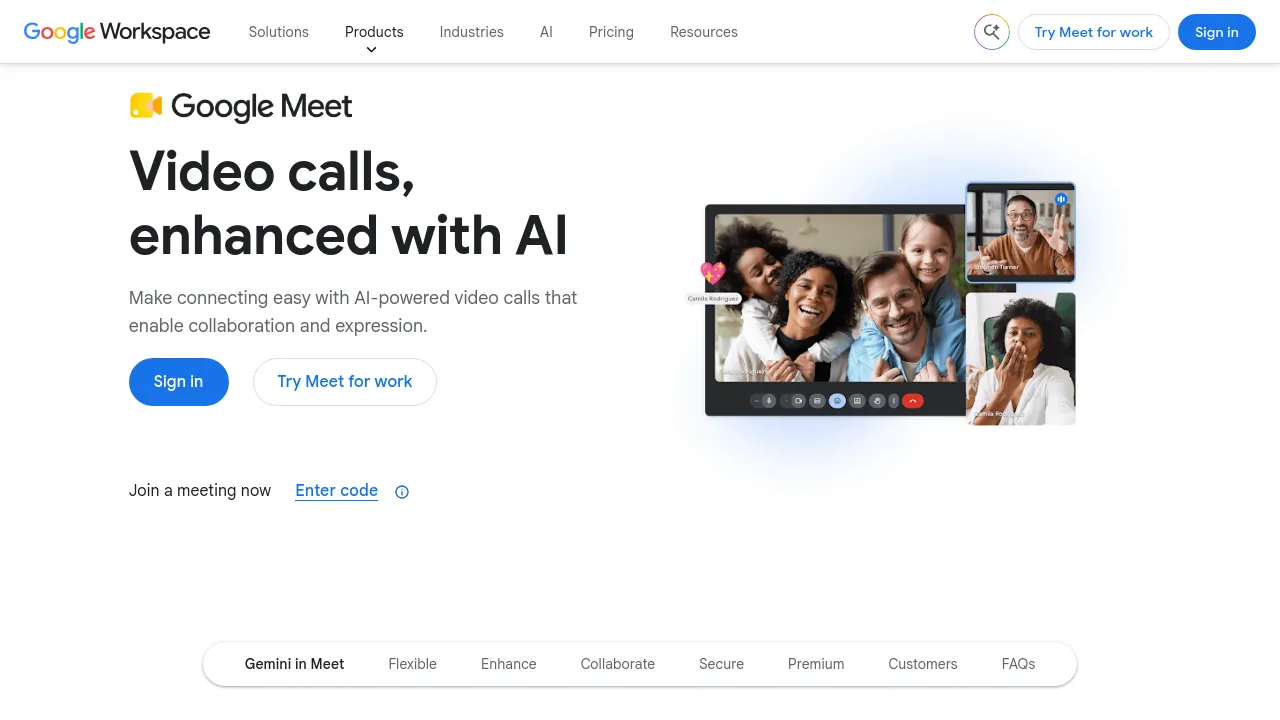
About Google Meet
Host video meetings with up to 100 participants free, plus captions, screen sharing, recording, and calendar scheduling on web and mobile.
Google Meet is Google's video meeting service. Anyone with a Google account can start a meeting for free at meet.google.com, from a Google Calendar event, or from a chat window, then share a link participants use to join. Free meetings support up to 100 people and run up to 60 minutes; Google Workspace and Google One Premium plans lift those limits and add features aimed at organizations.
Day to day, it covers the meeting basics: screen sharing, real-time captions, and layouts that adapt to how many people are on the call or what's being presented. It also provides international dial-in numbers, so participants can join the audio by phone where connectivity is poor. On paid Workspace tiers, admins get controls over meetings, and some plans add AI-powered meeting notes, summaries, and speech translation.
Meetings can be started from several places: the Meet homepage, Google Calendar, chat windows, the Android and iPhone/iPad apps, and compatible meeting room hardware. The site doesn't mention an offline mode, and the product is not open source.
Best for
- People who already schedule in Google Calendar and want meetings one click away from an event
- Small groups that need free calls with up to 100 participants and 60 minutes
- Businesses on Google Workspace that need recording, live streaming, and admin controls
- Teachers and students joining classes through Calendar links or school accounts
- Teams with participants who need to dial in by phone from other countries
- International teams that rely on captions or speech translation
Frequently asked questions
Is Google Meet free to use?
Yes. With a Google account, you can host meetings of up to 100 participants for up to 60 minutes at no cost. Longer or larger meetings require a paid plan.
How much do the paid plans cost?
Premium features come through Google Workspace plans and Google One Premium, but the Meet site doesn't publish a full tier-by-tier price table, so check those products' pricing pages for current rates.
Do participants need to install anything?
No. Meetings run on the web at meet.google.com, and Google also offers Android and iPhone/iPad apps for joining from a phone or tablet.
Can people join by phone?
Yes. Meet provides international dial-in numbers so participants can join a meeting's audio from a regular phone line.
Does it record meetings?
Recording is a listed feature, grouped on the site with live streaming and admin controls as capabilities tied to paid Workspace and Google One tiers rather than the free tier.
Does it have AI features?
Some Workspace tiers include AI-powered meeting notes and summaries, plus speech translation. Which of these you get depends on the plan.
Alternatives

Similar to Google Meet
New tools, once a week.
One weekly email with curated tools and founder insights. Unsubscribe anytime. Check our privacy policy.