Tools / Fillout
About Fillout
Build forms, surveys, and quizzes with conditional logic, scoring, payments, and native integrations to Airtable, Notion, HubSpot, and more.
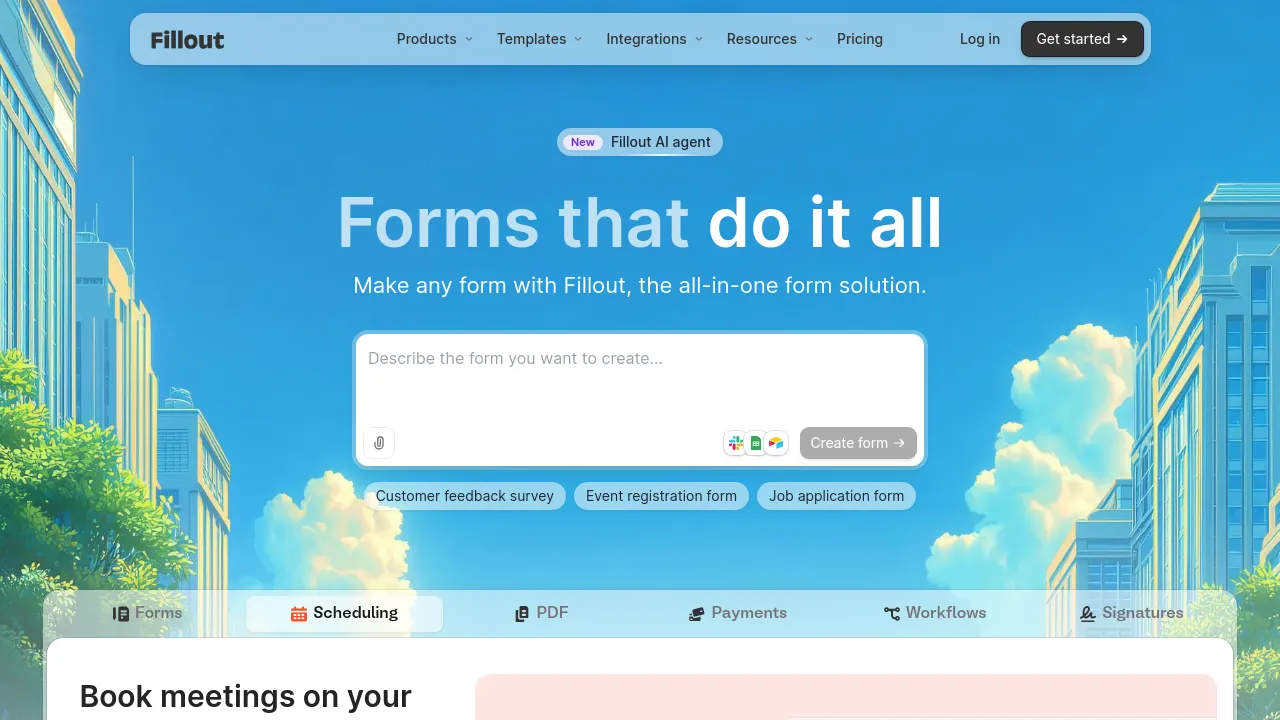
Fillout is a web-based form builder for creating forms, surveys, and quizzes. It positions itself against established tools like Google Forms, Typeform, Jotform, FormAssembly, and SurveyMonkey, aiming at people who need more than a basic form: conditional logic, calculated scoring, payment collection, and deeper integrations with the tools their data already lives in.
The core experience is building a form in the browser and collecting responses. Beyond that, the platform covers a wide range of form use cases — login forms, signature collection, file uploads, Calendly-style scheduling, and custom emails — with features like custom themes, redirects, and custom ending screens to control what respondents see after submitting.
Where Fillout puts the most emphasis is integrations and workflows. It advertises native connections to Airtable, Google Sheets, Notion, HubSpot, Salesforce, Stripe, and Mailchimp, plus webhooks and Zapier/Make-style connectivity, with 50+ integrations overall. Forms can run automated workflows, and paid tiers include unlimited workflow runs. Developers get a REST API, and there is support for custom code, custom CSS, custom fonts, and custom domains for teams that need the forms to match their own brand closely.
Pricing is tiered into Free, Starter, Pro, and Business plans. The site's marketing pages list Starter at $15/month and Business at $75/month billed annually; a Pro tier exists on the pricing page but its price isn't consistently shown in the publicly visible content. Higher tiers add analytics, partial submission capture, white-label emails, branding removal, SSO, audit logs, revision history, and priority support. Unlimited forms and seats are included across plans.
There is no visible evidence of native mobile apps or an offline mode — this is a web application. It is also not open source.
Best for
- Teams whose form responses need to land directly in Airtable, Notion, Google Sheets, HubSpot, or Salesforce without middleware
- Businesses collecting payments through forms, via the Stripe integration
- Quiz and assessment builders who need scoring and calculation logic
- Support and operations teams running workflows off form submissions, with unlimited workflow runs on paid plans
- Agencies or companies that need white-labeled forms on their own domain, with custom CSS and branding removal
- Organizations with compliance needs, where SSO and audit logs on the Business plan matter
Frequently asked questions
Is there a free plan?
Yes. Fillout offers a Free plan alongside Starter, Pro, and Business tiers. What exactly the free plan includes isn't spelled out in the publicly visible content.
How much does Fillout cost?
The site lists Starter at $15/month and Business at $75/month billed annually. The Pro tier appears on the pricing page, but its exact price isn't consistently shown in the publicly available content.
Which tools does Fillout integrate with?
Native integrations include Airtable, Google Sheets, Notion, HubSpot, Salesforce, Stripe, Mailchimp, and webhooks, with 50+ integrations advertised overall. Zapier and Make-style connectivity is also supported.
Can I remove Fillout branding from my forms?
Yes — branding removal and white-label emails are listed among the features on higher tiers, along with custom links, fonts, CSS, and custom domains.
Does Fillout work on mobile?
There is no visible evidence of native iOS or Android apps. Forms are built and managed through the web application.
Can multiple people on my team use it?
The site advertises unlimited seats across plans, though the specifics of collaboration features aren't detailed in the publicly visible content.
Alternatives

Similar to Fillout
New tools, once a week.
One weekly email with curated tools and founder insights. Unsubscribe anytime. Check our privacy policy.