Tools / Discord
About Discord
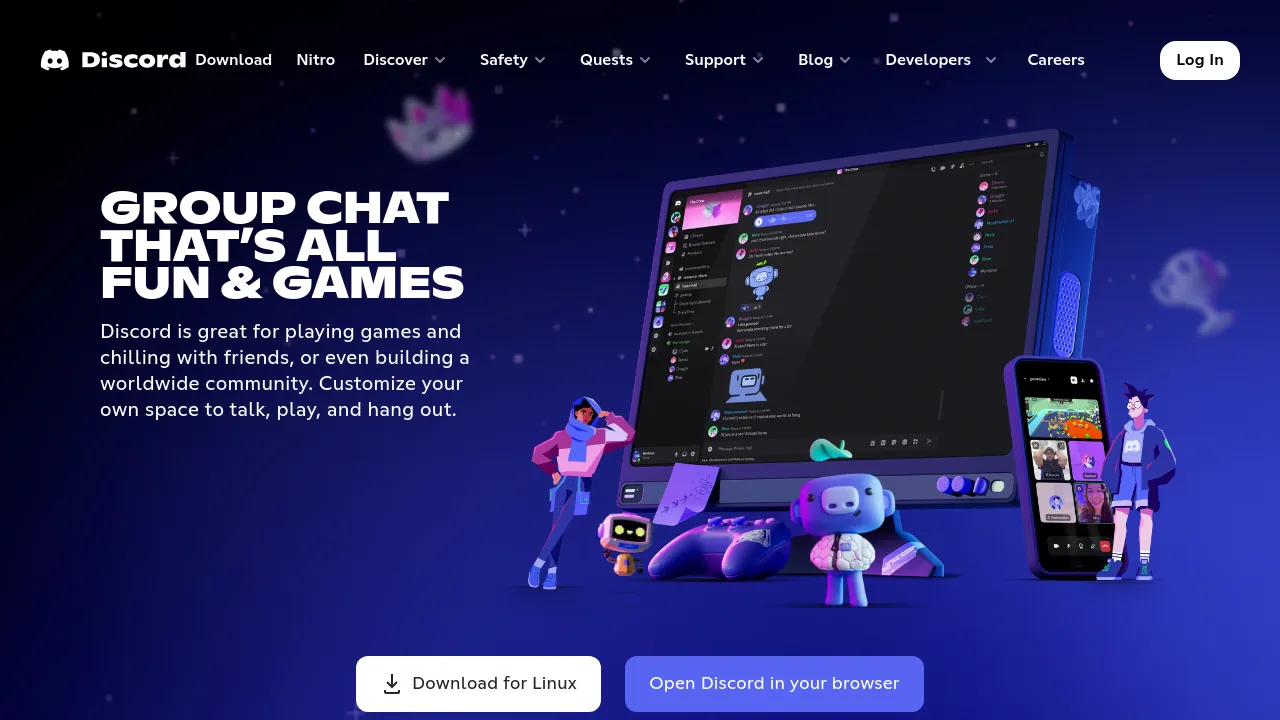
Talk with your community over voice, video, and text. Organize servers and channels, share your screen, play games, and hang out on any device.
Discord is a group chat platform that puts text, voice, and video in one place. Conversations live inside servers — self-contained spaces for a friend group, a game, or an interest — and each server holds channels dedicated to specific topics. You can type in text channels, drop into voice channels to talk live, or start video calls and streams. The core service is free, and it runs in a web browser plus native apps for Windows, macOS, Linux, iOS, Android, and consoles, so one account works across all of them.
Day to day, it works like this: you join a server, pick a channel, and start talking. Voice channels are always on — click to join and you can see who else is in the room. Screen and media sharing let you show your desktop or stream a game to everyone in the call. Discord also detects supported games you're playing, shows them as your status, and lets friends join your game directly. Customization runs deep, with custom emoji and stickers, soundboard effects for voice channels, and detailed profile customization.
Beyond chat, Discord works as a host for apps and activities. An App Directory collects embedded apps that run inside chats, DMs, group chats, and voice calls — including built-in games, music, and other shared experiences — so a call becomes something you do together, not just a conversation. A paid Nitro subscription adds extra perks, though its pricing wasn't shown on the pages reviewed here.
Best for
- Friend groups that hang out over voice while gaming or watching something together
- Gaming communities that want in-game status, direct game joining, and channels per topic
- Large interest-based communities that need free text, voice, and video at scale
- Creators and club organizers who want a server as their community's home base
- People who move between desktop, mobile, web, and consoles and want one account everywhere
- Groups that like shared activities — games, music, apps — inside their calls
Frequently asked questions
Is Discord free to use?
Yes, the main service is free. A Nitro subscription adds extra perks, but its pricing wasn't listed on the pages reviewed here.
What devices can I use it on?
Discord runs in a web browser and has native apps for Windows, macOS, Linux, iOS, Android, and consoles.
How are conversations organized?
Servers are the top-level spaces you join, and each server contains channels that split discussion by topic, with separate text and voice/video channels.
Can I share my screen or stream gameplay?
Yes. Screen and media sharing are built in, so you can show your desktop or stream to everyone in a voice call.
Can I add apps, games, or music to a call?
There's an App Directory with embedded apps that work in chats, DMs, group chats, and voice calls, including built-in games and music.
Does it work offline?
The site doesn't mention an offline mode, so plan on it being an always-connected service.
Alternatives

Similar to Discord
New tools, once a week.
One weekly email with curated tools and founder insights. Unsubscribe anytime. Check our privacy policy.