Tools / Common Paper
About Common Paper
Draft, send, sign, and manage contracts with structured data that flows into your CRM and analytics tools.
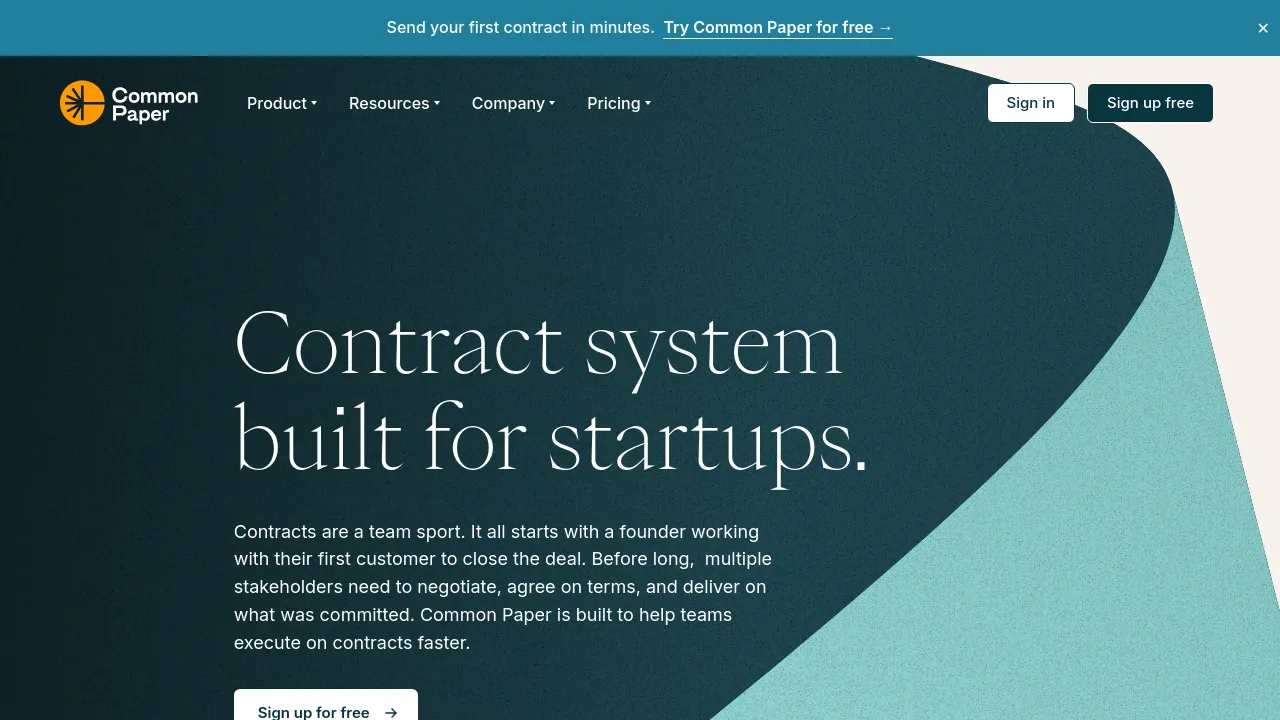
Common Paper is a contract system built for startups. It covers the full lifecycle of a commercial agreement: generating a contract from a template, negotiating terms, sending it out, collecting a signature, and tracking what happens after. What separates it from a plain e-signature tool is structured contract data — signed agreements produce machine-readable fields that can be exported or pushed into CRMs, analytics systems, and other apps, so a closed deal doesn't just sit in a PDF.
Work starts from templates and document generation. Agreements can carry your own branding, and customers can initiate agreements themselves instead of waiting for you to send one. After a contract is live, the system handles automatic billing with custom payment links, sends customer activity alerts, and supports upsell and renewal workflows. Notifications can land in Slack, and the site says the product runs in Gmail, so much of the work happens where a startup team already is. Teams that want to automate further can use it from Claude Code or any MCP client, and the site references API access for custom integrations.
Pricing is tiered by volume. The Free plan costs $0 and covers 2 agreements per month, aimed at early-stage startups. Startup runs $50 per user per month with 10 agreements per user per month, Growth is $100 per user per month with 30 agreements per user per month, and Enterprise is custom-priced, with SSO and dedicated support for larger teams. Listed integrations include Slack, Vanta, Salesforce, HubSpot, Box, Google Drive, Dropbox, OneDrive, Stripe, and Zendesk. On open source: the company's About page describes a vision of contracts built on open-source standards, though the site doesn't say the platform's own code is open source.
Best for
- Early-stage startups that need standard commercial agreements without a legal ops budget — the free plan covers two agreements a month
- Sales and finance teams that want contract data flowing into Salesforce, HubSpot, or analytics tools instead of trapped in PDFs
- Teams that work in Gmail and Slack and want contract notifications delivered there
- Companies running renewal, upsell, and billing motions that want those tied to the contract itself
- Security-conscious teams that need Vanta integration, multiple user roles, and SSO on higher tiers
- Engineering teams that want to create or manage agreements programmatically through the API or an MCP client
Frequently asked questions
How much does Common Paper cost?
The Free plan is $0 with 2 agreements per month. Startup is $50 per user per month with 10 agreements per user per month, Growth is $100 per user per month with 30, and Enterprise uses custom pricing.
Is there a free plan?
Yes. The free tier targets early-stage startups and includes 2 agreements per month along with the core workflow of generating, sending, and signing agreements.
What integrations does Common Paper support?
The site lists Slack, Vanta, Salesforce, HubSpot, Box, Google Drive, Dropbox, OneDrive, Stripe, and Zendesk, plus API and MCP-style access for custom integrations.
Does Common Paper have a mobile app?
The site doesn't show an iOS, Android, or browser-extension app. It runs in Gmail and can be used from Claude Code or any MCP client.
Is Common Paper open source?
Its About page says the vision is contracts built on open-source standards. The site doesn't say whether the platform's own source code is publicly available.
Who is Common Paper for?
Early-stage startups on the free plan, teams scaling their contracting operations on Startup and Growth tiers, and larger teams that need SSO and dedicated support on Enterprise.
Alternatives
- Screens — pick it if you mainly need AI contract review in Word using expert-crafted playbooks.
- Legaliser — a fit when you want AI analysis, drafting tools, and a broad template library.
- OpenSign — choose it if you want a dedicated digital signature platform without the full contract workflow.
- YumiSign — a simpler option when you just need to sign and manage documents online.
- DocuMocu — better when your focus is proposals rather than standard agreements.

Similar to Common Paper
New tools, once a week.
One weekly email with curated tools and founder insights. Unsubscribe anytime. Check our privacy policy.