How to Mention Tools in Your Blog Posts with Founderkit
Learn how to create engaging, SEO-friendly blog posts by embedding tool entries directly in your content. A unique feature that sets Founderkit apart.

Written by Piotr Kulpinski
•3 min read
Content marketing is essential for directory websites, but creating engaging blog posts that drive traffic and conversions can be challenging. Founderkit solves this with a powerful feature that lets you mention and showcase tools directly within your blog content using MDX components.
This isn't just about embedding links – it's about creating rich, interactive tool cards that display screenshots, descriptions, and call-to-action buttons, all while maintaining your blog's narrative flow.
Why This Feature Matters
Traditional directory websites have a clear separation between blog content and directory listings. Founderkit's tool mention system changes this by:
- Keeping Readers Engaged: Readers see the tool's name, description, screenshot, and call-to-action without leaving the page
- Maximizing Monetization: Featured tools display prominent buttons, affiliate links are automatically included, and rich previews increase click-through rates
- Boosting SEO: More internal links, longer time-on-page, lower bounce rates, and schema markup for better search visibility
How to Use It
Founderkit uses MDX (Markdown + JSX) for blog posts, which means you can embed React components directly in your markdown content. The simplest way to mention a tool is using the tool's slug:
<ToolEntry tool="github">
  GitHub is the world's leading platform for version control and collaboration.
  It's essential for any development team looking to manage code efficiently
  and collaborate seamlessly across distributed teams.
</ToolEntry>
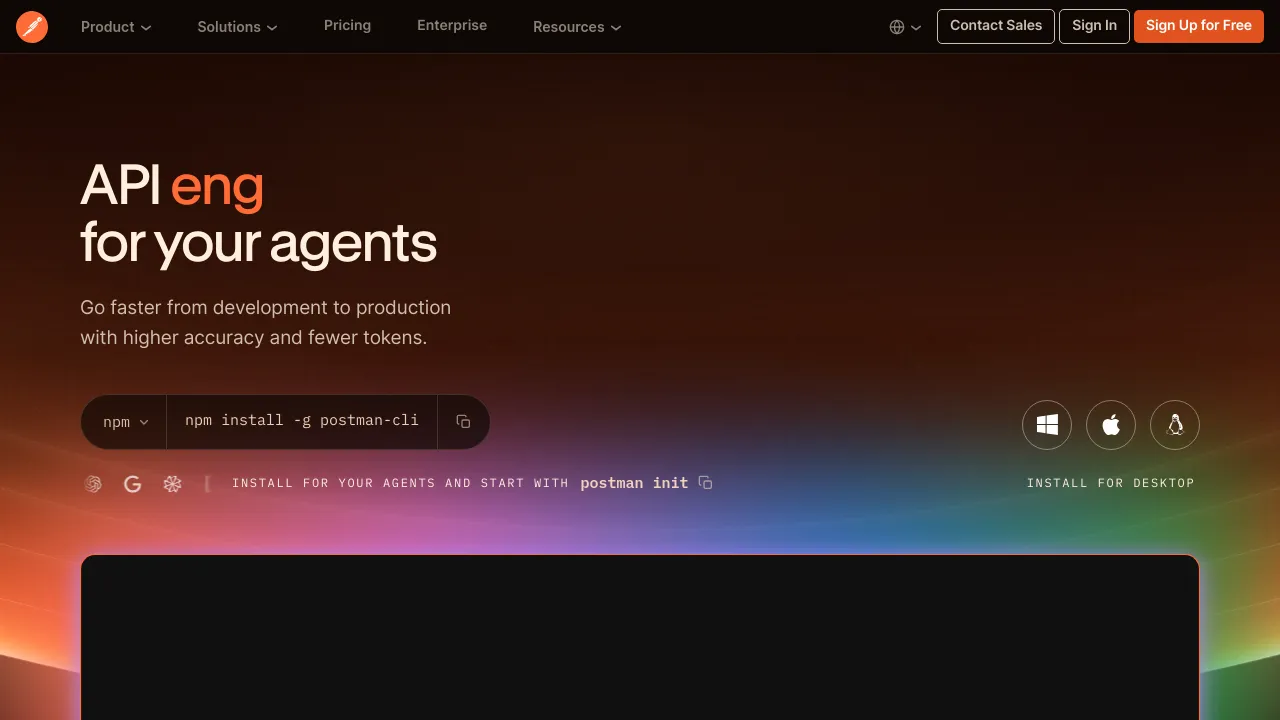
The component automatically fetches the tool data, displays the favicon, name, screenshot, and handles all the styling. You can also leave the content empty and the tool's description will be displayed instead:
<ToolEntry tool="github" />
Here are some live examples:

Best Practices
Tell a Story: Don't just list tools – weave them into your narrative. Explain why each tool matters in the context of your article's topic.
Add Value with Context: The content you write inside <ToolEntry> tags should provide context that isn't already in the tool's description. Share personal experience, how it compares to alternatives, or specific use cases where it excels.
Strategic Placement: Separate tool entries with horizontal rules (---) for visual separation, and include enough content between them to maintain readability.
Balance Quantity: Use 3-5 tools for focused articles, 5-10 for comprehensive guides, and 10+ only for ultimate roundups where each tool is distinctly different.
Configuration
You can enable or disable tool mentions globally in config/blog.ts file:
export const blogConfig = {
  toolsMentioned: {
    enabled: true, // Set to false to disable tool mentions
  },
}
Real-World Use Cases
- Product Comparisons: Create detailed comparison articles where each tool gets a dedicated mention with pros, cons, and specific use cases
- Tutorial Content: Mention relevant tools at each step of your tutorial as they become relevant to the workflow
- "Best Of" Lists: Curated lists are perfect for tool mentions with detailed context about why each tool made your list
- Industry News: When discussing trends, mention the tools and companies involved to create opportunities to showcase your listings
The ability to mention tools directly in blog posts transforms your blog from a traffic source into a conversion engine, keeping readers engaged while creating natural monetization opportunities.