Tools / Beaver Builder
About Beaver Builder
Build WordPress pages with a drag-and-drop editor, reusable templates, WooCommerce support, and AI-assisted layouts — no coding required.
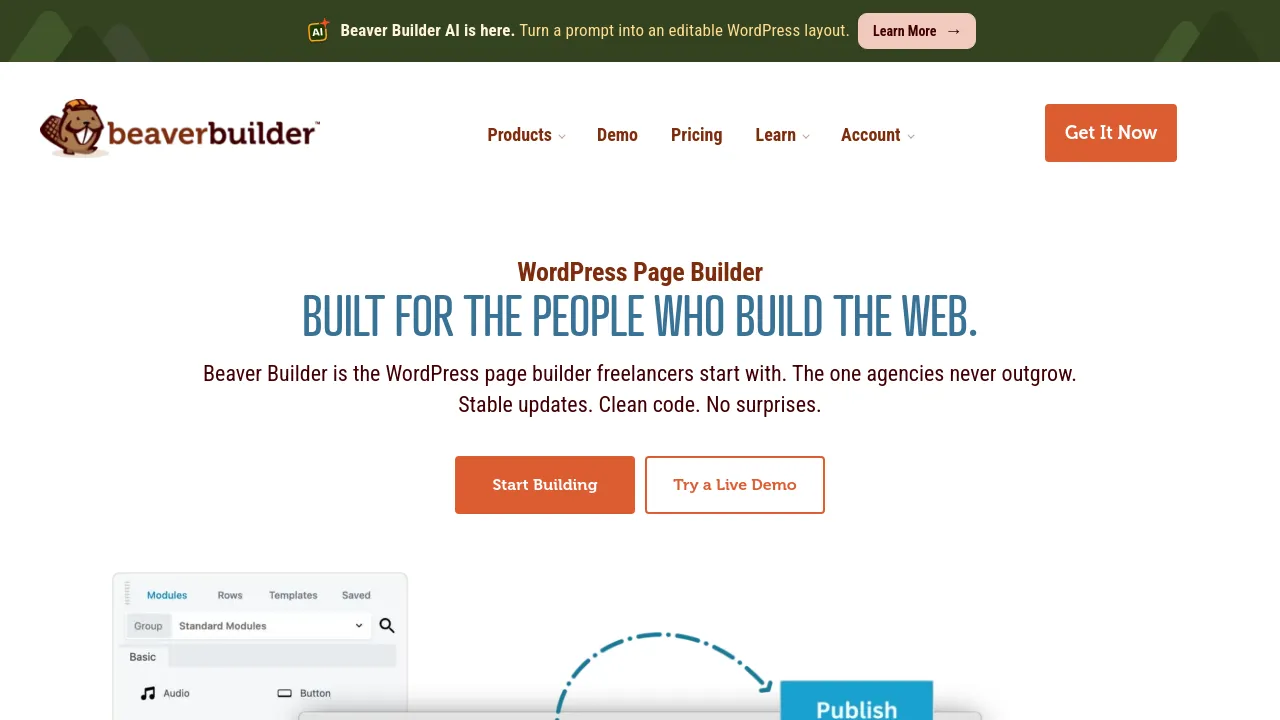
Beaver Builder is a WordPress page builder plugin that replaces the standard editor with a visual, drag-and-drop interface. You assemble pages from rows, columns, and modules, and the builder handles responsive behavior so layouts adjust to different screen sizes. It works alongside your existing WordPress theme and plugins rather than replacing them.
Beyond single pages, the Beaver Themer add-on extends the builder to full-site editing. AI-assisted generation can draft pages or sections to get a first version down faster, and saved templates and content can be reused across a site. Developers are not locked out either: an outline panel and direct code access let you work at the markup level when the visual tools aren't enough.
The plugin is aimed at people who build WordPress sites for a living. White labeling lets agencies put their own branding on the builder, multisite support covers networks of sites, and WooCommerce support covers online stores. Pricing is an annual subscription with four tiers: Starter at $89/year for one site, Plus at $179/year for three sites, Professional at $299/year for 50 sites, and Unlimited at $546/year for unlimited sites. The site positions Professional as the best value for agencies and freelancers.
Best for
- Freelancers and agencies building WordPress sites for clients
- Store owners who want to design WooCommerce product and landing pages visually
- WordPress users who want custom layouts without writing code
- Developers who want a visual builder but still need code-level access
- Teams managing multiple sites or multisite networks
- Anyone who wants AI help drafting page layouts and sections
Frequently asked questions
Does Beaver Builder require coding?
No. Pages are assembled by dragging rows, columns, and modules into place. Developers who want more control can use the outline panel and code access.
How much does Beaver Builder cost?
Annual plans start at $89/year for one site (Starter) and go up to $546/year for unlimited sites (Unlimited). The middle tiers are Plus at $179/year for three sites and Professional at $299/year for 50 sites.
Does it work with my existing theme and plugins?
The site says it works with your existing themes and plugins, and lists integrations including WooCommerce, Yoast SEO, Rank Math, Popup Maker, and Query Monitor.
Is there a mobile app?
No. It's a WordPress plugin that runs in the web browser; the site doesn't list any iOS, Android, or browser-extension versions.
Can it edit more than individual pages?
Yes. With the Beaver Themer add-on, the builder supports full-site editing in addition to individual page layouts.
Is Beaver Builder open source?
The product pages don't state whether the plugin is open source, so that isn't something I can confirm here.
Alternatives
- Royal Elementor Addons — if you already build with Elementor and want more widgets and template kits.
- WP Grid Builder — if you need advanced grid layouts with faceted search rather than full page building.
- Zarla — if you'd rather have an AI service design and build the whole site for you than build it yourself in WordPress.

Similar to Beaver Builder
New tools, once a week.
One weekly email with curated tools and founder insights. Unsubscribe anytime. Check our privacy policy.