Tools / Vmaker AI
About Vmaker AI
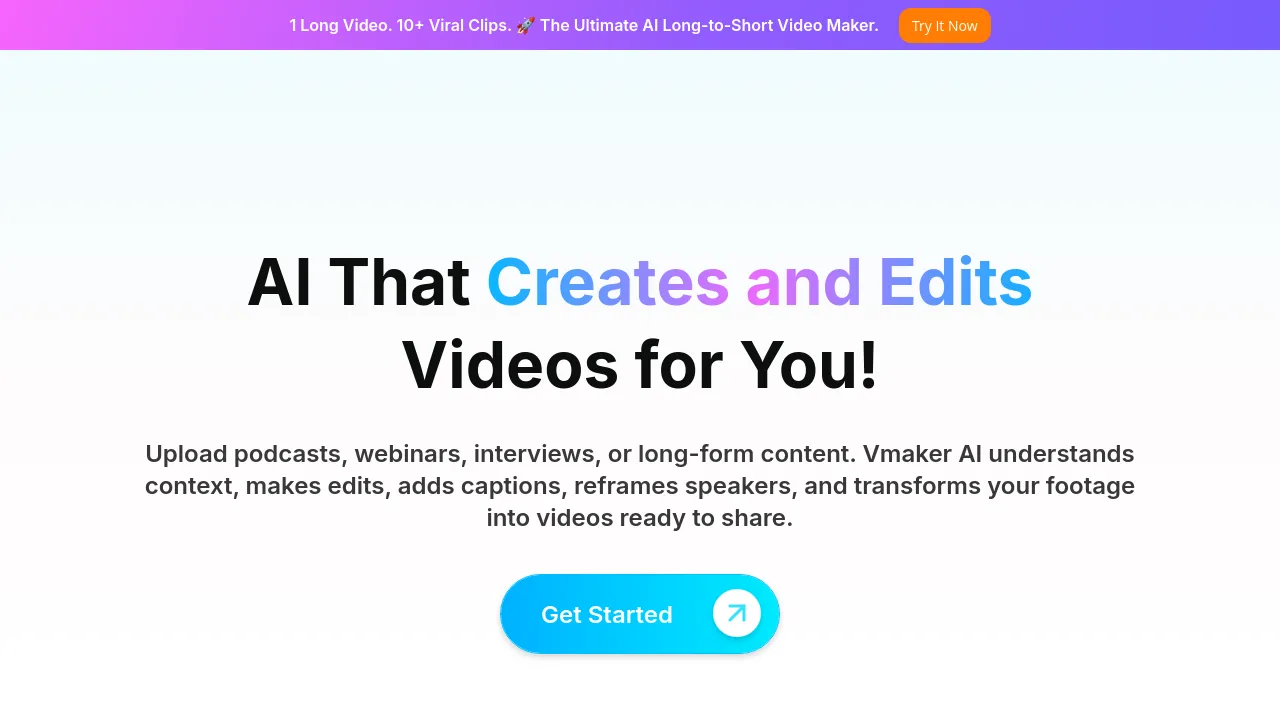
Turn raw footage into publish-ready videos using AI. Features include text-to-video, long-to-short clipping, and automatic subtitling in multiple languages.
Vmaker AI is a video editing suite designed to convert raw footage and various inputs into publish-ready videos using artificial intelligence. The platform supports over 2,000,000 users and offers a full stack of tools for content creation, from generating videos from text prompts to repurposing long-form content into short clips.
The tool handles multiple workflows. Users can transform text into videos using realistic AI human avatars, or convert existing audio files (like podcasts or voice notes) into dynamic videos complete with AI visuals and subtitles. It also includes a screen recorder capable of capturing video and webcam footage in 4K resolution.
Beyond basic editing, Vmaker AI focuses heavily on content repurposing. The Long to Short Clip Maker converts lengthy videos—such as webinars or interviews—into multiple short clips suitable for platforms like TikTok and Instagram. Furthermore, the AI Subtitle Generator automatically creates captions in over 35 languages, supporting more than 10 animation styles.
Best for
- Content Creators: Repurposing long-form content (podcasts, webinars) into viral short clips for social media.
- Marketers: Generating product demos or educational content by turning documents (PDFs, Word) into video presentations.
- Podcasters: Converting audio files into engaging videos with AI visuals and subtitles.
- Educators: Creating instructional videos quickly using AI human avatars from text or documents.
- Streamers/Testers: Recording screen and webcam footage in 4K resolution for later editing.
Frequently asked questions
What types of content can I use to generate a video?
Videos can be created from text prompts, audio files, documents (PDFs and Word files), or existing video footage. The platform also supports transforming screen recordings into videos.
How many languages does the subtitle generator support?
The AI subtitle suite automatically generates captions in more than 35 languages and supports over 100 translation languages.
Does the tool include a screen recording feature?
Yes, Vmaker recorder allows users to record their screen and webcam footage, supporting 4K resolution.
What security standards does Vmaker AI adhere to?
The platform states it is built with GDPR, ISO, and CyberGRX security standards.
Alternatives
- CapCut: Choose this if you need a platform that offers flexible editing options and a vast library of stock assets.
- Kapwing: Choose this if you are looking for a modern video creation platform designed for team production.
- VideoExpress.ai: Choose this if your primary need is turning ideas into videos simply by describing them.
- invideo-ai: Choose this if you require a tool that generates scripts, adds voiceovers, and refines videos based on a chosen topic.
- BIGVU: Choose this if you need a powerful teleprompter and captioning tool for creating professional videos quickly.
- Clipfly: Choose this if you need a video creation tool that requires no skills to use and generates videos at scale.
- illusto: Choose this if you are looking for a platform with premium features to enhance video creation and editing.

Similar to Vmaker AI
New tools, once a week.
One weekly email with curated tools and founder insights. Unsubscribe anytime. Check our privacy policy.