Tools / Udio
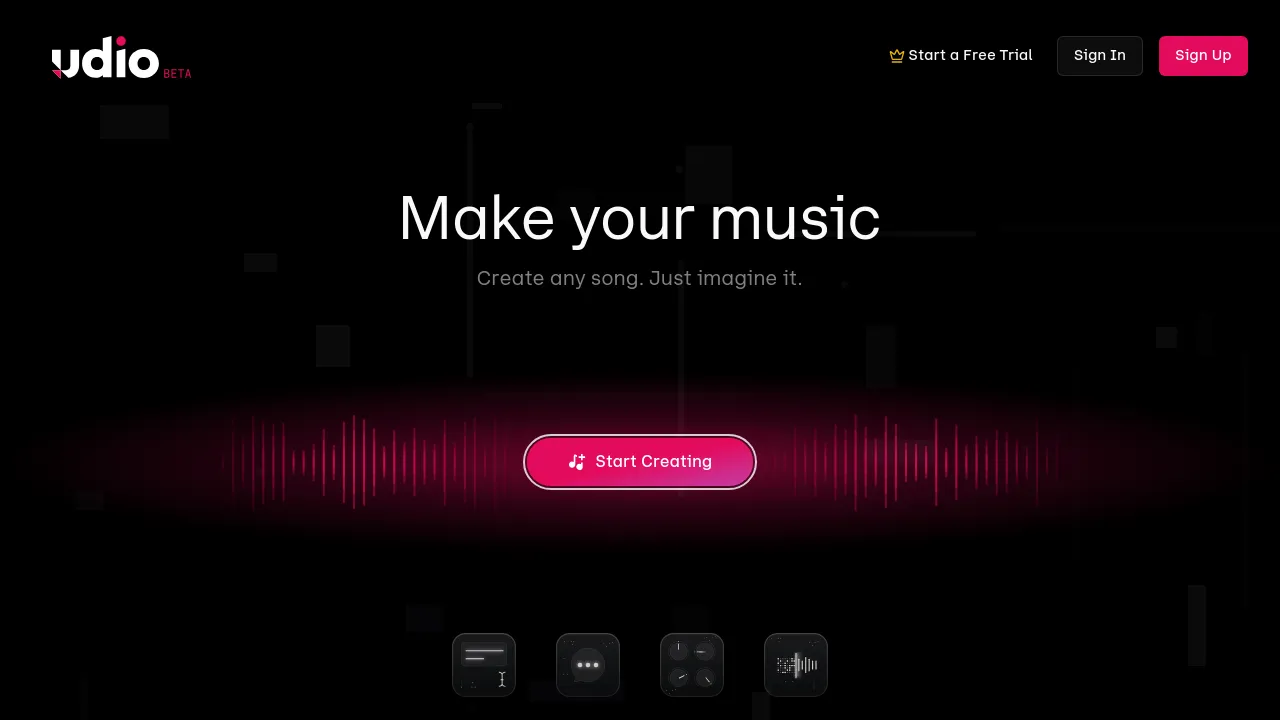
About Udio
Create original songs from text prompts or uploaded audio, then edit lyrics, extend tracks, and share them from the web or iOS app.
Udio is an AI music generator that turns text prompts and uploaded audio clips into original songs. You describe the genre, mood, or lyrical theme you want, and the service generates a track you can play, edit, and publish. It runs in the browser, and there's also an iOS app, with your library syncing across devices.
Generation is only the starting point. Udio includes editing tools for adjusting generated tracks, a lyric editor for writing or revising words, and song extensions for lengthening a track past its initial output. You can also upload your own audio as raw material, so it works for remixing or building on existing recordings, not just generating from scratch.
The site is organized around creation and sharing. Alongside the creation workspace there's a library for your own tracks, a player, a following feed, and profile settings. You can build playlists, mark favorites, and share songs publicly, so it also functions as a listening and discovery platform for AI-assisted music.
Pricing is tiered by generation credits. The free plan gives 10 credits per day and 100 per month, with no rollover and up to four songs at a time. Standard costs $10 per month, or $8 per month billed annually, and adds editing tools and higher generation limits. Pro costs $30 per month, or $24 per month billed annually, and targets heavier production use with 6,000 monthly credits and up to ten songs at a time.
Best for
- Songwriters sketching a demo from a lyric idea or an audio clip
- Content creators who need original background music without licensing existing tracks
- Producers testing genre, tempo, or mood directions before committing to a full production
- Musicians remixing or extending their own uploaded recordings
- Hobbyists experimenting with AI song generation on the free tier
- Listeners who want to follow other creators and build playlists of generated music
Frequently asked questions
Is Udio free to use?
Yes. The free plan includes 10 credits per day and 100 per month, with no rollover and up to four songs at a time. Paid plans raise those limits.
How much do the paid plans cost?
Standard is $10 per month, or $8 per month billed annually. Pro is $30 per month, or $24 per month billed annually, and includes 6,000 monthly credits plus up to ten songs at a time.
Can I upload my own audio?
Yes. Audio upload works alongside text prompts, so you can start from your own recordings instead of generating everything from a description.
Is there a mobile app?
There's an iOS app on the App Store, and the web app works in desktop and mobile browsers. No Android app appears in the site's current materials.
Can I edit lyrics or make a song longer?
Yes. Udio includes a lyric editor and song extension tools, so you can revise words and lengthen tracks after generating them.
Who owns the songs I create?
The available site materials don't state ownership or commercial-use terms. Check Udio's terms of service before using generated tracks commercially.

Similar to Udio
New tools, once a week.
One weekly email with curated tools and founder insights. Unsubscribe anytime. Check our privacy policy.