Tools / Speech to Note
About Speech to Note
Record speech in 100+ languages and turn it into summaries, study notes, and other formats. Free plan available; Pro from $5/month.
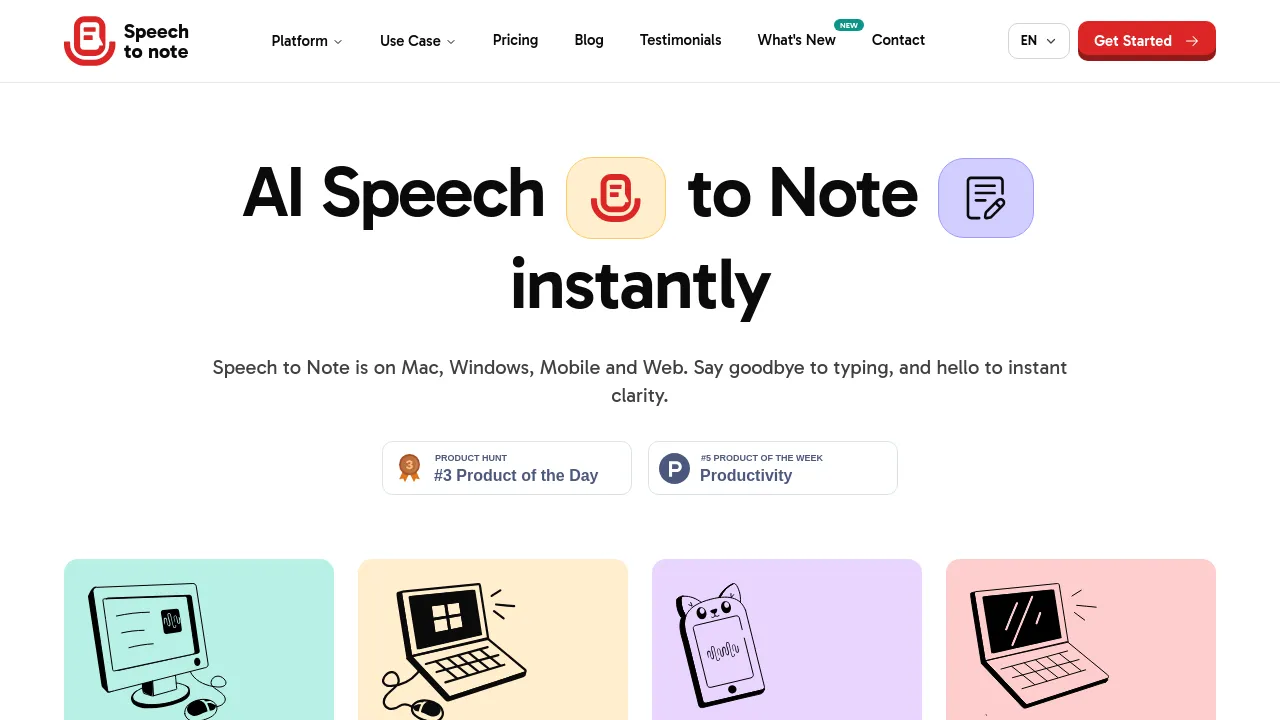
Speech to Note is a voice-first note app: you record audio or upload a file, it transcribes the speech, and then shapes the result into a structured note. Instead of handing back a raw transcript, it works from more than 200 smart formats — summaries, outlines, study notes, Q&A, flashcards, and other layouts — so a lecture can come back as revision material and a rambling voice memo can come back as a tidy summary. Transcription is advertised in 100+ languages.
The app runs on the web, on Mac and Windows through a desktop companion app, and on mobile. An offline mode lets you record without a connection, and notes can be stored in the cloud, locally on desktop, or both. Organization is handled with folders and tags; sharing is by link or export, and you can download the original audio alongside the note.
The site pitches the tool at general users who want quick voice notes and at students — there's a dedicated student page built around lectures, study notes, outlines, Q&A, and flashcards. Pricing has three tiers: a free plan, Pro at $5/month or $49/year, and Pro Plus at $10/month or $99/year. The site doesn't name the company behind the product.
Best for
- Students who record lectures and want them returned as study notes, outlines, Q&A, or flashcards
- People who think by talking and want voice memos turned into structured, shareable notes
- Multilingual users who need transcription beyond English
- Anyone capturing thoughts offline — on a commute or in the field — and syncing later
- Mac and Windows users who want the option of local note storage
- Anyone with existing audio files, since uploads work as well as live recording
Frequently asked questions
How much does Speech to Note cost?
Three tiers: a free plan, Pro at $5/month or $49/year, and Pro Plus at $10/month or $99/year.
What are the limits of the free plan?
Notes are capped at one minute each and 20 minutes per month, and you get access to 5 of the summary formats.
Which platforms does it run on?
Web, Mac, Windows, and mobile. There's a desktop companion app with local storage and an offline mode for recording without a connection.
How many languages does it support?
The site advertises transcription in 100+ languages.
Does it integrate with other apps?
The site describes sharing by link and exporting notes rather than naming specific third-party integrations.
Who makes Speech to Note?
The site doesn't name the company or team behind the product.
Alternatives
- Afforai — when your source material is existing documents to search and summarize rather than your own recordings.
- Voilà — when you want an AI assistant for writing and research instead of voice capture.
- Jot — when you need a full workspace with docs, spreadsheets, and chat rather than voice-first notes.
- Alfred — when you're on macOS and prefer hotkeys and text expansion for quick capture.

Similar to Speech to Note
New tools, once a week.
One weekly email with curated tools and founder insights. Unsubscribe anytime. Check our privacy policy.