Tools / Penpot
About Penpot
Design interfaces, prototype, and manage design systems in an open-source tool your team can use in the browser or self-host.
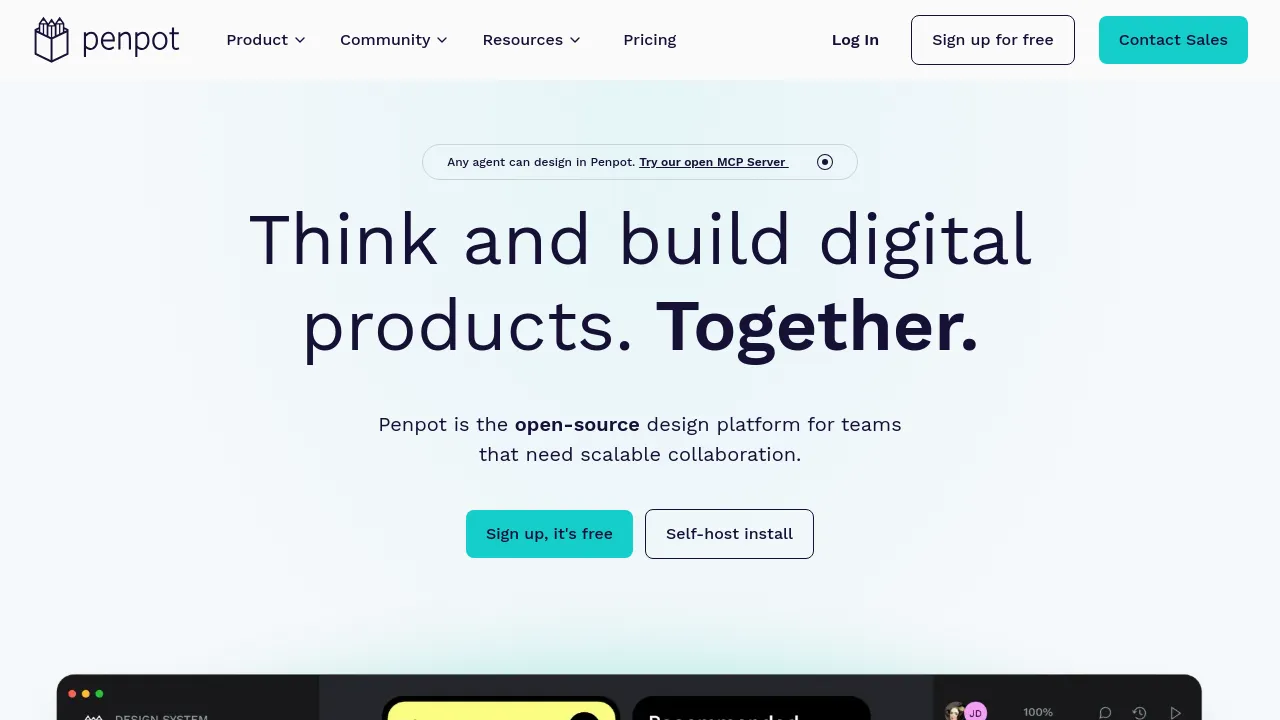
Penpot is an open-source design platform for teams building digital products together. It covers UI design, interactive prototyping, and design systems, and it runs in the browser: you can sign up for a free hosted account or install it on your own infrastructure. The project positions itself for three audiences at once — designers, developers, and, more recently, AI agents.
On the design side, you work with wireframes, interactive prototypes, and rules-based layouts built on CSS Grid and Flex. Design systems are supported directly through components, native design tokens, and shared libraries that carry across projects. For developers, the inspect side exposes code that matches the design using open standards — CSS, HTML, SVG, and JSON — and Penpot stores work in an open file format, so projects aren't locked inside a proprietary container.
AI is handled as a workflow rather than a bolt-on feature. Penpot publishes an open MCP Server that lets agents and LLMs design directly in the app, with support for code-to-design, design-to-code, and design-to-design pipelines. Around the core product there's a plugin system, community libraries and templates, a learning center, a dedicated UI design course, and video tutorials. The site also publishes head-to-head comparisons with Figma, Adobe XD, Canva, and Sketch, and offers enterprise arrangements through a contact-sales route.
Best for
- Product teams that want design tooling they can self-host
- Designers and developers working from the same files and prototypes
- Teams maintaining design systems with tokens and shared component libraries
- Organizations that need open file formats and open-source licensing
- Teams wiring AI agents or LLMs into their design process
- Anyone who wants to try a full design tool without an upfront commitment
Frequently asked questions
Is Penpot free?
The homepage offers free sign-up for the hosted version. There is also a pricing page and a contact-sales option for business plans, but specific plan prices aren't listed on the homepage itself.
Can I self-host Penpot?
Yes. Self-hosting is one of the two main options promoted on the site, alongside the hosted sign-up.
How does Penpot work with AI agents?
Penpot offers an open MCP Server so agents and LLMs can design in the app, covering code-to-design, design-to-code, and design-to-design workflows.
What code and file formats does Penpot use?
Code inspection outputs open standards: CSS, HTML, SVG, and JSON. Design files are stored in Penpot's own open file format.
Is Penpot a Figma alternative?
It overlaps with Figma on UI design, prototyping, and design systems, and differs by being open-source with a self-host option. Penpot publishes its own Penpot-vs-Figma comparison page if you want the vendor's detailed take.
Is there training material available?
Yes — a learning center, a dedicated UI design course, a plugin directory, community libraries and templates, and a YouTube tutorial playlist.
Alternatives
- Canva — better suited to general marketing and print design than product UI and code handoff.
- Jitter — pick it for animated content and interface motion rather than full product design.
- Shots — for presentations and social media graphics instead of app interfaces.
- BrandBird — for turning screenshots into polished graphics rather than designing from scratch.

Similar to Penpot
New tools, once a week.
One weekly email with curated tools and founder insights. Unsubscribe anytime. Check our privacy policy.