Tools / Marky
About Marky
Turn your website or brand info into on-brand social posts with AI, then edit, schedule, and publish them across seven platforms.
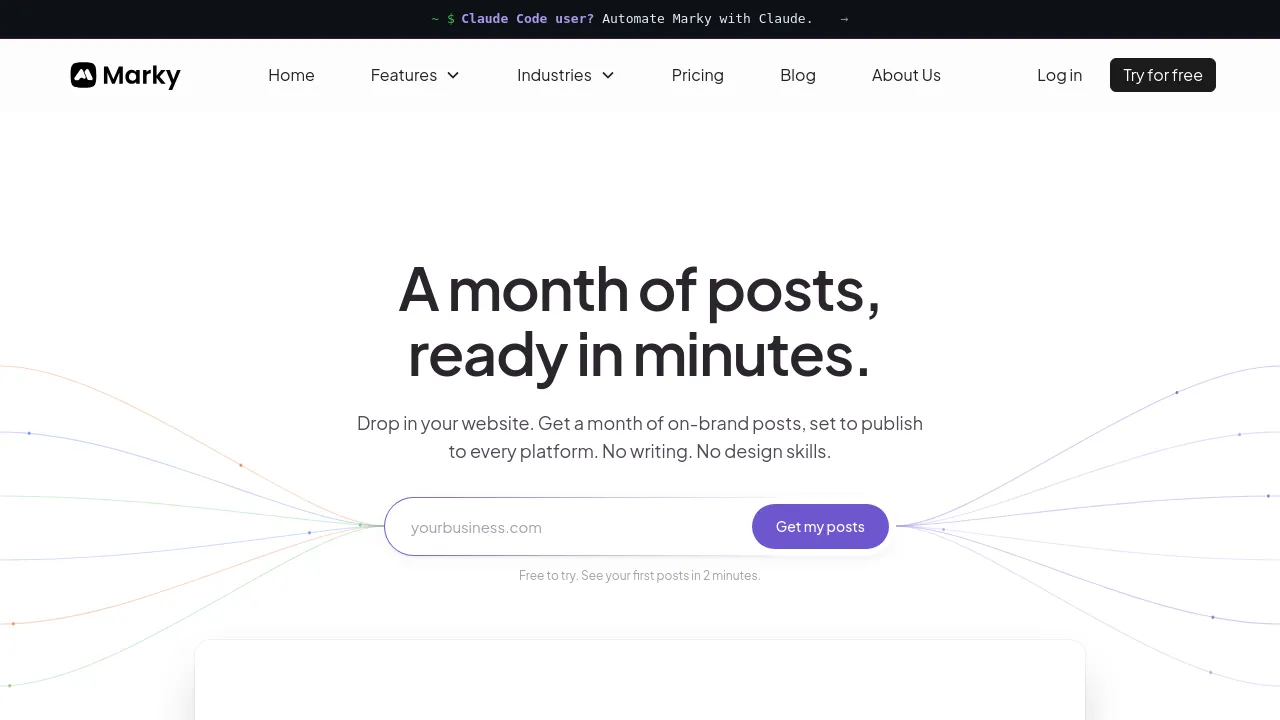
Marky is an AI social media manager that takes your website or brand information and turns it into ready-to-post social content. It generates both copy and visuals, lets you edit them in a built-in design editor, and then schedules or publishes the posts across your connected channels. The company claims its posts achieve 3.4 times the engagement of industry standards, though that figure comes from Marky's own marketing rather than an independent source.
The workflow is straightforward: you feed Marky your website or brand details, and it produces on-brand posts you can fully edit. You can upload your own images and videos, build reusable templates, and keep everything organized in a content library. A hashtag manager, drafts, queue management, and a content calendar handle the planning side, while an approval workflow supports teams that need sign-off before anything goes live.
Marky publishes to seven platforms: Instagram, Facebook, LinkedIn, X, Google Business Profile, TikTok, and Pinterest. It's a web-based tool; the site doesn't show iOS, Android, or browser extension apps on the pages reviewed. One unusual detail: the site mentions open source under the Apache 2.0 license on its agents page, so parts of the product appear to be open-sourced.
Pricing has three tiers. Solo costs $39/month and is aimed at individuals starting out. Growth costs $79/month and targets businesses and teams scaling their social media. Pro costs $229/month and is built for agencies and established businesses; it adds a white-labeled portal and reputation management features that aren't available on lower plans.
Best for
- Solo founders and individuals who want AI-generated posts without hiring a content team
- Small businesses that need consistent posting across Instagram, Facebook, LinkedIn, and other channels
- Teams that require an approval workflow before content is published
- Agencies managing multiple client accounts, especially on the Pro plan with white-labeling
- Brands that want a single tool covering copy, visuals, scheduling, and publishing
- Businesses using Google Business Profile or Pinterest alongside mainstream social networks
Frequently asked questions
Which social platforms does Marky support?
Marky publishes to Instagram, Facebook, LinkedIn, X, Google Business Profile, TikTok, and Pinterest — seven platforms in total.
How much does Marky cost?
There are three plans: Solo at $39/month, Growth at $79/month, and Pro at $229/month. The Pro plan adds a white-labeled portal and reputation management.
Can I edit the AI-generated content?
Yes. Posts and designs are fully editable, and Marky includes a design editor where you can adjust visuals, upload your own images and videos, and save reusable templates.
Is Marky available as a mobile app?
The site reviewed shows web-based use only. No iOS, Android, or browser extension apps were visible on the pages checked.
Is any of Marky open source?
The site mentions open source under the Apache 2.0 license on its agents page, so at least part of the product appears to be open-sourced. The exact scope isn't detailed on the pages reviewed.
Who is each pricing tier for?
Solo is for individuals starting out, Growth is for businesses and teams scaling their social media, and Pro is for agencies and established businesses.
Alternatives
- Followr — an all-in-one option if you want AI content creation and calendar automation bundled together.
- Socialhuge.io — a better fit if you also need review management alongside social media scheduling.
- Postuby — a lighter AI-driven option focused on automating content creation and sharing.
- PosterStudio — pick this if your main need is generating social visuals rather than full scheduling and publishing.
- BlackTwist — a specialized assistant if Threads is your primary platform.
- Tweetlio — a better choice if you focus on Twitter and want deep scheduling and analytics for that platform.
- AutoReels — use this if you want faceless video content for TikTok rather than multi-platform post management.
- Bit Social — a WordPress-focused toolkit if your publishing happens inside a WordPress site.

Similar to Marky
New tools, once a week.
One weekly email with curated tools and founder insights. Unsubscribe anytime. Check our privacy policy.