Tools / Hunch
About Hunch
Use multiple AI models in one no-code workspace. Break work into steps, run tasks in parallel, and process data with Python or Bash.
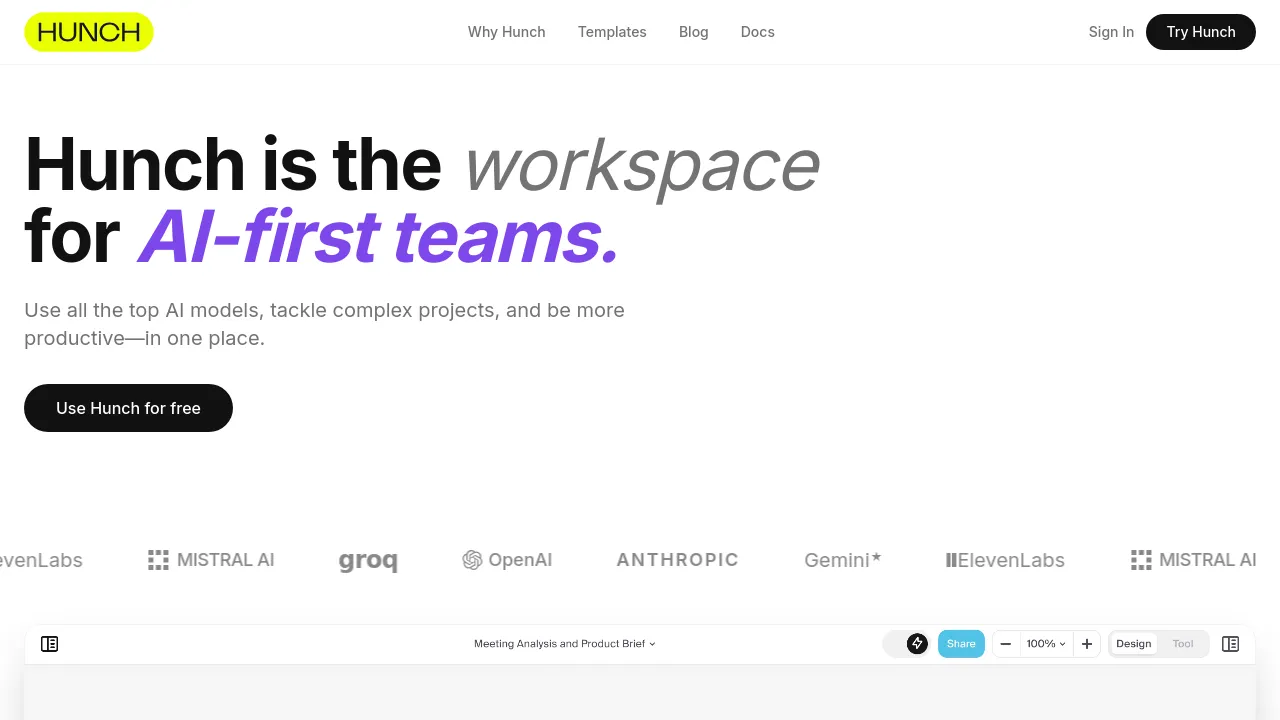
Hunch is a visual, no-code workspace that puts multiple leading AI models in one place. The site calls it "the workspace for AI-first teams," and the pitch is straightforward: instead of jumping between separate tools for writing, coding, illustration, transcription, and speech synthesis, you handle all of it from one canvas. No programming knowledge is required to build things — you arrange steps visually, and an auto model selection feature can pick which AI model handles each step.
Work in Hunch is broken into steps. You can chain those steps into a workflow, run tasks in parallel, and process items in batches, which matters when you need to transcribe, summarize, or illustrate many files at once rather than one by one. Workflows can be saved, reused, and shared, so a process one person figures out can become a template the whole team runs. Where the built-in models fall short, Hunch can execute Python or Bash, which covers custom data processing and external integrations.
Based on the site, Hunch is a web product; nothing visible confirms iOS, Android, or browser-extension versions. The site says you can use Hunch for free, but it doesn't display paid tiers or prices in the content reviewed here, so check hunch.tools for current plan details.
Best for
- Teams that use several AI models and want them in one workspace
- Non-technical users who want to chain AI steps without writing code
- Batch jobs: transcribing, summarizing, or illustrating many files at once
- Analysts and operators who need Python or Bash steps inside an AI workflow
- Teams that want to build a process once and share it as a reusable workflow
Frequently asked questions
What is Hunch?
A visual no-code workspace for using multiple AI models in one place, aimed at AI-first teams. You break work into steps, run them in parallel or in batches, and can reuse or share the resulting workflows.
How much does Hunch cost?
The site says you can use Hunch for free. It doesn't show any paid tiers or prices in the content reviewed here, so pricing beyond the free option isn't documented.
Do I need to know how to code?
No. Building workflows is no-code. Hunch also offers Python and Bash execution for data processing or external integrations, which is there if you do want to add code.
Which AI models does Hunch include?
The site says it brings together leading AI models and offers automatic model selection, but it doesn't list specific model names in the content reviewed here.
Is there a mobile app?
The site only shows a web product. There's no visible confirmation of iOS, Android, or browser-extension availability.
Can I share workflows with my team?
Yes. The site describes building, reusing, and sharing AI workflows, so a workflow one person creates can be run by others.
Alternatives

Similar to Hunch
New tools, once a week.
One weekly email with curated tools and founder insights. Unsubscribe anytime. Check our privacy policy.