Tools / Flowpamine
About Flowpamine
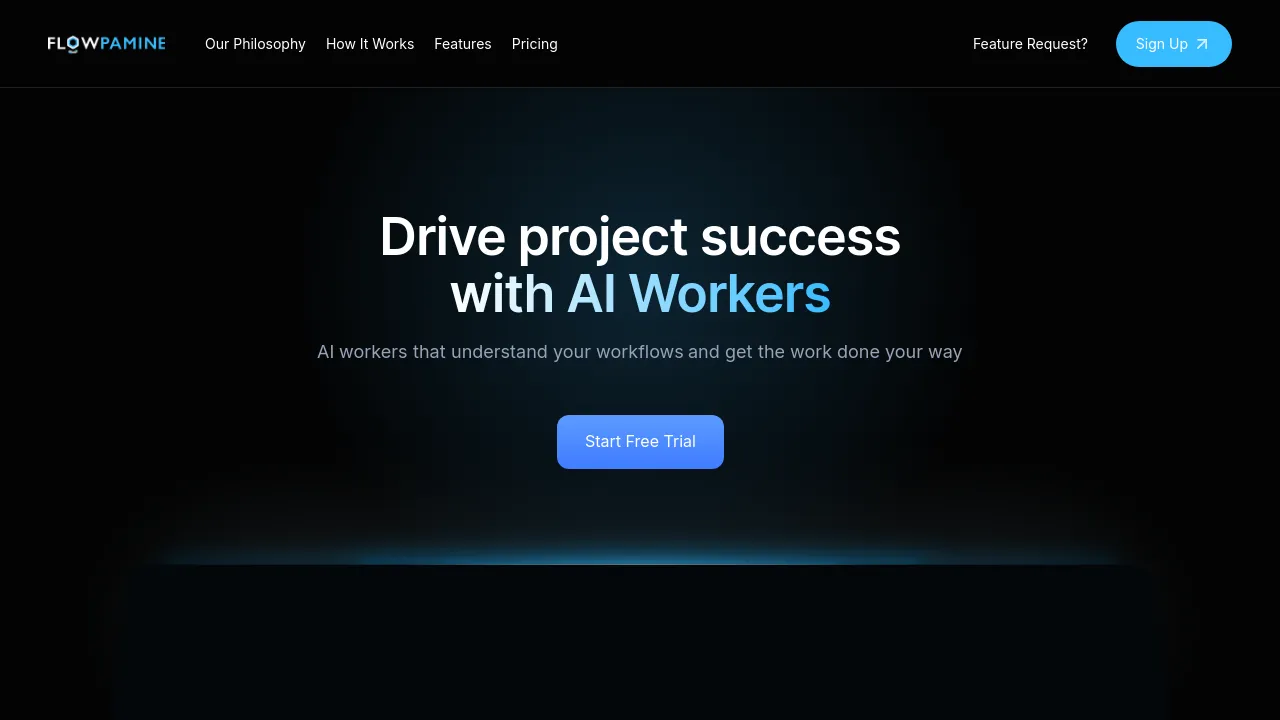
Capture decisions, build reusable SOPs, and route work to teammates or AI workers in one operational workspace with boards and task tracking.
Flowpamine is an AI-powered operational workspace for teams that run recurring work. Instead of keeping processes in people's heads or scattered across documents, it lets you capture the reasoning behind decisions and turn that knowledge into reusable SOPs. Work can then be routed to teammates or to AI workers and tracked on boards alongside everything else the team is doing.
The product centers on a few connected pieces. Dynamic workflows define how work moves. A project canvas and organization chart map out the work and who owns it. Actionable SOPs sit next to a task kanban, so the documented process and the actual work stay in one place. Workboards sync live, deadlines connect to a calendar, and progress tracking shows where each project stands in real time.
Pricing comes in three tiers. Starter is free, Professional costs $100 per month and includes a Microsoft integration with room booking support, and Enterprise uses custom pricing for companies that need custom features, support, and scaling. The site positions the product for personal users, small to mid-sized teams, and enterprises alike, though the AI workers and SOP tooling suggest the strongest fit is teams with repeatable operational processes.
Best for
- Operations teams that repeat the same processes and want them documented as SOPs once instead of re-explained each time
- Small to mid-sized teams that want to hand routine tasks to AI workers instead of assigning everything to people
- Managers who track projects on kanban boards and want deadlines synced to a calendar
- Companies that need to record why a decision was made, not just what was decided
- Teams on Microsoft 365 that want room booking tied into their work management
Frequently asked questions
How much does Flowpamine cost?
Starter is free, Professional is $100 per month, and Enterprise uses custom pricing. The Professional plan includes a Microsoft integration with room booking support.
What are AI workers?
Flowpamine lets you route tasks to AI workers as well as human teammates. The site doesn't detail how these AI workers are configured or what tasks they can handle.
Who is Flowpamine for?
The site targets personal users, small to mid-sized teams, and enterprises that need custom features, support, and scaling.
Does Flowpamine work offline?
The site doesn't mention an offline mode, so there's no evidence one exists.
What platforms can I use it on?
The site says you can access it from any device, but the captured pages don't list specific native apps for iOS, Android, or desktop.
Is there a free plan?
Yes. The Starter tier is free, with the paid Professional plan at $100 per month.
Alternatives
- Muddy — if you want AI-assisted team collaboration built around messaging and app management rather than SOPs and workflows
- Jot — if you need docs, spreadsheets, and chat in one workspace without the workflow and SOP layer
- Afforai — if your main job is searching and summarizing large sets of documents rather than running team operations

Similar to Flowpamine
New tools, once a week.
One weekly email with curated tools and founder insights. Unsubscribe anytime. Check our privacy policy.