Tools / ClonewebX
About ClonewebX
Clone existing websites into Elementor, Webflow, Bricks, Breakdance, Gutenberg, or Divi 5 with a Chrome extension, then edit the results. Free tier available.
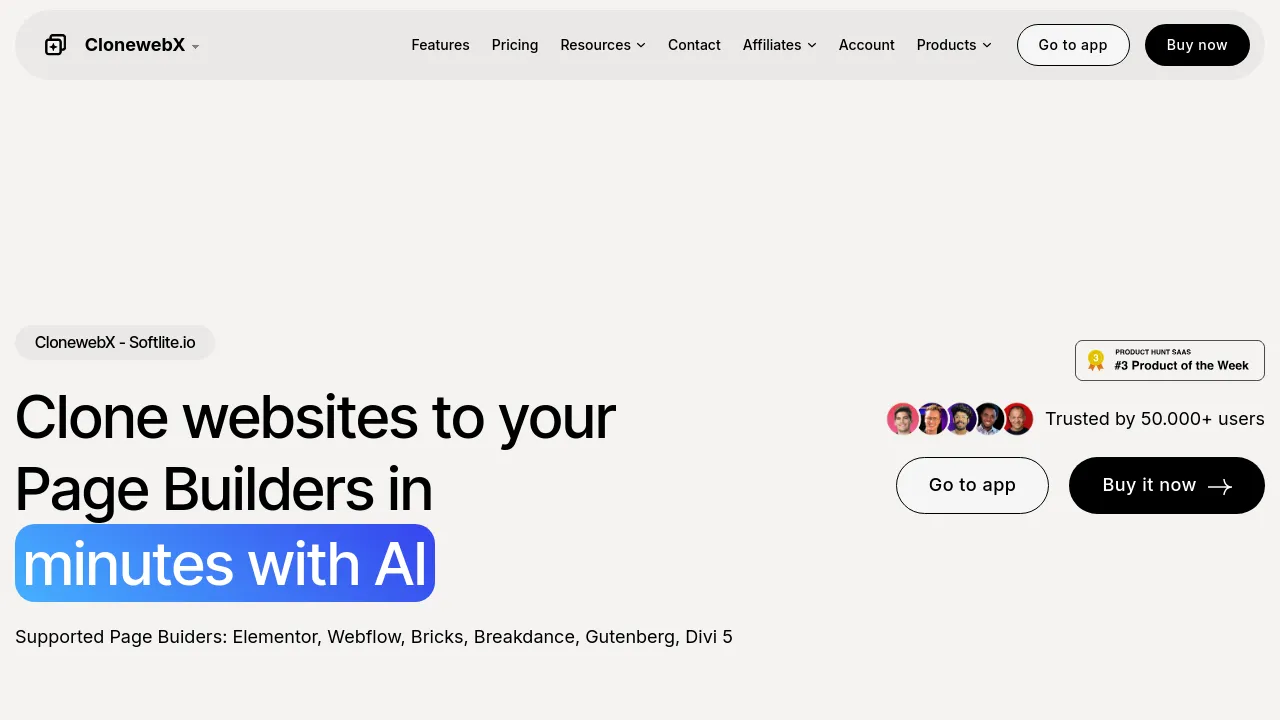
ClonewebX is a website-cloning tool from Softlite.io that copies existing web pages into page builders you already use. It runs as a Chrome extension: you open a page, select the sections or elements you want, and the tool converts them into editable output for Elementor, Webflow, Bricks, Breakdance, Gutenberg, or Divi 5. AI assists with the copying, and the site positions the product for developers, marketers, and hobbyists who want a working starting point instead of a blank canvas.
Cloning isn't limited to whole pages. You can copy and save individual parts of a site — sections, images, icons, fonts — and paste them into another project's flow. Elements can also be transferred between builders and merged, which helps if you started a design in one tool and want to finish it in another. The site also describes the tool as a quick way to get an existing website into a page builder for later UI and UX adjustments.
Setup depends on the output builder. Elementor and Gutenberg exports require the Softlite.io integration plugin and Flexbox Container support, and the site lists WordPress 6.0+ and PHP 7.0+ as requirements. Webflow output sits outside WordPress entirely. The free plan exports only to Gutenberg and Webflow and produces non-responsive layouts; every paid plan includes all output builders and fully responsive results.
Pricing starts with a free tier: 2 sites and 10 exports per month. The $10/month plan covers 30 sites per month, the $120/year plan covers 400 sites per year, and a $300 lifetime plan covers 300 sites per year. Paid tiers add premium support, a 30-day refund guarantee, and a 20% discount on other Softlite products. The annual plan bundles 5 Litemove sites for a year and the lifetime plan bundles 10.
Best for
- Developers rebuilding an existing design inside Elementor, Webflow, Bricks, Breakdance, Gutenberg, or Divi 5
- Marketers recreating a landing page — their own or a reference site — in the builder they already use
- Designers moving work between page builders without rebuilding sections by hand
- WordPress users borrowing specific sections, images, icons, or fonts from other sites
- Anyone who wants to test a cloned layout on the free Gutenberg/Webflow tier before paying
Frequently asked questions
Which page builders does it export to?
The site lists Elementor, Webflow, Bricks, Breakdance, Gutenberg, and Divi 5. The free plan is limited to Gutenberg and Webflow output.
Is there a free plan?
Yes. It allows 2 sites and 10 exports per month, outputs only to Gutenberg and Webflow, produces non-responsive layouts, and comes with community support.
Do I need WordPress to use it?
For Elementor and Gutenberg output, yes: the site lists WordPress 6.0+, PHP 7.0+, and the Softlite.io integration plugin with Flexbox Container. Webflow output doesn't involve WordPress.
How is it installed?
It's a Chrome extension. The site points to installation through the Chrome Web Store.
Is the cloned output responsive?
Only on paid plans. The free plan's exports are explicitly not responsive, while paid plans produce fully responsive results.
Is there a refund policy?
All paid tiers list a 30-day refund guarantee.
Alternatives
- Royal Elementor Addons — if you build in Elementor from scratch and want extra widgets and template kits rather than cloned pages
- Zarla — if you'd rather have AI generate a finished site than copy an existing one
- WP Grid Builder — for WordPress users whose main need is grid layouts and faceted search, not cloning
- Visual Sitemaps — for capturing a site's structure and screenshots as reference before you clone it

Similar to ClonewebX
New tools, once a week.
One weekly email with curated tools and founder insights. Unsubscribe anytime. Check our privacy policy.