Tools / Clipboard History Pro
About Clipboard History Pro
Save everything you copy, search your clipboard history, expand text snippets, and sync across devices with this Chrome extension.
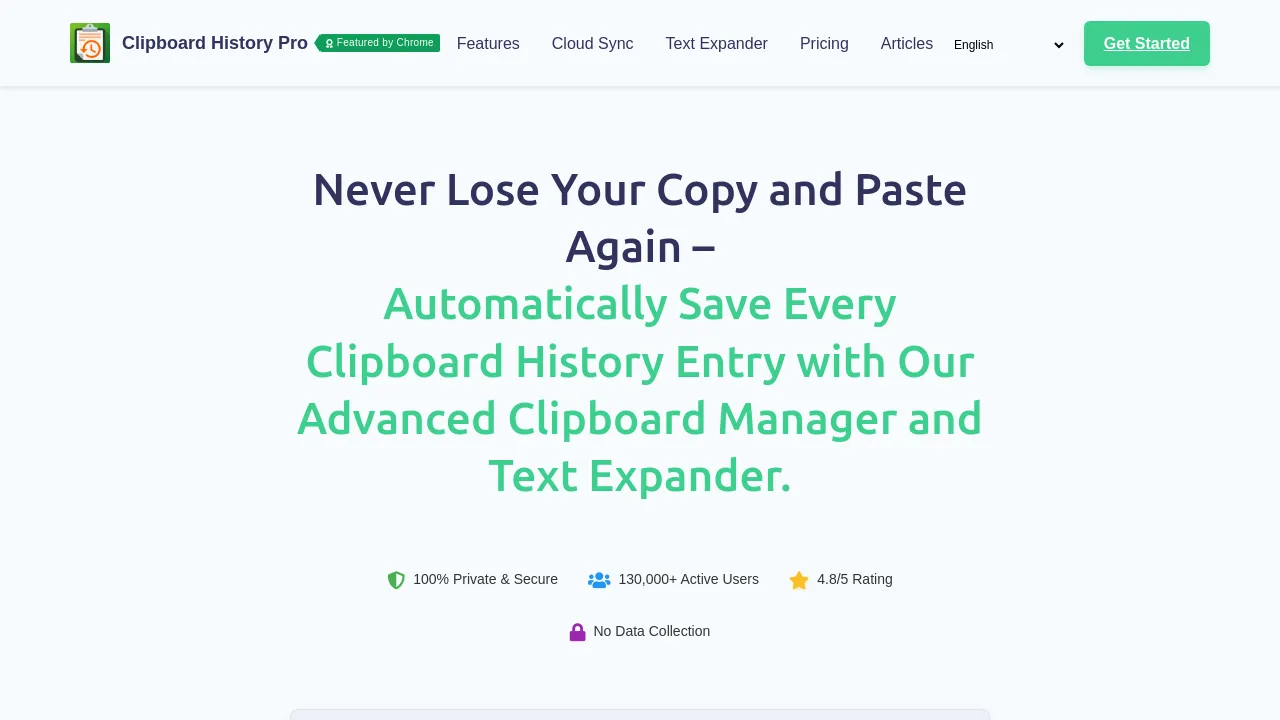
Clipboard History Pro is a Chrome extension that turns the single-item clipboard into a searchable archive. Everything you copy — text, images, and links — is saved to a history you can scroll, search, tag, edit, and mark as a favorite. When you need something you copied an hour or a week ago, you find it and paste it again instead of hunting down the original source.
The extension also works as a text expander: save passages you type often as snippets and insert them with a shortcut, which suits email replies, support answers, and form fields. Other features include a floating mode, a clipboard widget, quick paste, and sorting for favorites. A password lock can protect the history on a shared computer.
Sync is a headline feature. History backs up to the cloud and carries across devices and between browsers or computers where the extension is installed, and the site describes mobile sync for smartphones, including free sync between mobile devices. Pricing starts with a free plan; paid options run $1.99/week, $5.99/month, or $60/year, with an $89 one-time lifetime license and a Teams tier at $59.99 per seat per year with seat discounts. Paid tiers add cloud sync, text expansion, password protection, and priority support. The site also pitches the tool at schools running Chromebooks.
Best for
- People who copy and paste all day and sometimes need something from earlier in the session
- Support, sales, and admin roles that retype the same replies and can swap them for text expansion snippets
- Power users who want a floating clipboard panel, a widget, and favorites sorting
- Anyone moving between a computer and a phone who wants copied items to follow them
- Teams that want per-seat pricing with team management features
- Schools and Chromebook deployments that need a clipboard manager
Frequently asked questions
Is Clipboard History Pro free?
Yes, there's a free plan. Paid tiers add cloud sync, text expansion, password protection, and priority support, ranging from $1.99/week up to an $89 lifetime license.
Does it work outside Chrome?
It's built as a Chrome browser extension. The site says sync works across devices and between browsers or computers where the extension is installed, and it describes mobile sync for smartphones, but it doesn't list support for other desktop browsers like Firefox or Safari.
Can it store images and links, not just text?
Yes. The history captures text, images, and links, and you can search across everything you've saved.
Can I protect my clipboard history?
Password protection is available, though it's a paid feature. It matters if you share a computer or don't want sensitive clips sitting in plain view.
What does the lifetime plan include?
It's a one-time $89 purchase instead of a recurring subscription. The site stresses there's no cancellation cliff, meaning you keep the product rather than losing access if you stop paying.
How secure is my clipboard data?
The site advertises secure cloud backup and sync plus password protection, but it doesn't publish specifics on encryption or data retention. If you copy passwords or sensitive material, read the privacy policy before relying on cloud sync.

Similar to Clipboard History Pro
New tools, once a week.
One weekly email with curated tools and founder insights. Unsubscribe anytime. Check our privacy policy.