Tools / Buffer
About Buffer
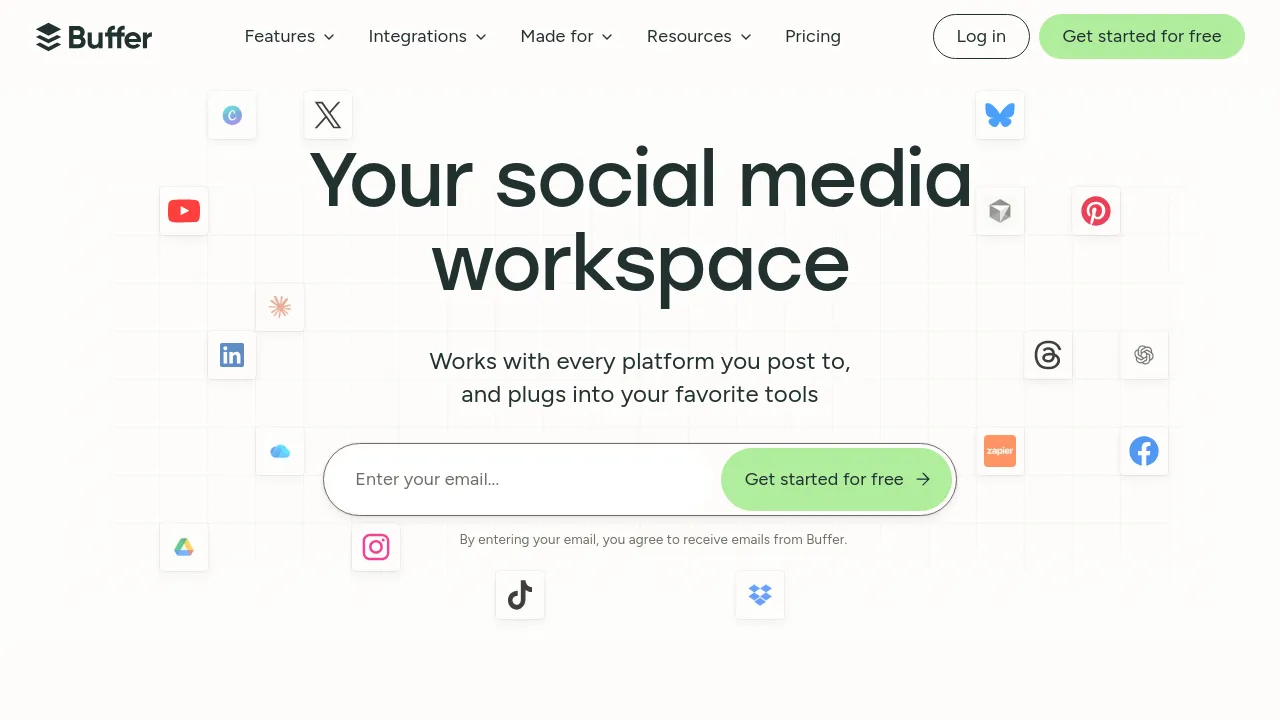
Schedule posts, manage ideas, and track analytics across major social platforms from one dashboard, with a free plan and per-channel pricing.
Buffer is a social media management tool for scheduling and publishing content across major social platforms. It combines a post scheduler, an ideas manager, analytics, an AI assistant, and a community inbox in one dashboard, so you can plan content and respond to your audience without switching between each platform's native app.
The core workflow is straightforward: connect your social channels, write or queue posts, and Buffer publishes them on a schedule you set. Paid plans remove the scheduling limits, and the built-in AI Assistant can help draft or rework posts. A hashtag manager and first comment scheduling are included, which covers two details that usually require manual work on most platforms.
Pricing is per channel. There is a free plan with 3 channel connections, 1 user, 10 scheduled posts per channel, and 100 saved ideas. Essentials starts at $6/month per channel ($5/month billed yearly) and includes unlimited scheduled posts and advanced analytics. Team starts at $12/month per channel ($10/month billed yearly) and adds unlimited team members, approvals, and workflows. Buffer's API is available on all plans, and the site shows integrations with Zapier, Make, IFTTT, and n8n for automating workflows beyond the app itself.
Best for
- Solo creators and small businesses managing a handful of social accounts on a budget
- Teams that need approval workflows and unlimited members before posts go live
- Anyone who wants to keep a backlog of content ideas in one place with unlimited idea storage on paid plans
- Marketers who need cross-platform analytics and insights without buying a separate reporting tool
- Developers and automation users who want API access or connections to Zapier, Make, IFTTT, or n8n
Frequently asked questions
Is there a free plan?
Yes. The free plan includes 3 channel connections, 1 user, 10 scheduled posts per channel, and 100 saved ideas, with limited API access.
How much does Buffer cost?
Essentials starts at $6/month per channel, or $5/month per channel billed yearly. Team starts at $12/month per channel, or $10/month per channel billed yearly. Both paid tiers include unlimited scheduled posts.
Which social platforms does it support?
The site describes scheduling and publishing across major social platforms, but the retrieved content does not list every supported network by name. Check Buffer's site for the current platform list.
Is there a mobile app?
The retrieved site content clearly shows the web product but does not visibly list dedicated iOS, Android, or browser extension availability, so that is worth confirming directly with Buffer.
Does Buffer have an API?
Yes. API access is available on all plans, including the free plan, though limits apply as shown on the pricing page.
Can teams collaborate and approve posts?
Yes, on the Team plan. It includes unlimited team members along with approvals and workflows for reviewing content before publication.
Alternatives
- Socialhuge.io — if you also need to manage review sites alongside your social channels.
- Tweetlio — if Twitter/X is your main focus and you want deeper tweet-level analytics.
- Followr — if you want AI-generated content and calendar automation bundled together.
- BlackTwist — if you manage a Threads presence specifically and want a tool built for it.
- Postuby — if automated content creation and sharing matter more than multi-channel scheduling.
- PosterStudio — if your bottleneck is producing visuals and graphics rather than scheduling them.
- AutoReels — if you want to produce faceless videos for TikTok rather than manage existing accounts.
- Bit Social — if you run a WordPress site and want social and site-management tools in one toolkit.

Similar to Buffer
New tools, once a week.
One weekly email with curated tools and founder insights. Unsubscribe anytime. Check our privacy policy.