Tools / BannerBoo
About BannerBoo
Build display banners in HTML5, GIF, MP4, and PNG formats. The platform allows users to create and resize ads for various ad networks and social media.
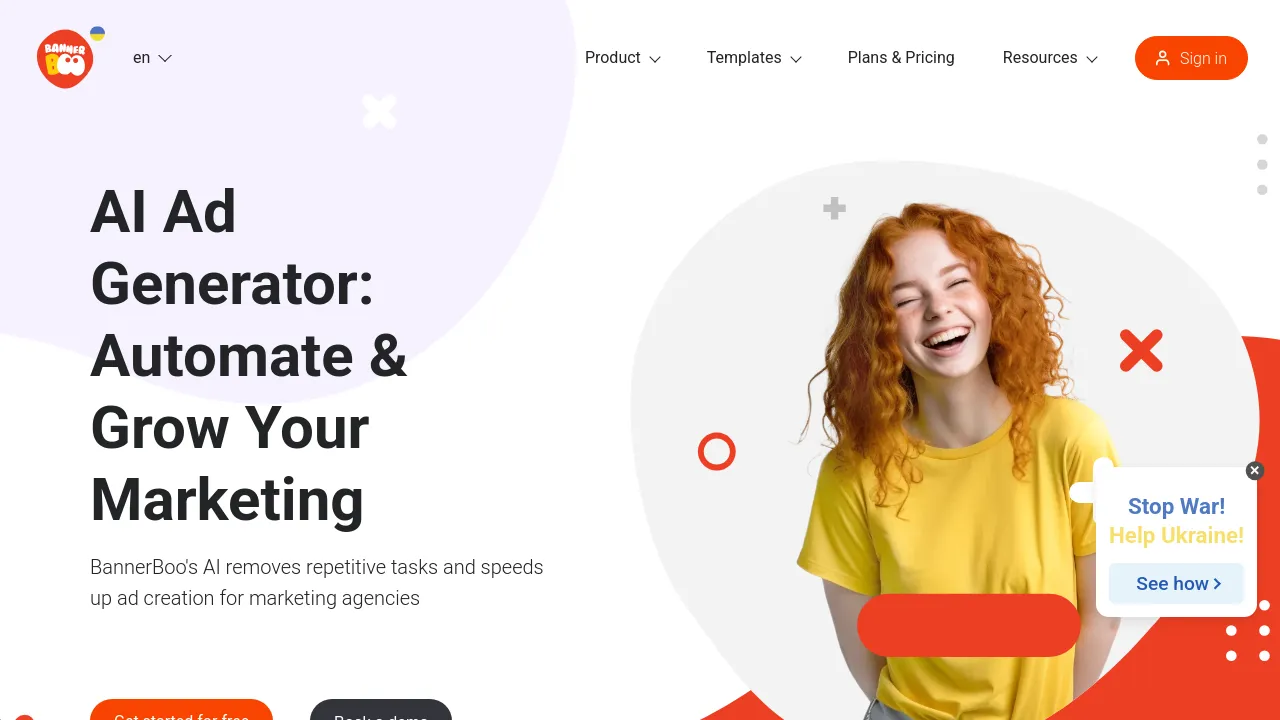
BannerBoo is an online platform designed for creating display and social media advertisements. It allows users to build ads in various formats, including HTML5, AMPHTML, GIF, MP4, JPEG, and PNG, without requiring coding knowledge. The tool provides an editor that supports animation, resizing, and collaboration, enabling users to adapt creatives for different devices and ad networks.
Users can design and customize ads using the editor, which includes a smart animator feature to automate the animation process. The platform also offers a library of objects, icons, and images, and provides access to 12,000 banner templates. Ads can be exported to various formats and integrated with major ad networks and social media platforms.
Best for
- Freelancers: Creating display ads and social media visuals and exporting them in different formats.
- Marketing Professionals: Using advanced features to speed up workflow and work with brands.
- Small Businesses: Using the ad builder to reach more customers while managing time and costs.
- Creative Teams: Developing animated and video ads using diverse ad formats.
- E-Commerce: Creating animated and video ads optimized for social media sales.
Frequently asked questions
Does BannerBoo require coding skills?
No. The platform is designed so that users can create animated HTML5 banners without needing to hire a team or possess coding skills.
What types of files can I export?
Ads can be exported in multiple formats, including HTML5, GIF, MP4, JPEG, PNG, and AMPHTML, for use across different ad networks.
What features are available for team collaboration?
The platform includes Brand Workspaces, which allow teams to work together on ad campaigns with real-time updates and collaboration tools.
Are there different subscription levels?
Yes. The platform offers Start, Pro, and Plus plans. The Plus plan, for example, allows unlimited export to JPG and PNG but limits the number of banners to four.
How does the resizing feature work?
Users can quickly adapt their banner ads to fit different sizes and formats, whether they are for social media, display ads, or mobile devices.
Alternatives
- Canva if you need a general-purpose design platform for professional designs and printing.
- Jitter if you are looking for a tool specifically for designing eye-catching animated content and interfaces.
- Artistly if you are a brand or influencer focused on creating visually stunning content for commercial projects.
- Shots if your primary need is crafting beautiful presentations for social media or websites.

Similar to BannerBoo
New tools, once a week.
One weekly email with curated tools and founder insights. Unsubscribe anytime. Check our privacy policy.