Tools / AR Code
About AR Code
Create AR QR codes for packaging, posters, and business cards. Scannable on iOS, Android, and AR/VR headsets with immersive AR, face filters, and AI experiences
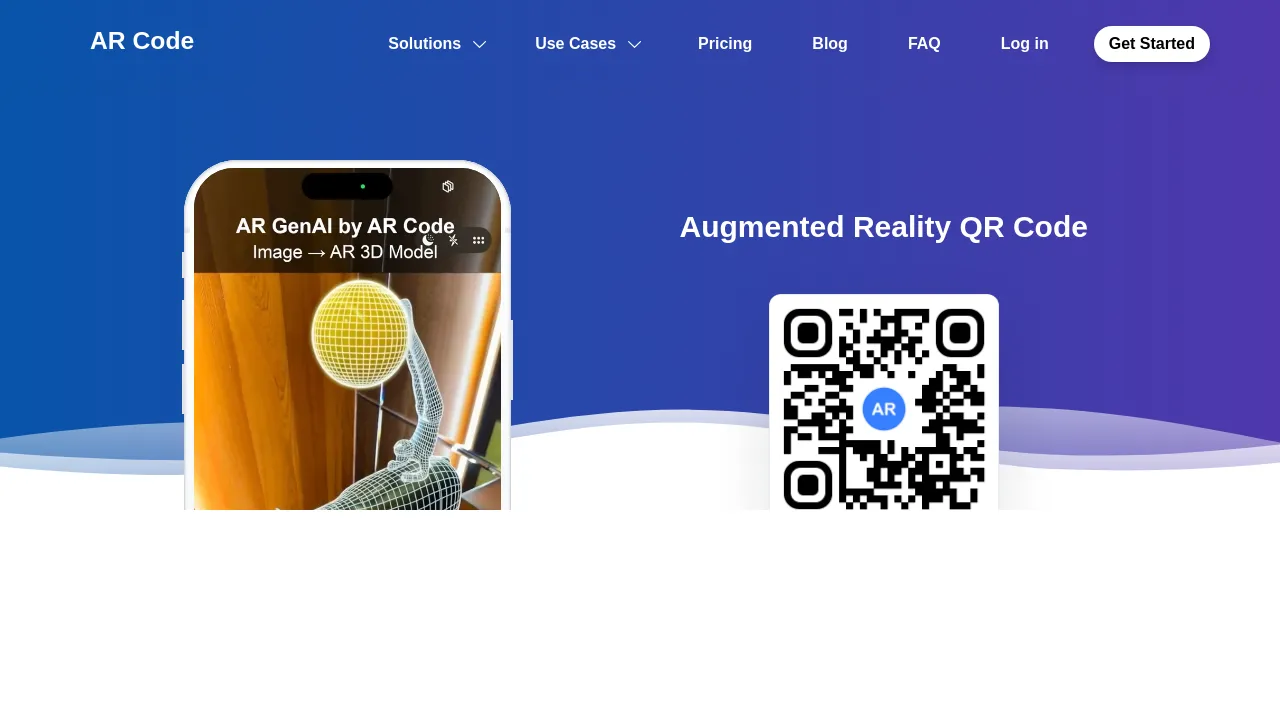
AR Code is a platform for creating QR codes that open augmented reality experiences when scanned. Instead of linking to a webpage, an AR Code renders 3D models, videos, face filters, or AI-driven interactions directly in the user's environment through WebAR — no dedicated app download is required. The platform supports iOS, Android, visionOS, Meta Horizon OS, and Android XR, and uses low-power SLAM rendering so even older Android devices can display immersive content.
The workflow is straightforward: you generate an AR Code through the web interface or one of AR Code's iOS/iPadOS/macOS apps, print or embed the code on any physical or digital material, and anyone who scans it gets the AR experience in their browser or headset. The platform includes a dedicated AR cloud dashboard where you can create, manage, edit, and track your codes over time.
AR Code offers three types of AR rendering. Immersive AR displays 3D models, videos, and photogrammetric 3D scans in the user's surroundings. Face Filters AR lets you build filters featuring your own image or logo. AI Codes prompt the user to take a photo, which is then analyzed by AI to deliver personalized responses or advice — the site shows a real estate use case for this.
For content creation, AR Code ships four companion apps: Object Capture for 3D scanning real-world objects, AR Text for turning text into 3D AR experiences with custom fonts and colors, AR Frame for displaying photos, paintings, menus, or documents in AR, and AR Portal for building immersive experiences from 360° photos captured with a 360 camera or Google Street View.
According to the company, AR Code is used by over 1,000 companies and 100 universities. Registration is free to start, and a public pricing page is available.
Best for
- Product brands adding interactive 3D content to packaging and labels
- Event organizers putting demos, schedules, or interactive content on posters and banners
- Professionals adding 3D contact or product details to business cards
- Retailers and museums adding AR experiences to in-store displays and signage
- Teams that want to 3D-scan physical objects and share them via a scannable code
- Marketers running AR campaigns across iOS, Android, and headset platforms
Frequently asked questions
Do users need to install an app to scan an AR Code?
No. AR Codes are designed to render universally without any app on mobile devices and AR/VR headsets, using WebAR technology.
Which devices are supported?
AR Codes work on iOS, Android, visionOS, Meta Horizon OS, and Android XR. Older Android devices are covered through low-power SLAM rendering.
What kinds of AR experiences can I create?
Three main types: immersive AR (3D models, videos, 3D scans), AR face filters with your own image or logo, and AI Codes that analyze a user's photo and return personalized advice.
How do I create 3D models for my AR Codes?
You can use the AR Code web interface or the company's iOS/iPadOS/macOS apps: Object Capture for 3D scanning, AR Text for 3D text, AR Frame for photos and documents, and AR Portal for 360° photos.
Can I track how my AR Codes perform?
Yes. The platform includes a dedicated AR cloud dashboard to create, manage, edit, and track your AR QR Codes.
How much does AR Code cost?
Getting started is free, and detailed pricing is listed on the company's pricing page at ar-code.com/pricing.
Alternatives

Similar to AR Code
New tools, once a week.
One weekly email with curated tools and founder insights. Unsubscribe anytime. Check our privacy policy.