Tools / Airtable
About Airtable
Build no-code apps, automate workflows, and manage shared data with AI agents, role-based permissions, and enterprise controls.
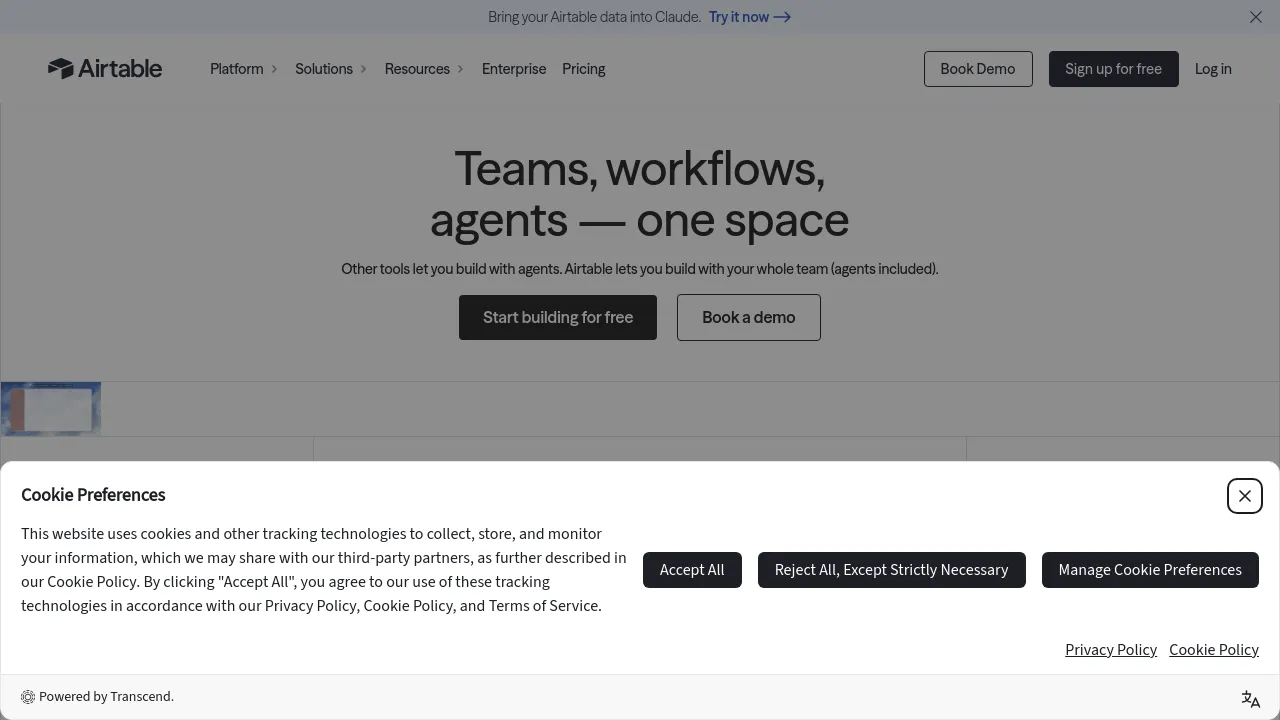
Airtable is a cloud platform for building no-code apps and workflows on top of shared data. Teams start with a spreadsheet-style base of records, then add interfaces, automations, and AI agents to turn that data into working tools — project trackers, request queues, content calendars, internal dashboards — without writing code.
Airtable positions the product for both everyday team use and enterprise deployment. Alongside the no-code building blocks, the site highlights governance features: role-based permissions, audit logs, data residency options, and programmatic provisioning for admins managing access across large organizations. The homepage also treats AI workflows and agents as a core part of the current product rather than an add-on.
Integration coverage is broad. Native connectors listed on the site include Slack, Google Drive, Salesforce, Jira, Tableau, Zendesk, HubSpot, Microsoft Teams, GitHub, and ChatGPT, with more available through extensions and third-party connectors. That makes the platform a practical hub when data has to move between tools a team already uses.
Pricing follows a standard SaaS ladder: a free tier for getting started, Team at $20 per user/month and Business at $45 per user/month (both billed annually), and Enterprise Scale at custom pricing. The site describes use cases ranging from small businesses to global enterprises.
Best for
- Operations teams replacing scattered spreadsheets with a shared, permissioned database
- Departments building lightweight internal apps without waiting on engineering
- Project, content, and request tracking backed by automated workflows
- Enterprises that need audit logs, role-based access control, and data residency
- Teams whose data needs to connect to Slack, Salesforce, Jira, or HubSpot
- Small businesses that want to start free and upgrade as they grow
Frequently asked questions
Is there a free plan?
Yes. The pricing page lists four tiers: Free at no cost, Team at $20 per user/month billed annually, Business at $45 per user/month billed annually, and Enterprise Scale at custom pricing.
Does it integrate with other tools?
Yes. Native integrations include Slack, Google Drive, Salesforce, Jira, Tableau, Zendesk, HubSpot, Microsoft Teams, GitHub, and ChatGPT, plus additional options through extensions and third-party connectors.
Is there a mobile app?
The site content reviewed only shows the web product. It doesn't confirm iOS, Android, or browser extension availability, so verify with the vendor if mobile access matters.
Does it work offline?
The site content reviewed doesn't mention an offline mode, so there's no confirmed answer either way.
Is it open source?
The site doesn't present the product as open source; it's a commercial cloud service with paid tiers.
What enterprise controls does it offer?
Per the site: role-based permissions, audit logs, data residency options, programmatic provisioning, and broader governance features for running the platform at scale.

Similar to Airtable
New tools, once a week.
One weekly email with curated tools and founder insights. Unsubscribe anytime. Check our privacy policy.